
A Canva alternative for book mockups
Canva is the design suite most authors already use. For the mockup itself, DudeCovers builds your real book in 3D from the file you sent to the printer.
Free to start. No signup to try. Nothing stamped on your exports.
Why people look for a Canva book mockup alternative
Canva is a superb all-round design tool, with a generous free plan, and it is where many authors already make their ads and posts. Its book mockups now live in its Mockups app, since Smartmockups closed in 2024: you drop a front cover onto a photo template of a paperback or hardcover.
That suits a quick preview. What you don't get is your actual book: we found no way to give it a full wrap or a KDP PDF, so the spine isn't your spine, there are no trim sizes or bindings to choose, and each template is one fixed angle.
DudeCovers is built for exactly that part. Your full wrap or KDP PDF goes in as it is; the spine is sized from the artwork, the trim and binding are settings, and you turn the book with a drag. Then you put it on a lit 3D shelf, in a bookshop, or on a real table in a photo scene, and take it back to Canva for the rest of the layout if you like.
What a mockup made from your file looks like
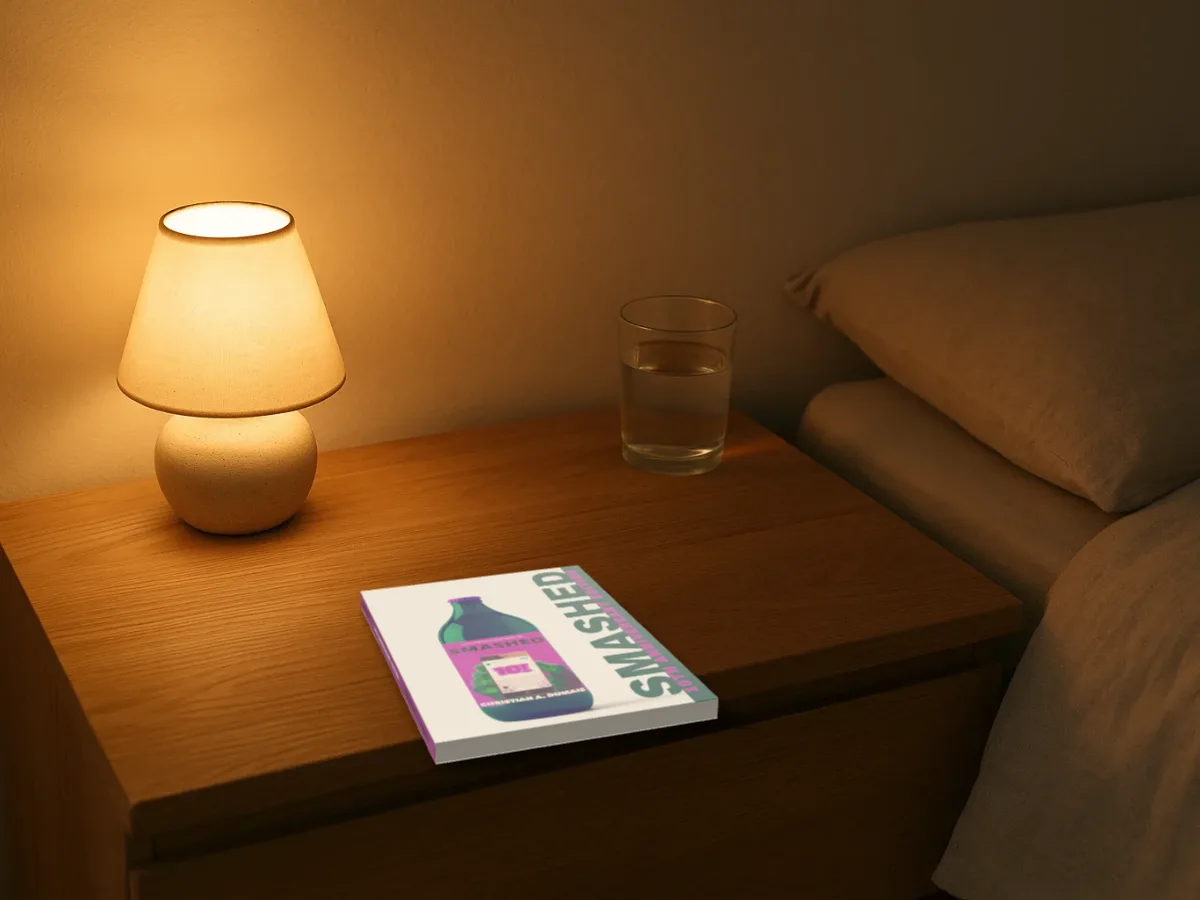
Canva book mockup alternative features
The spine from your own file
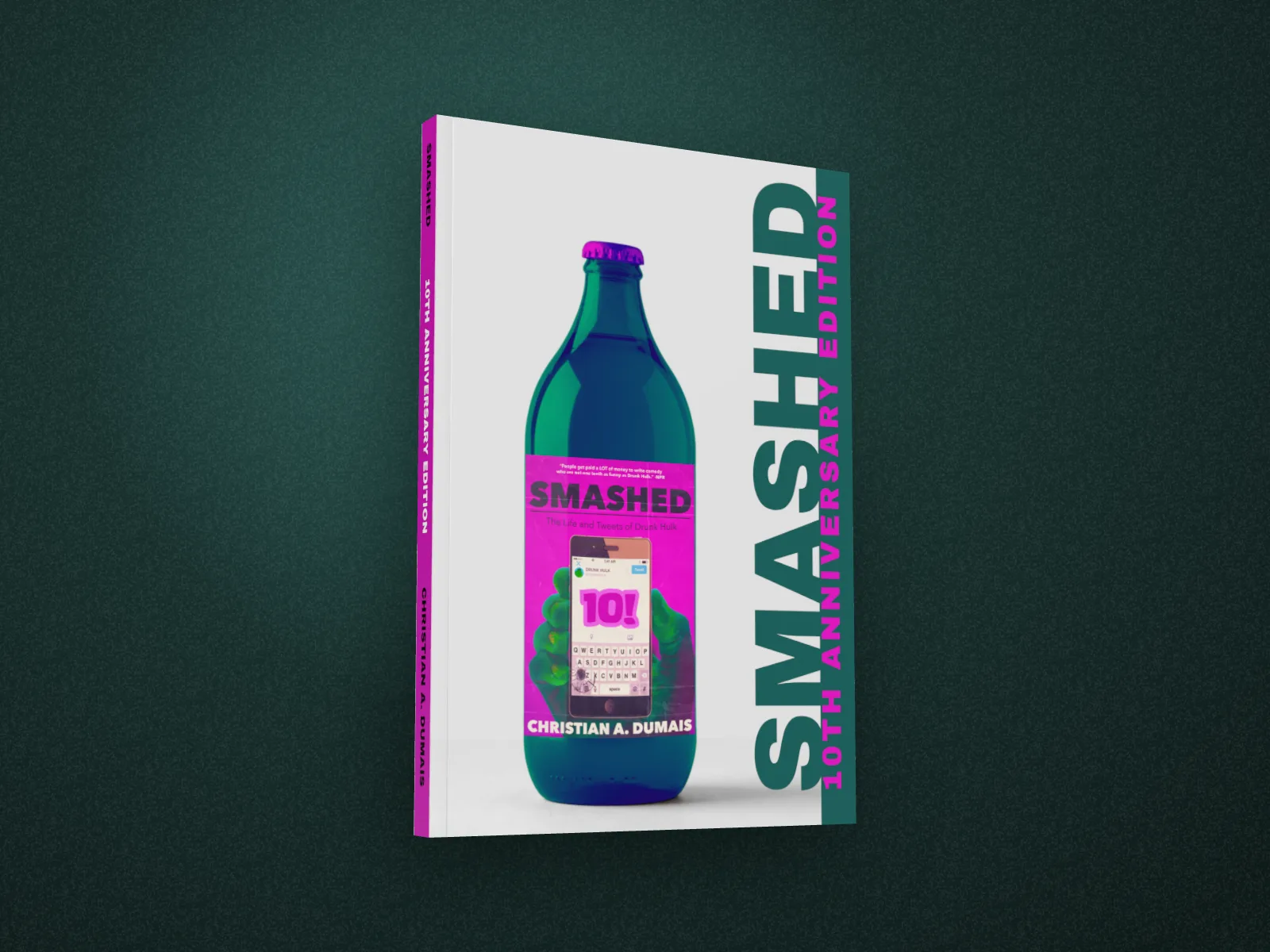
Drop in the full wrap you sent to the printer, or the KDP cover PDF. The spine is sized from the artwork, so its title lands where it's printed, and the trim and bleed come from the file.
A real 3D book you turn yourself
Not a cover warped onto a photo at one angle: drag the book round to the spine, the page edges and the back.
Every edition from one file
Paperback, hardback with a rounded spine, or a dust jacket with flaps. 23 trim sizes, white or cream paper, matte or gloss, new, read or well loved.
3D sets with real light
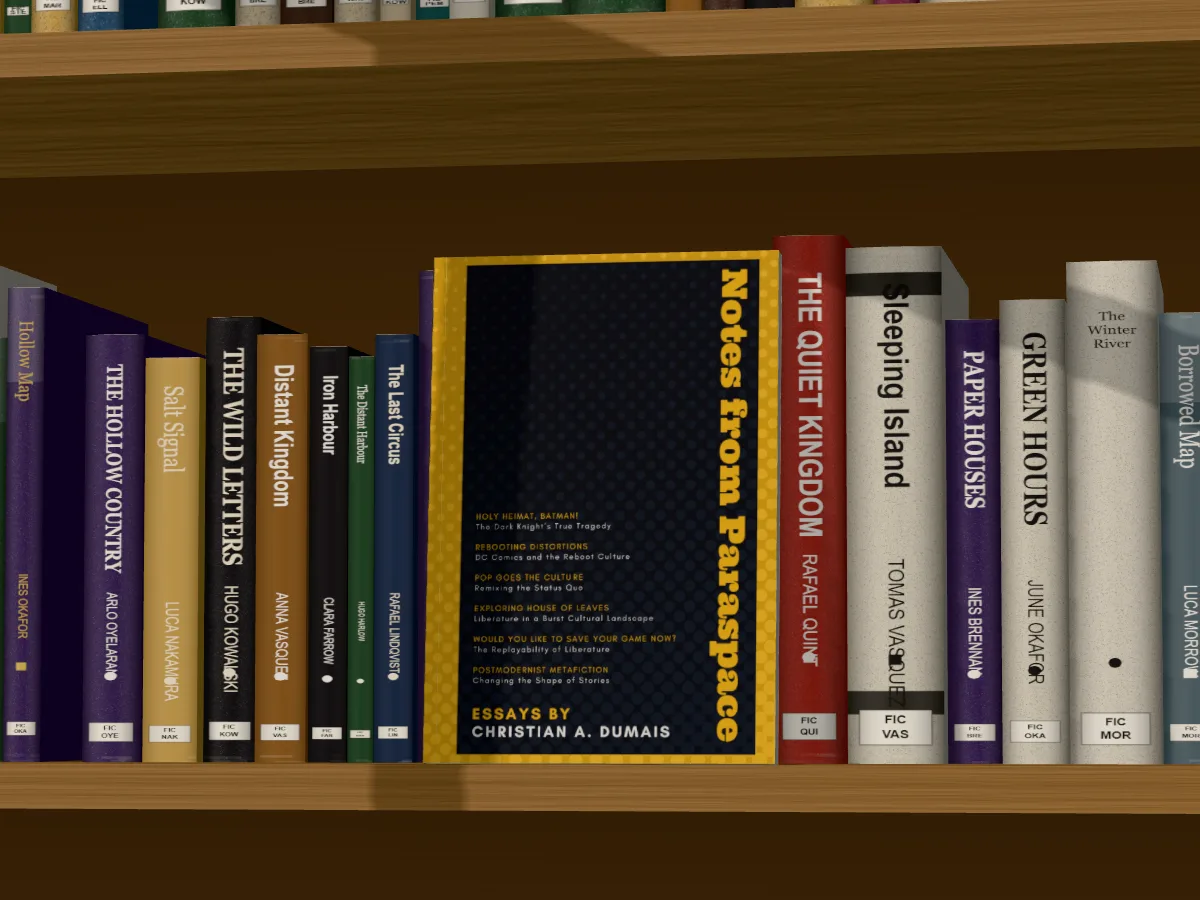
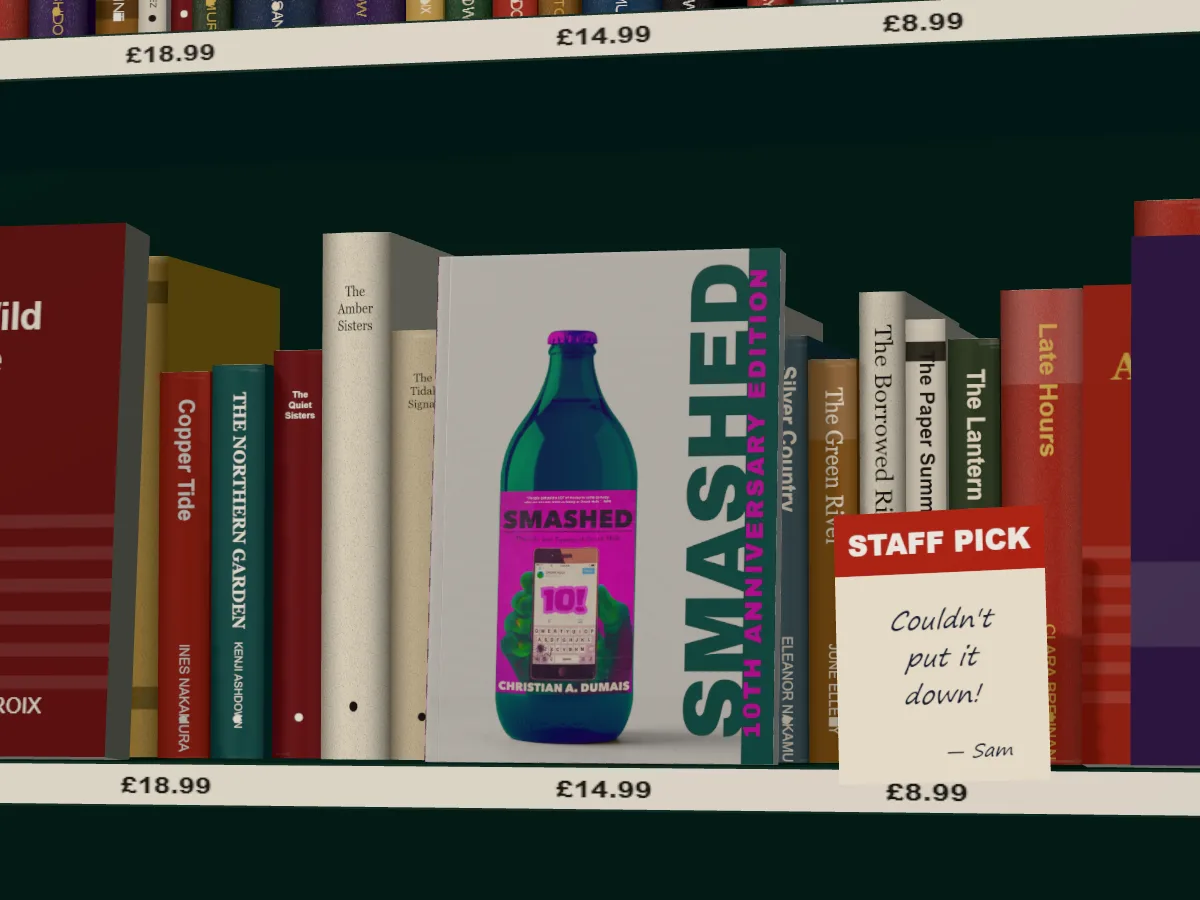
A library shelf, a bookshop bay with a staff-pick card, a new releases table with piles of your book, a home bookshelf. Daylight, a lamp or evening sun, through a window, blinds or leaves.
Photo scenes that fit the room
A reading room, a nightstand, a café, a windowsill, a writer's desk. Your book lies or stands on the table at the room's own angle and casts its shadow, and you drag it round.
No AI in the app
Your book is a real 3D model made from your file. Nothing is generated from your cover.
DudeCovers and Canva, side by side.
| Feature | DudeCovers | Canva |
|---|---|---|
| Free to start | Yes | Yes |
| Spine from your full wrap | Yes | No |
| KDP PDF cover files | Yes | No |
| Trim sizes and bindings | Yes | Template per type |
| Turn the book freely | Yes | Fixed angles |
| Lit 3D shelves and bookshop sets | Yes | No |
| Scene photos | 6 rooms, book moves | Template photos |
| Full design suite | No | Yes |
| No AI in the app | Yes | No |
Compiled 2026 from each product's public site. "?" means we couldn't confirm it. Features change, so check the latest before deciding.
Use both
Canva stays the better place to lay out an ad, a newsletter or a post. DudeCovers makes the book in the middle of it: export the mockup as a PNG with a clear background, or in a scene, and drop it into your Canva design.
Straight answers.
- Can I use a DudeCovers mockup in Canva?
- Yes. Export a PNG, JPEG or WebP at up to three times the size and upload it to Canva like any image.
- Why not just use Canva's book mockups?
- For a quick preview they're fine. If you want the real spine from your wrap, your trim size, a hardback or dust jacket, a free turn and real light, that's what DudeCovers is for.
- Is DudeCovers connected to Canva?
- No. We compare from Canva's public pages, checked October 2026.
Try DudeCovers free.
Free to start, no card needed. Drop in your cover and turn it to the light.