

3D book mockup generator, from your own cover
Your cover file becomes a real 3D book: the right trim, the spine from your artwork, page edges, and a turn you set yourself.
Free to start. No signup to try. Nothing stamped on your exports.

What the 3d book mockup does
Most 3D book mockups are a flat cover bent into a template: one angle, a spine filled with a colour, and the same paperback shape whatever your book really is. That's fine for a quick preview, and it shows the moment someone looks closely.
DudeCovers builds the book itself. Give it the full wrap you sent to the printer and it reads the back, the spine and the front from the file, at your trim size, with your page count setting the thickness. A front cover on its own works too: the spine and back take the colour of its edge.
Then you turn it. Drag the book and it moves like a book in your hand: towards the spine, down onto the top edge, all the way round to the back cover with its blurb and barcode. What you see is what exports, at up to three times the size of the canvas.
One book, any angle
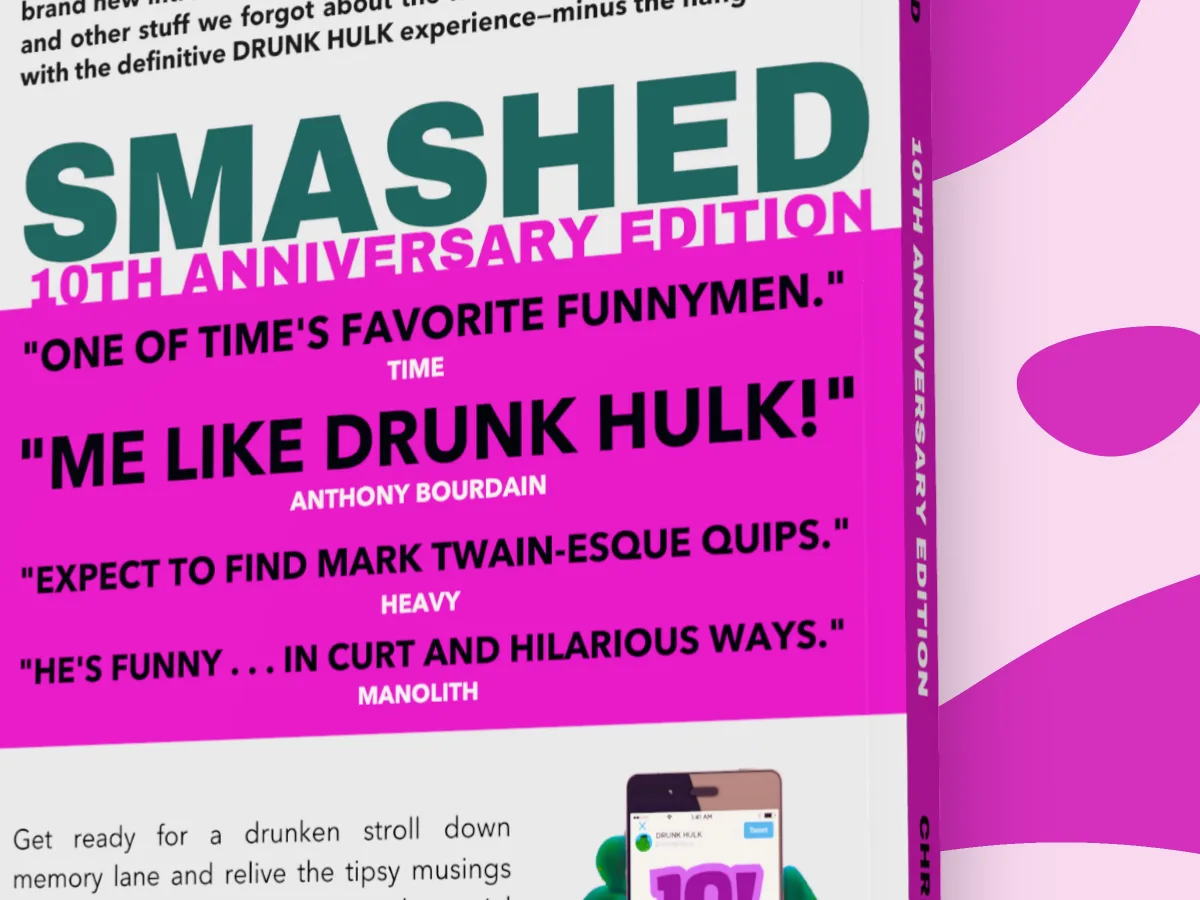
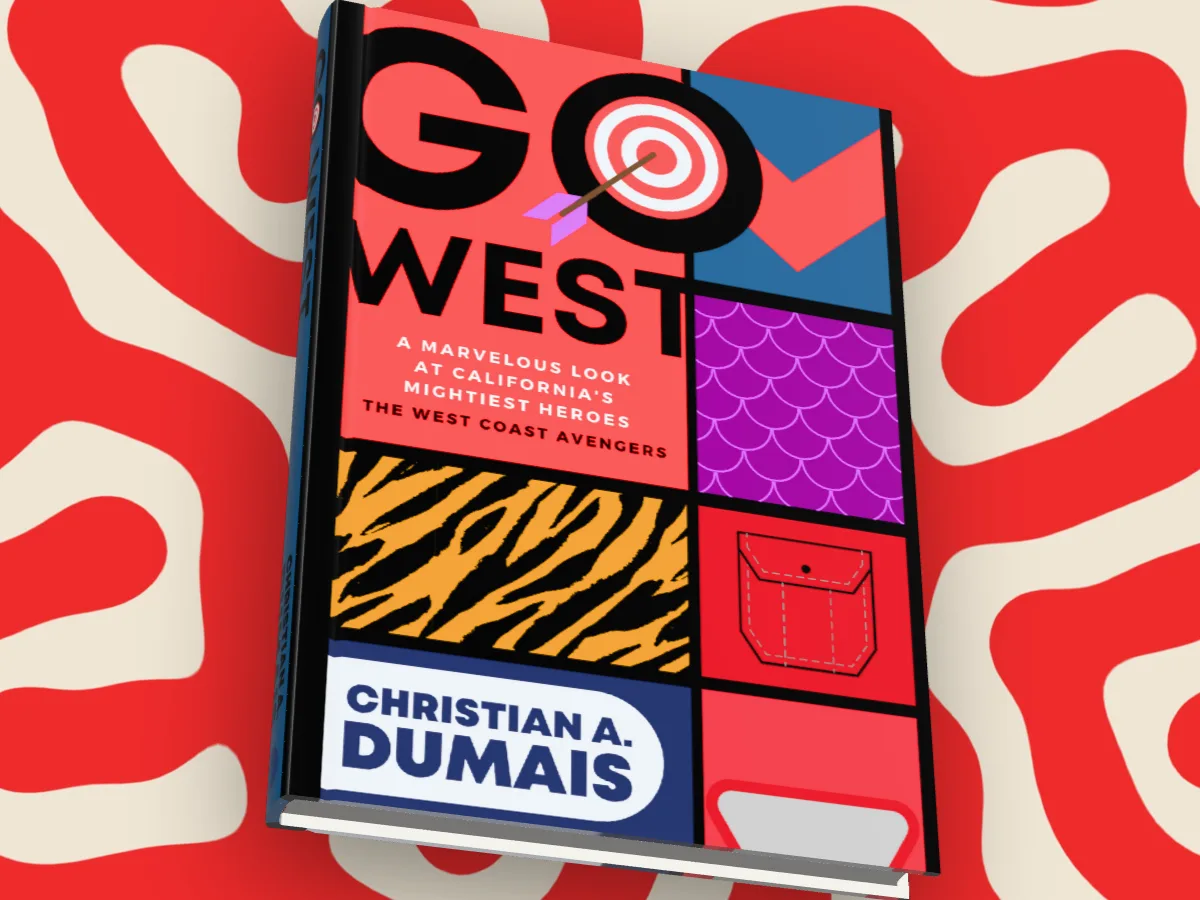
How to use the 3d book mockup
- 01
Drop in your cover
The full wrap PNG, the KDP cover PDF, or a front cover. Or try the sample book first.
- 02
Pick the book
Paperback or hardback, one of 23 trim sizes, white or cream paper, matte or gloss.
- 03
Turn it to the light
Drag to turn, scroll to zoom, then pick a backdrop or put it in a scene.
- 04
Export
PNG, JPEG or WebP, with a clear background if you want to place it yourself.
3D book mockup features
A spine that matches the print
Sized from your full wrap, so its title sits where the printer puts it. No separate spine image to make.
Page edges that look like paper
White or cream, with the slight unevenness of a real block of pages, not a flat grey stripe.
The back cover too
Turn past the spine and your blurb, author photo and barcode are there, because they're in your file.
Light that falls on it
A soft studio light gives the cover its sheen on gloss and its flat look on matte.
Straight answers.
- What's the difference between a 3D book mockup and a flat one?
- A flat mockup is your cover on its own. A 3D one shows the book as an object, with a spine, page edges and some depth, which reads as a real, finished book in an ad or a post.
- Do I need Photoshop or a template?
- No. It all happens in the browser: drop in the cover, turn the book, export.
- Can I show the back cover?
- Yes, with Pro: turn the book right round. Free turns it up to 45° either way, which covers the classic three quarter view.
- Is it free?
- Yes, to start, with no account and no watermark: the 3D paperback and hardback, turned up to 45° either way, exported at up to twice the size. Pro adds the full turn to the back, the dust jacket, read and well loved copies, the scenes and three times the size. You can try every Pro option on the canvas first; the export then carries a small preview tape.
Try the 3d book mockup free.
Free to start, no account, no watermark. Drop in your cover and turn it to the light.