

Box set mockup: your whole series in one picture
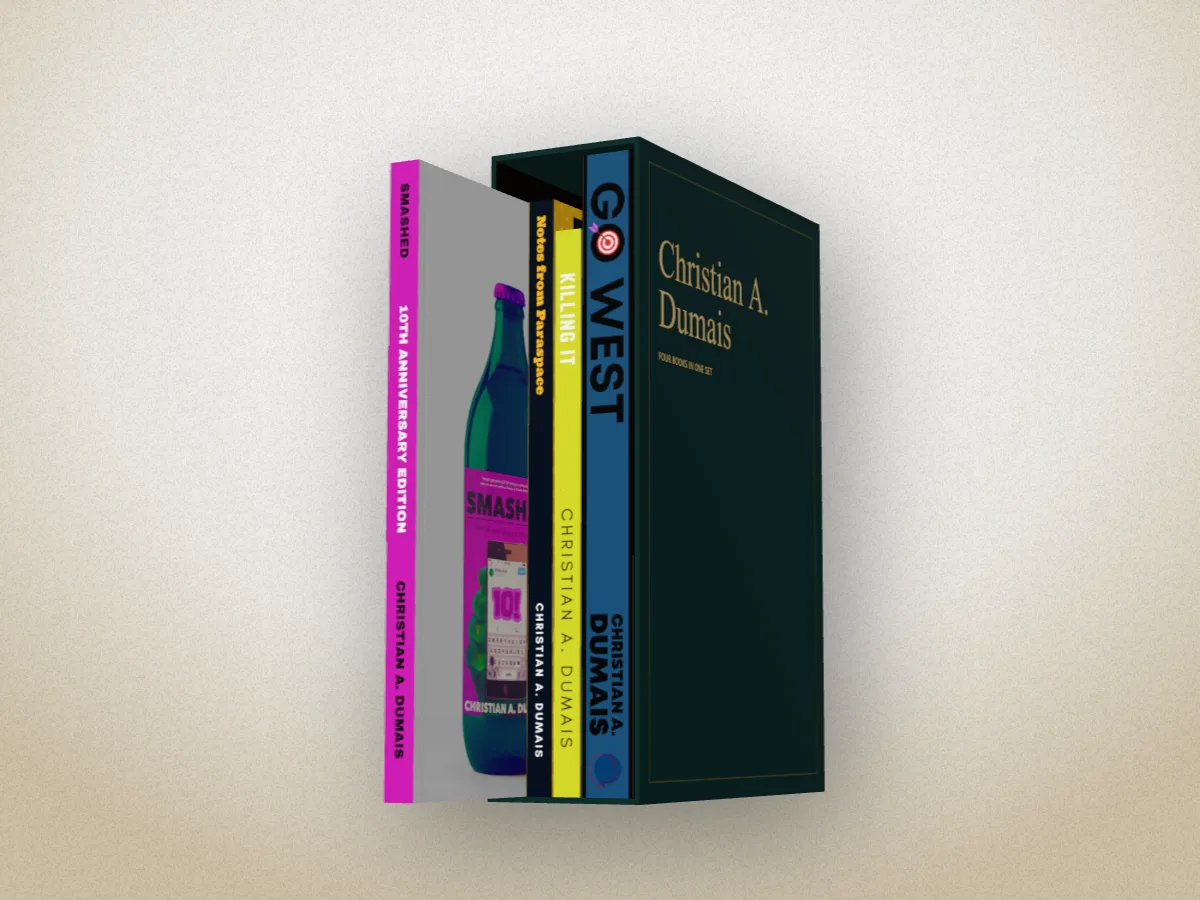
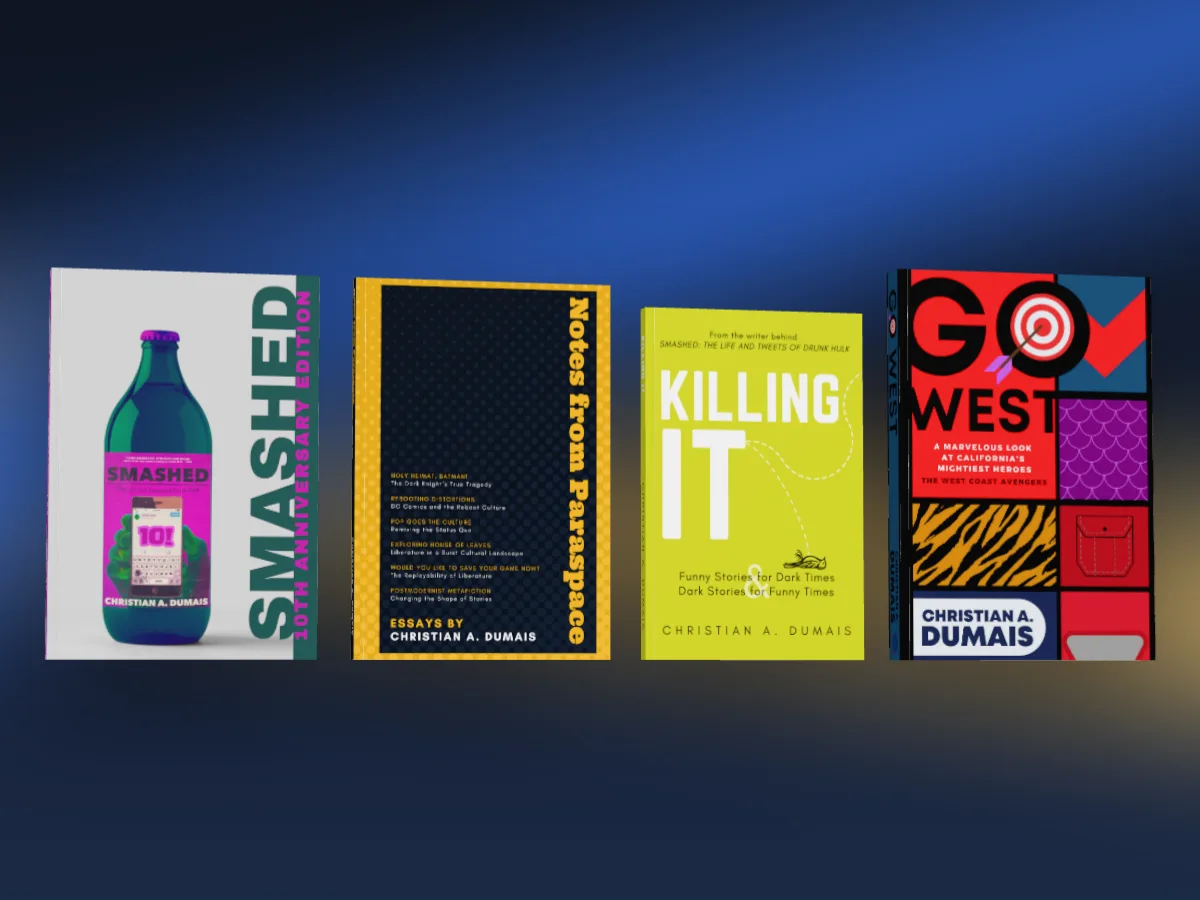
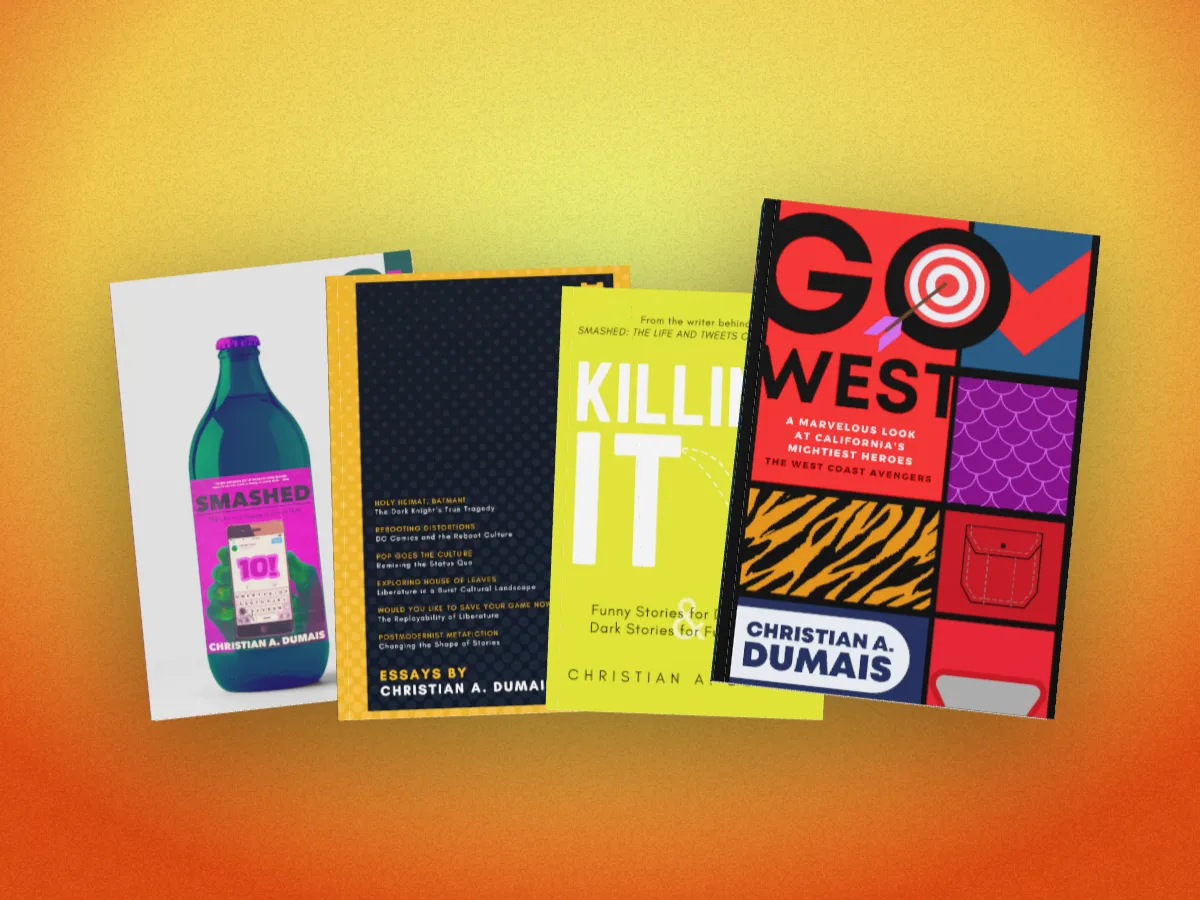
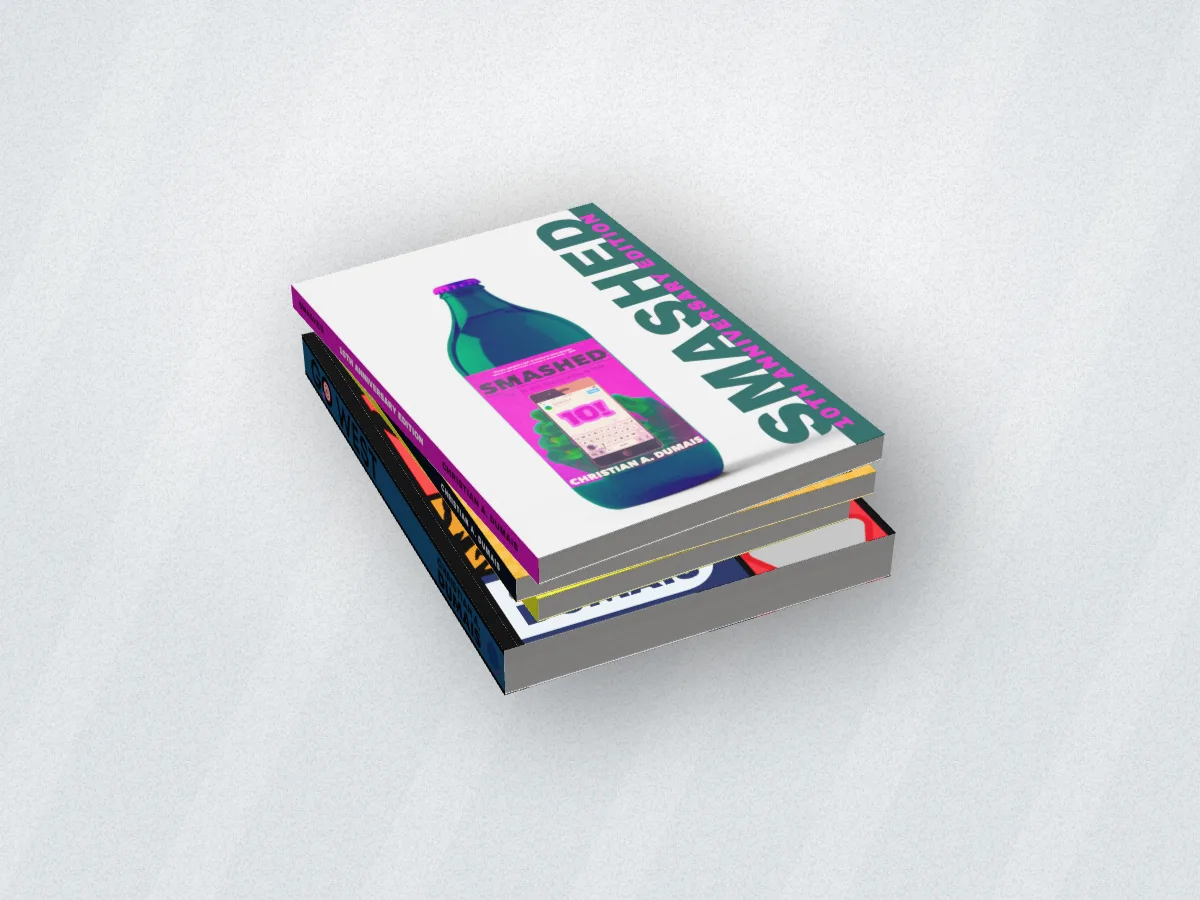
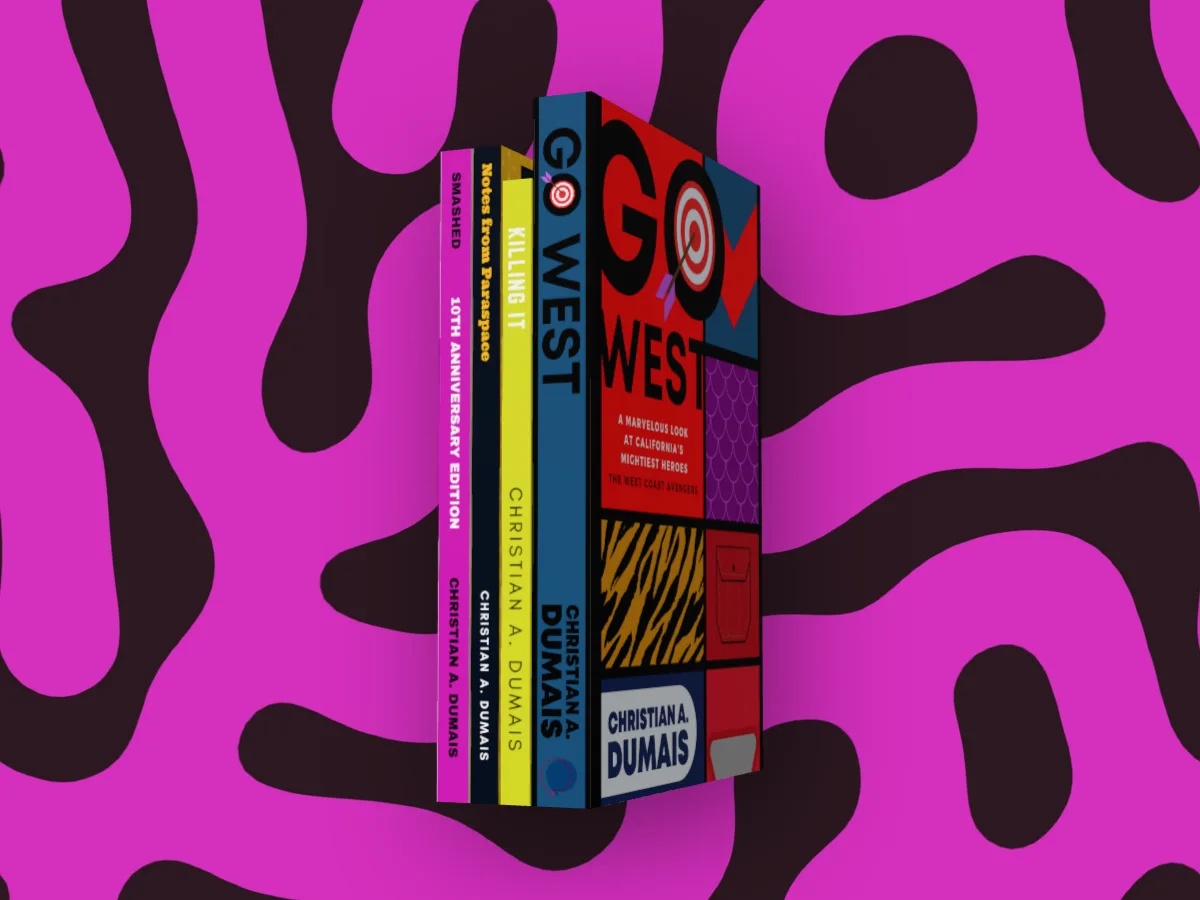
Two to six of your books together, each from its own cover file: side by side, fanned, stacked, spines out, or in a slipcase with one pulled half out.
Free to start. No signup to try. Nothing stamped on your exports.
What the box set and series mockup does
A series sells as a series. The launch post for book three, the box set on Amazon, the banner for your website: they all want every book in one picture, looking like they belong together.
Most box set mockups are Photoshop templates with a fixed number of slots, one angle, and a spine you make separately. In DudeCovers each book is built from its own cover file, the full wrap or the KDP PDF, at its own trim, binding and page count. So a 6 × 9 hardback can stand next to a 5.5 × 8.5 paperback, and every spine is the one you printed.
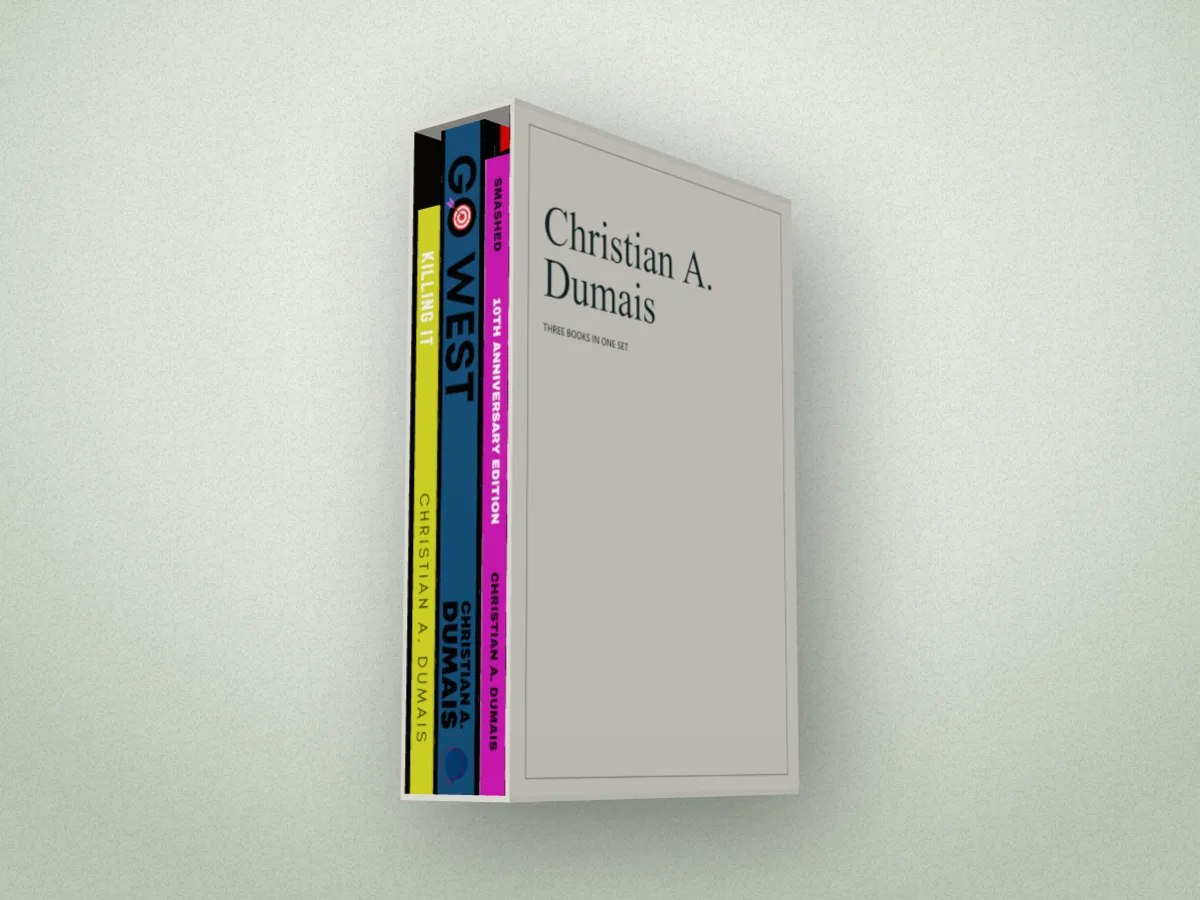
Add each book's cover, tick the ones you want, and pick how to show them: in a row, fanned like a hand of cards, in a stack, spines out the way they sit on a shelf, or in a slipcase. The slipcase is made from your series, its name and your name on a board in ink, cloth or white, or from your own slipcase artwork. Turn the whole set to any angle and the books turn together, in one light.
Five ways to show a series
Box set and series mockup features
Each book its own file
Full wraps, KDP PDFs or front covers, each with its own size, binding and pages.
Five ways to show them
A row, a fan, a stack, spines out, or a slipcase.
A slipcase with your words
Your series and name on the board, or your own artwork. Pull one book half out.
Edit one, or all
Change one book, or every book at once. Click a book on the canvas to pick it.
In the scenes too
Face out in the bookshop, spines out on a shelf, a pile of each on the table, or stacked on a photo's table.
Straight answers.
- How many books can I put together?
- Two to six in one picture. Your other covers stay in your library, so you can swap books in and out.
- Do the books have to be the same size?
- No. Each keeps its own trim, binding and page count, read from its file. Make every book match in one click if you want a neat set.
- What file do I need for the slipcase?
- None: the slipcase can be made from your series, with its name and your name on the board. Or upload your own slipcase artwork as one image, front face, closed end and back.
- Can I put my series on the bookshop shelves?
- Yes. Tick your books and pick a scene: face out in the bookshop bay, spines out on the library or home shelf, a pile of each on the new releases table, a shelf of only your books (Your backlist), or stacked, spread or standing on a photo scene's table.
- Is it free?
- Several books in one picture is Pro. You can try it all on the canvas for free; the export then carries a small preview tape.
Try the box set and series mockup free.
Free to start, no account, no watermark. Drop in your cover and turn it to the light.