
Book mockup photos: your book in a real room
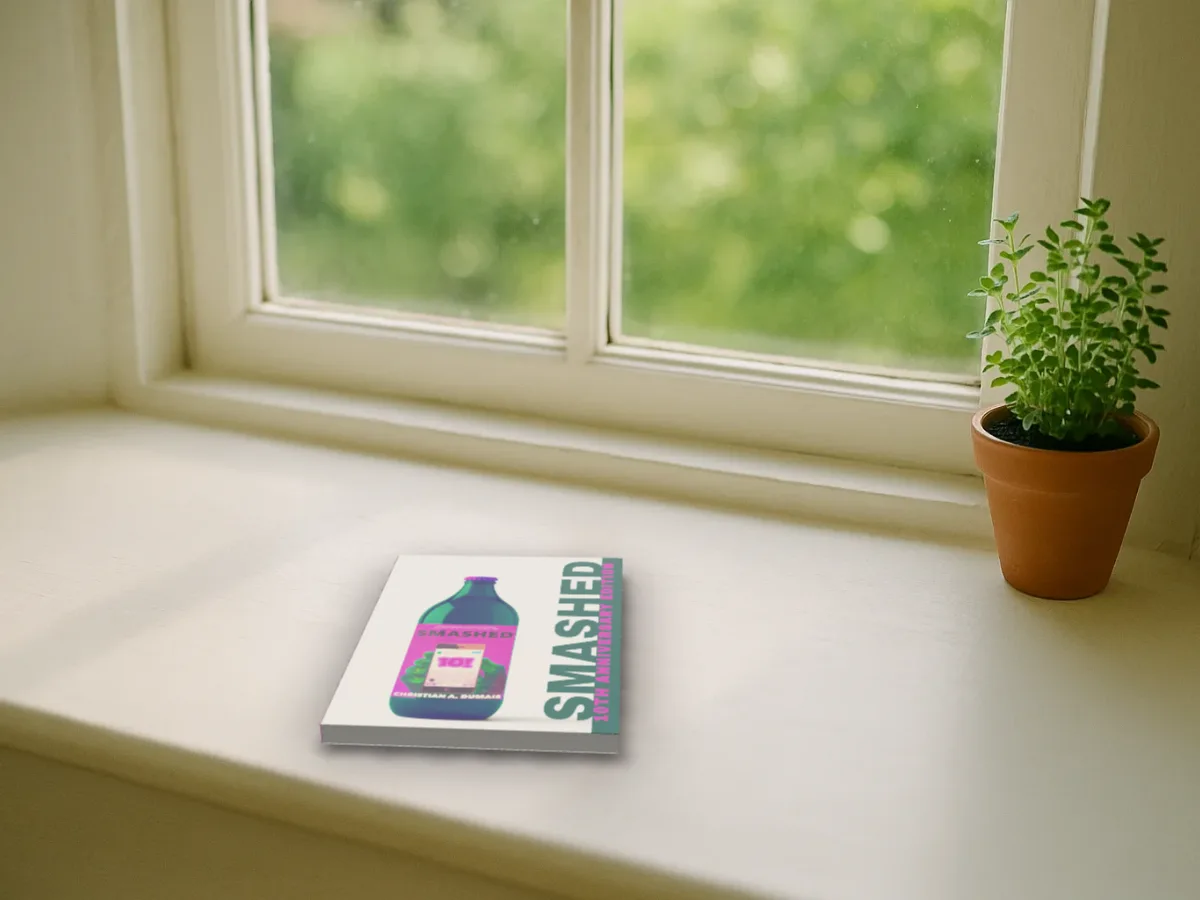
A windowsill, a café table, a nightstand, a reading room, a bookshop table and a writer's desk. Lay your book on the table or stand it up, and it casts its shadow.
Free to start. No signup to try. Nothing stamped on your exports.
What the photo scenes does
Lifestyle shots sell books on Instagram and in newsletters: a copy on a café table next to a coffee, on the nightstand by the lamp, on a sunny windowsill. The usual way to get one is a photo shoot with a printed proof, or a template where the book is pasted flat onto a photo.
The photo scenes in DudeCovers are six photographs of real looking rooms, each measured so the studio knows where its table is and how it's seen. Your book is the real 3D book from your file, laid flat or stood up on that table at the room's own angle. Drag it round and it gets smaller as it goes further back, like it would in the photo. It casts its shadow from the room's own light, with a darker line where it touches the table.
Each room has its own colour, which is applied to your book, and four sliders to adjust it: brightness, warmth, contrast and colour, plus how dark the shadow is. The photos were made once, ahead of time; nothing is generated from your cover.
The other five rooms
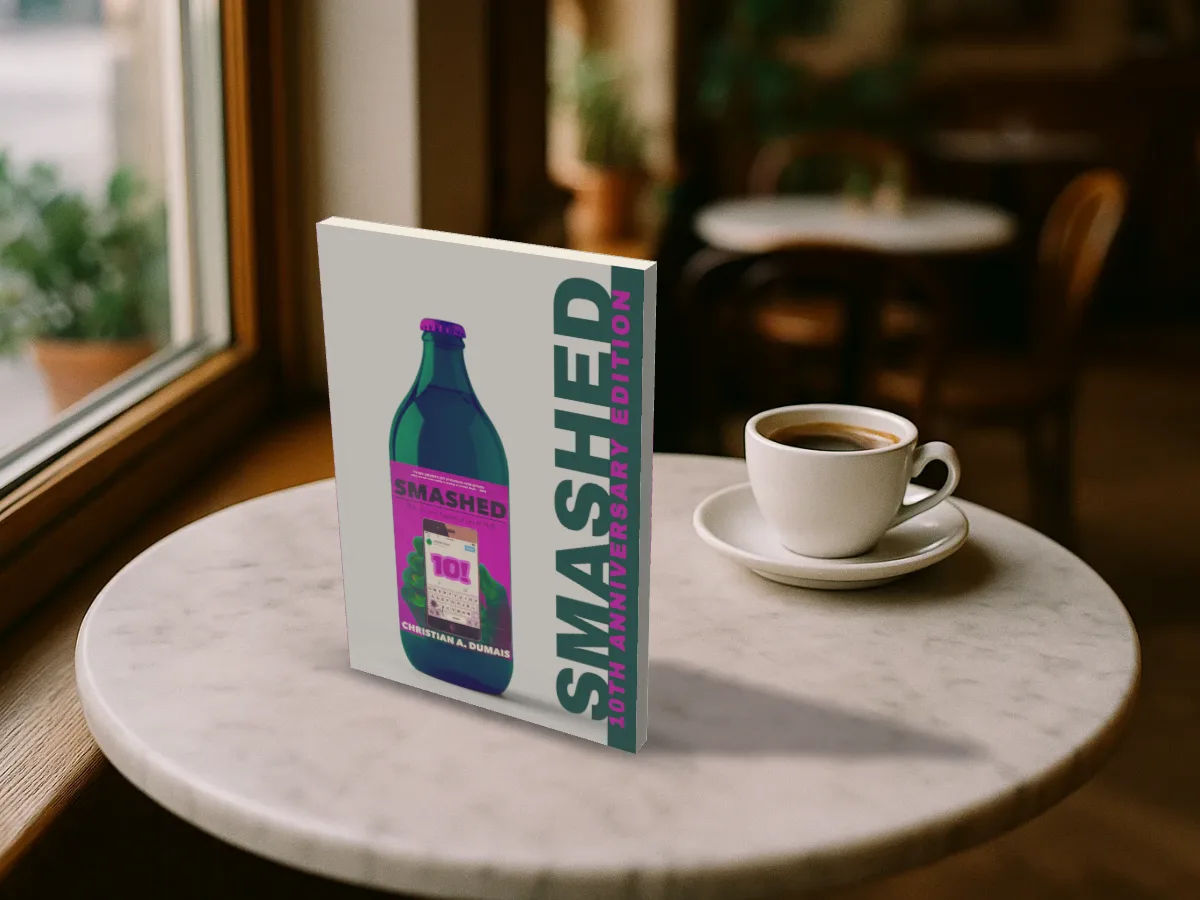
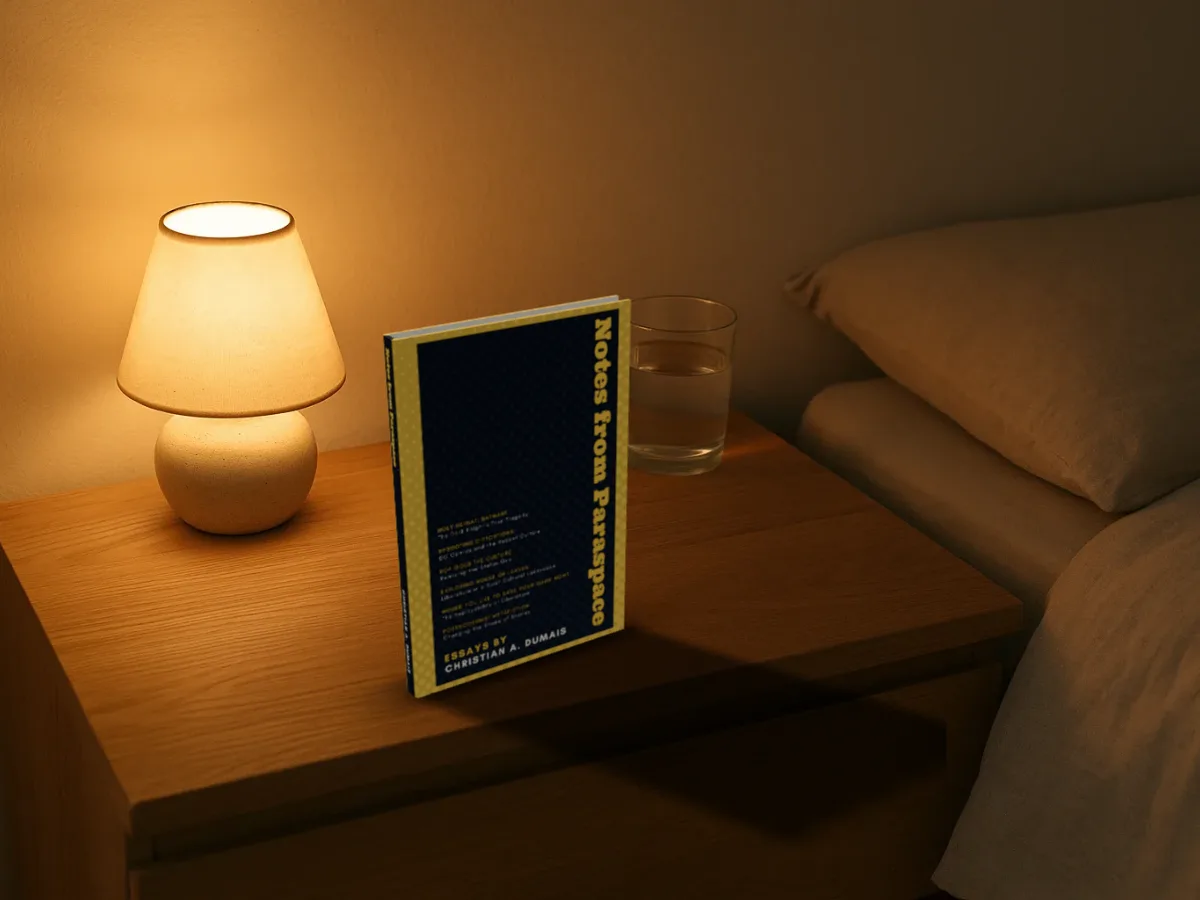
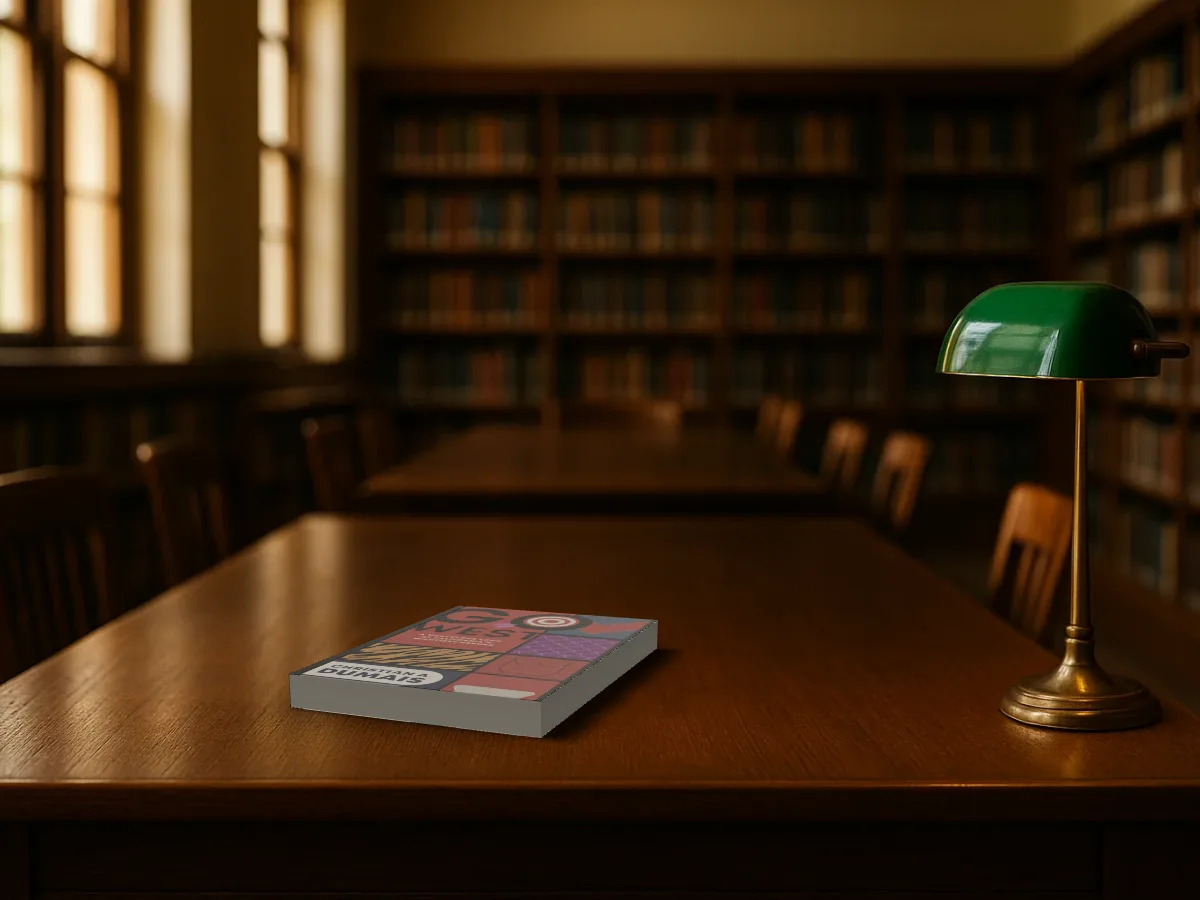
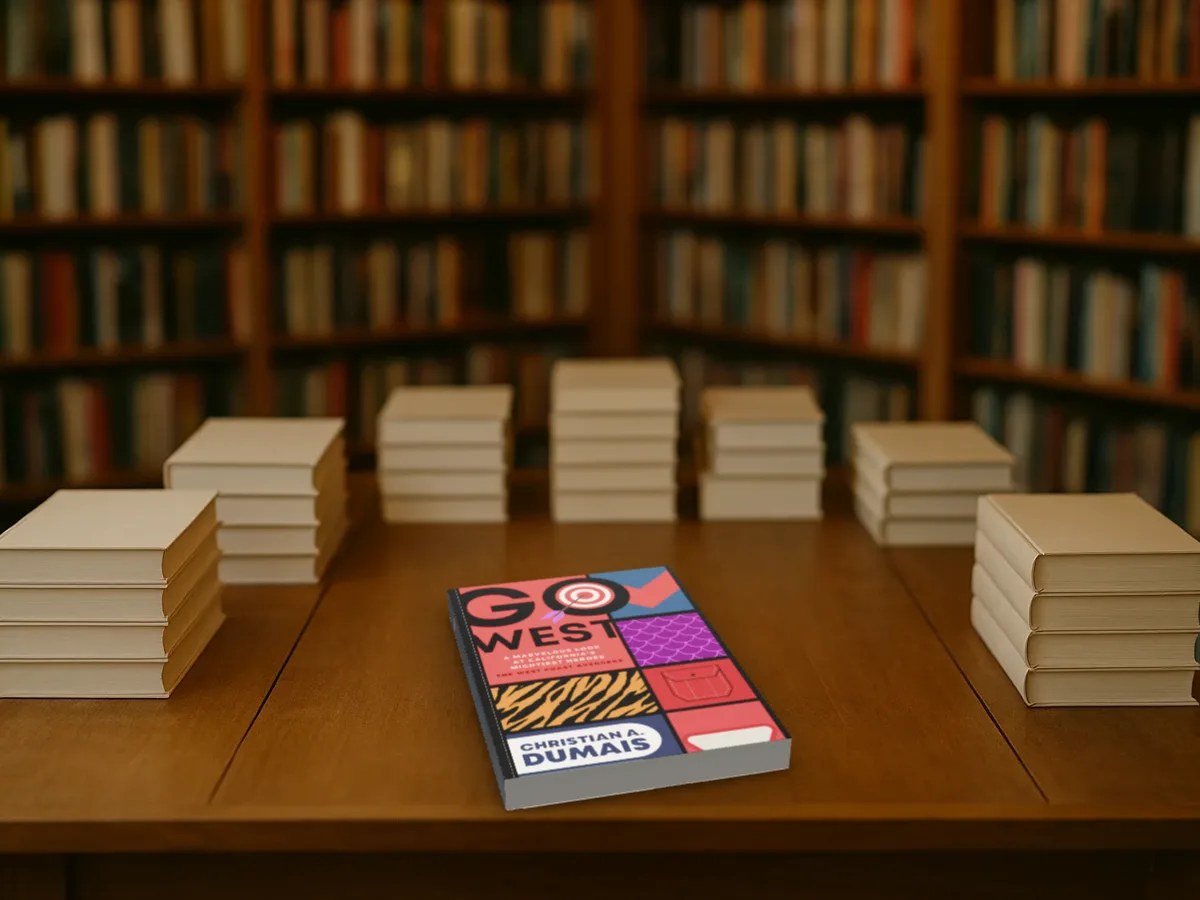
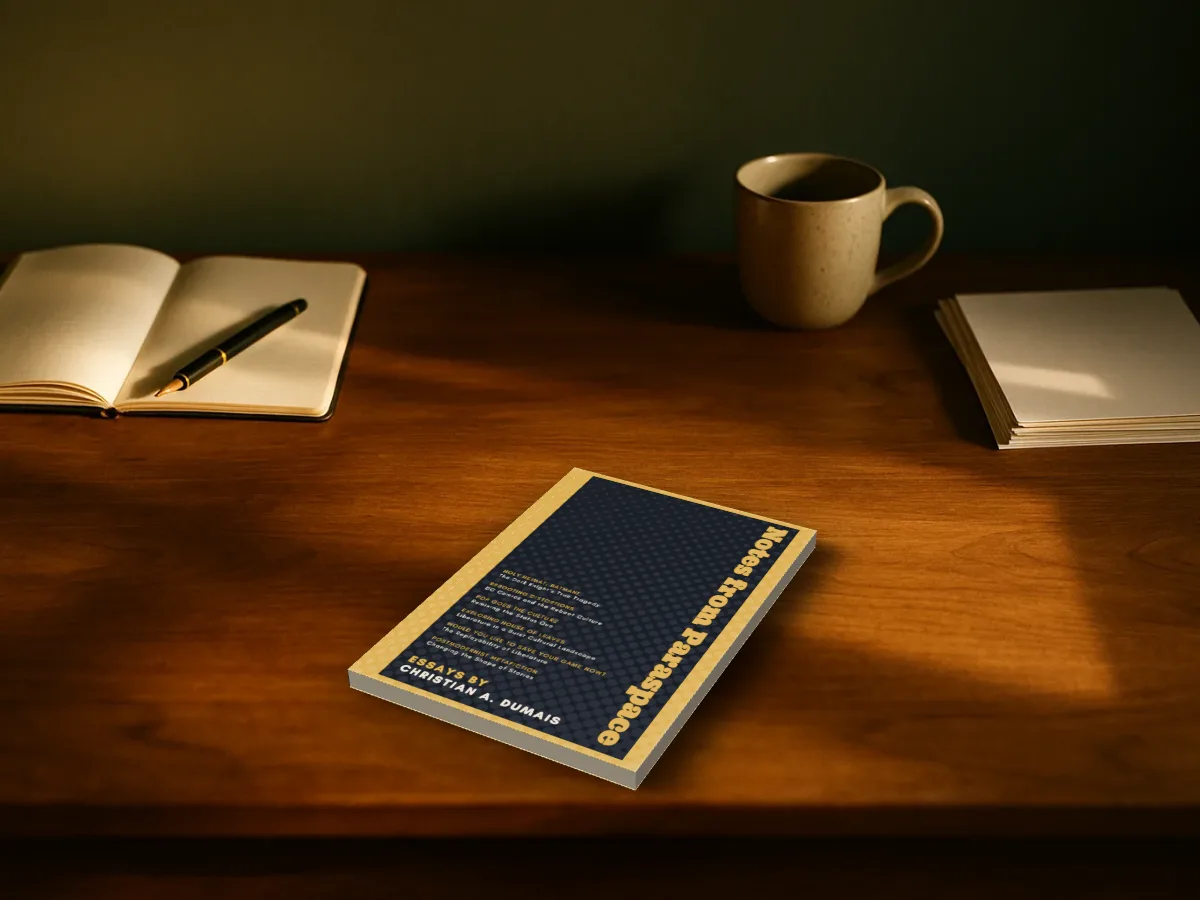
Photo scenes features
Six rooms
A windowsill, a café, a nightstand, a reading room, a bookshop table and a writer's desk.
Lying or standing
Flat on the table cover up, or stood on its bottom edge. Right-drag (or Spin) turns it.
Shadows from the room
Cast from the photo's own light, plus a contact shadow where it touches.
Try free
The photo scenes are Pro: try them free, with a small preview tape on the export until you go Pro.
Straight answers.
- Are the rooms real photographs?
- They're photographs we made once, ahead of time, for the studio. Your book in them is a 3D model from your own file; nothing is generated from your cover.
- Can I upload my own room photo?
- Not yet. The rooms are measured by hand so the book sits at the right angle; your own photo would need the same.
- Why does my book look darker or warmer in a room?
- Each room's colour is applied to the book so it belongs there. Use the tone sliders if you want it brighter or cooler.
- Is it free?
- Yes, to start, with no account and no watermark: the 3D paperback and hardback, turned up to 45° either way, exported at up to twice the size. Pro adds the full turn to the back, the dust jacket, read and well loved copies, the scenes and three times the size. You can try every Pro option on the canvas first; the export then carries a small preview tape.
Try the photo scenes free.
Free to start, no account, no watermark. Drop in your cover and turn it to the light.