

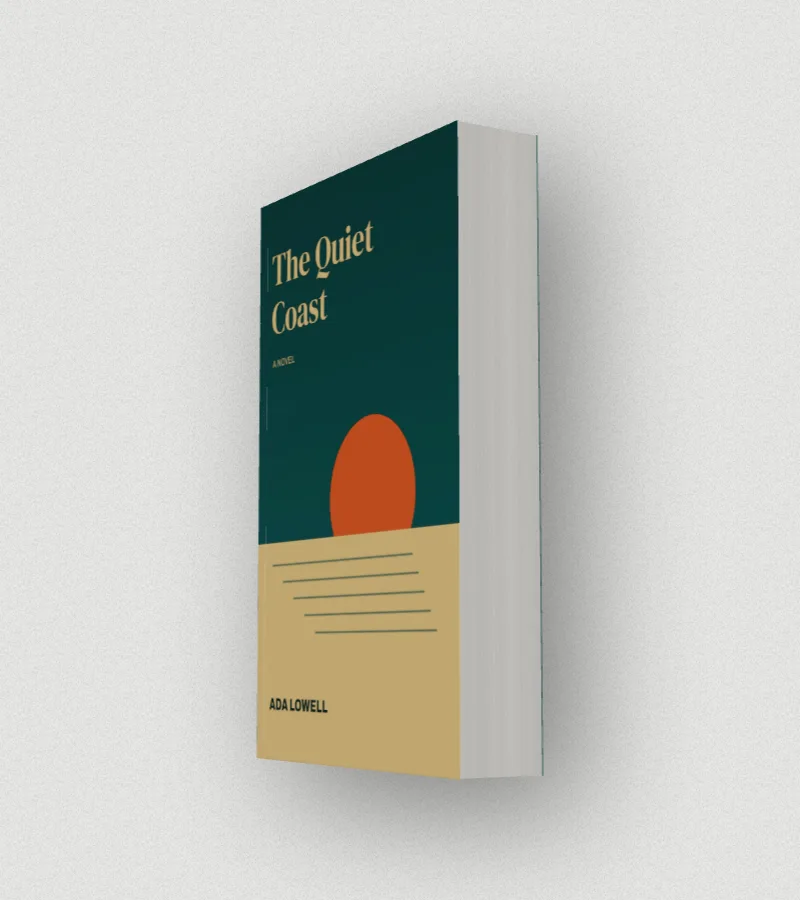
The spine of a KDP paperback is exactly as wide as its pages are thick, and KDP publishes the thickness of each paper. So the spine width is one multiplication: page count × paper thickness. Get it right and the title sits in the middle of the spine; get it wrong and it creeps round onto the front or back cover.
If you’d rather not do the sum, the spine width calculator does it and gives you the whole cover size too.
The thickness of each KDP paper
| Paper | Per page (in) | Per page (mm) |
|---|---|---|
| White paper | 0.002252 | 0.0572 |
| Cream paper | 0.0025 | 0.0635 |
| Standard colour | 0.002252 | 0.0572 |
| Premium colour | 0.002347 | 0.0596 |
These are KDP’s paperback figures. Other printers use their own paper, so an IngramSpark or Lulu book of the same length can come out slightly different: use their calculator for those.
Worked examples
| Pages | White | Cream | Premium colour |
|---|---|---|---|
| 100 | 0.225 in (5.7 mm) | 0.250 in (6.3 mm) | 0.235 in (6.0 mm) |
| 200 | 0.450 in (11.4 mm) | 0.500 in (12.7 mm) | 0.469 in (11.9 mm) |
| 300 | 0.676 in (17.2 mm) | 0.750 in (19.0 mm) | 0.704 in (17.9 mm) |
| 400 | 0.901 in (22.9 mm) | 1.000 in (25.4 mm) | 0.939 in (23.8 mm) |
| 600 | 1.351 in (34.3 mm) | 1.500 in (38.1 mm) | 1.408 in (35.8 mm) |
From spine to the whole cover
The paperback cover file KDP asks for is one image: back cover, spine and front cover side by side, with 0.125 in of bleed on every outside edge. So:
- Width = 0.125 + trim width + spine + trim width + 0.125
- Height = 0.125 + trim height + 0.125
For a 6 × 9 in book of 300 pages on white paper: the spine is 0.676 in, and the cover is 12.926 × 9.25 in, which is 3878 × 2775 pixels at 300 dpi.
Text on the spine
- KDP only allows spine text on books with more than 79 pages. A thinner book gets a plain spine, or a colour that carries on from the covers.
- Keep spine text away from the folds: KDP asks for a little clear space on each side of it, so on a thin spine the type has to be small.
- On books for the US and UK, spine text runs top to bottom, so it reads when the book lies face up.
Check it before you order a proof
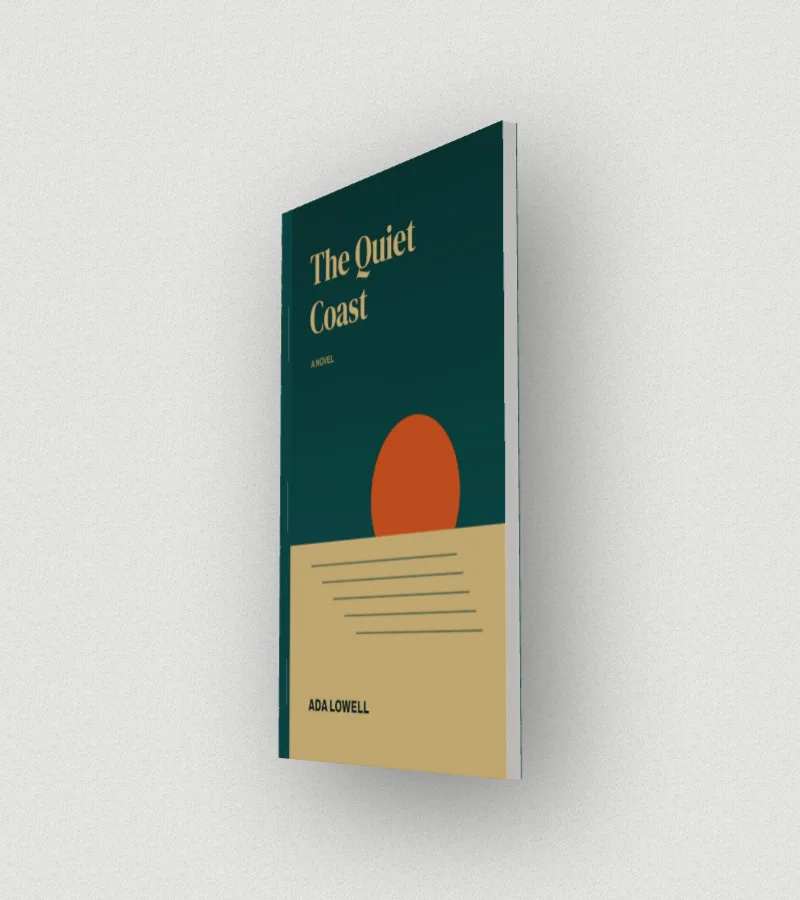
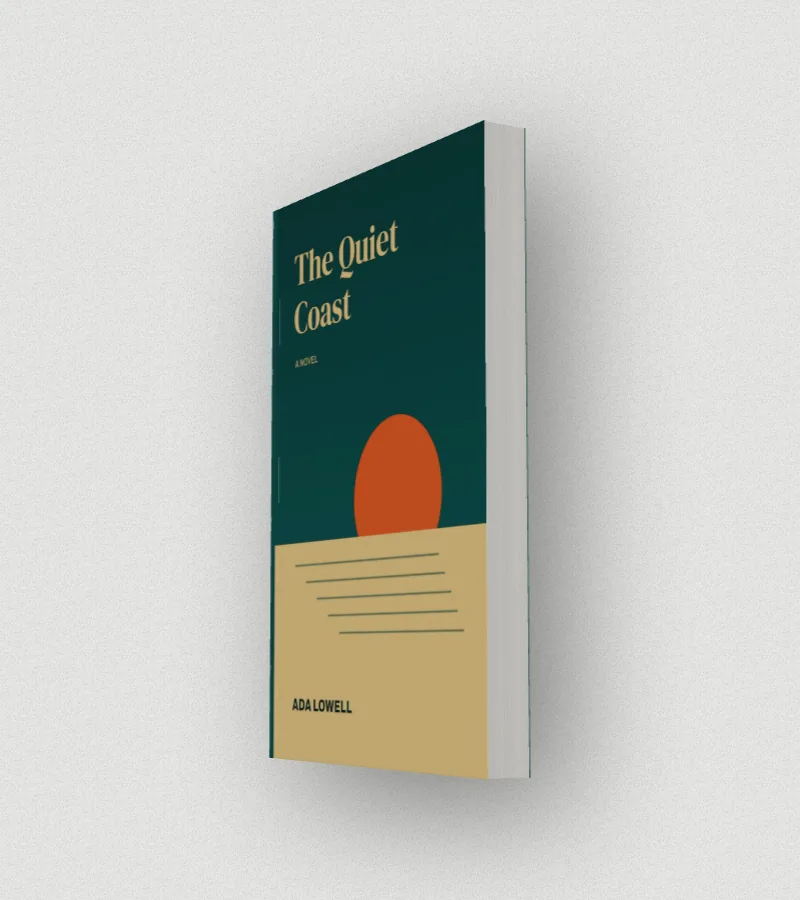
Drop your finished cover into DudeCovers’s spine view and the spine is cut from your file at your trim size, so you can see the title sitting on the spine, or not, before you pay for a proof copy. Or start from a front cover alone, enter the page count, and see how thick the book will be.