

KDP book mockup from your cover PDF
Drop in the cover PDF or PNG you uploaded to Amazon KDP. The trim, bleed and spine come out of the file itself.
Free to start. No signup to try. Nothing stamped on your exports.
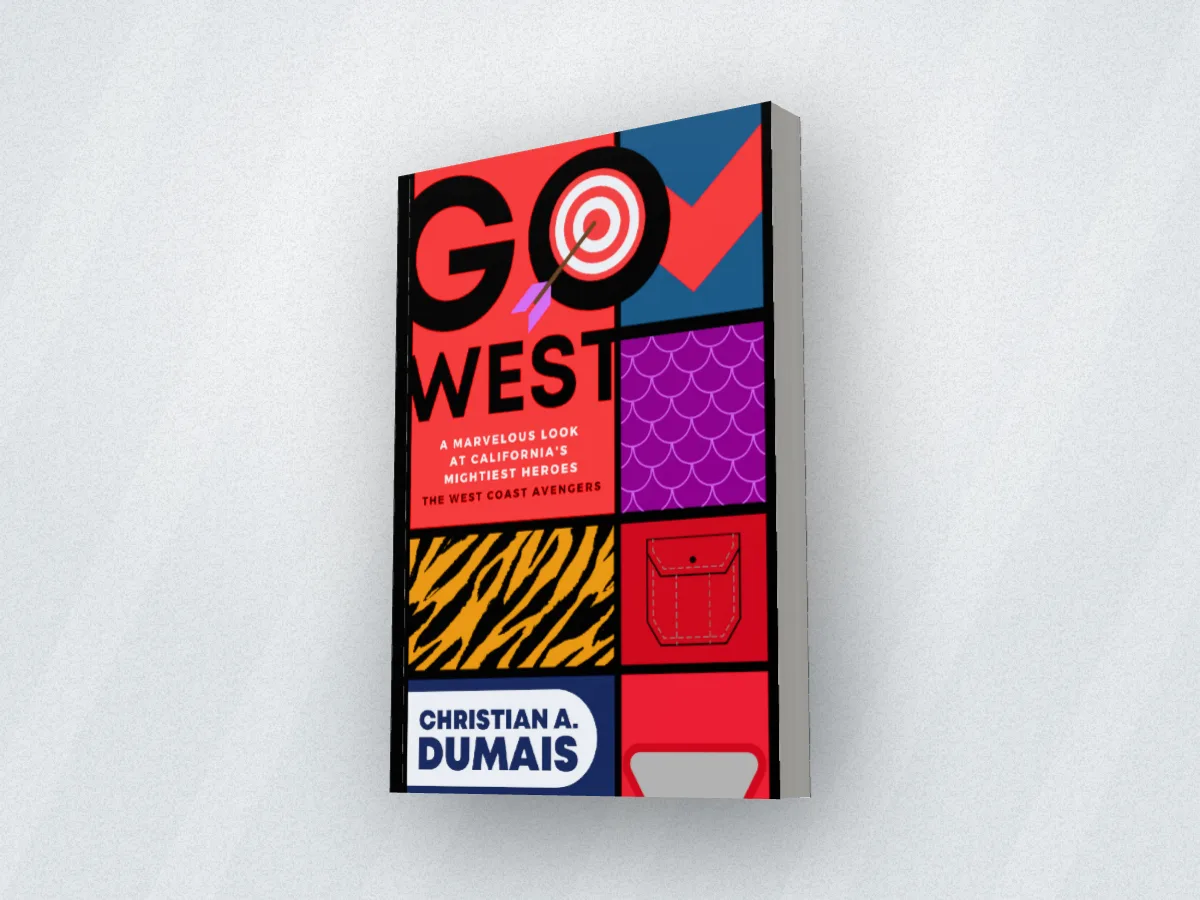
What the kdp book mockup does
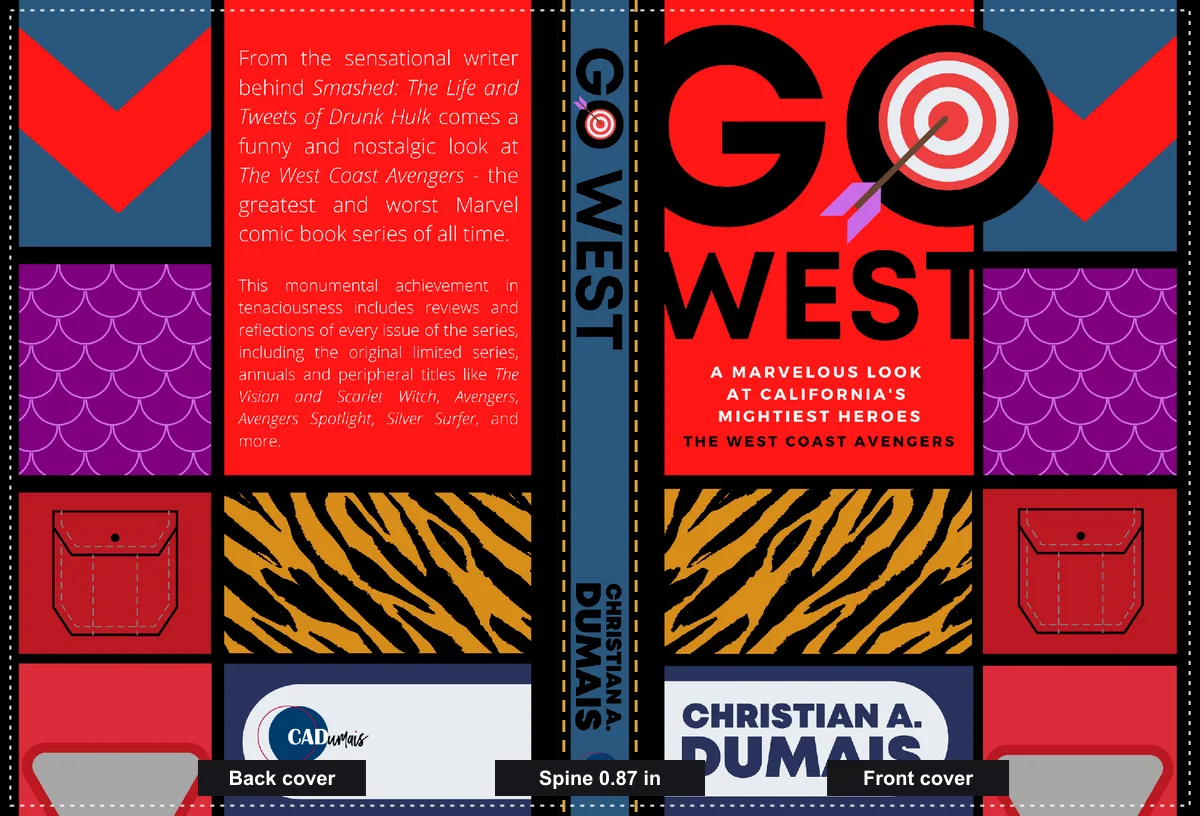
If you publish through Amazon KDP you already have the perfect source for a mockup: the cover file KDP printed from. It has the back cover, the spine at its exact width, the front, and an eighth of an inch of bleed all round.
DudeCovers reads that file the way the printer does. A KDP cover PDF knows its own size in inches, so the trim is worked out for you (Go West's PDF comes in at 6.69 by 9.61 inches and the studio sets that trim). The bleed is cropped off, and the spine is whatever is left between the two covers, so its lettering lands exactly where it's printed.
The PNG you exported for KDP works the same way. If the file was made at an unusual size, switch the spine to come from your page count and paper instead, using KDP's own thickness for white or cream paper.
What's in a KDP cover file
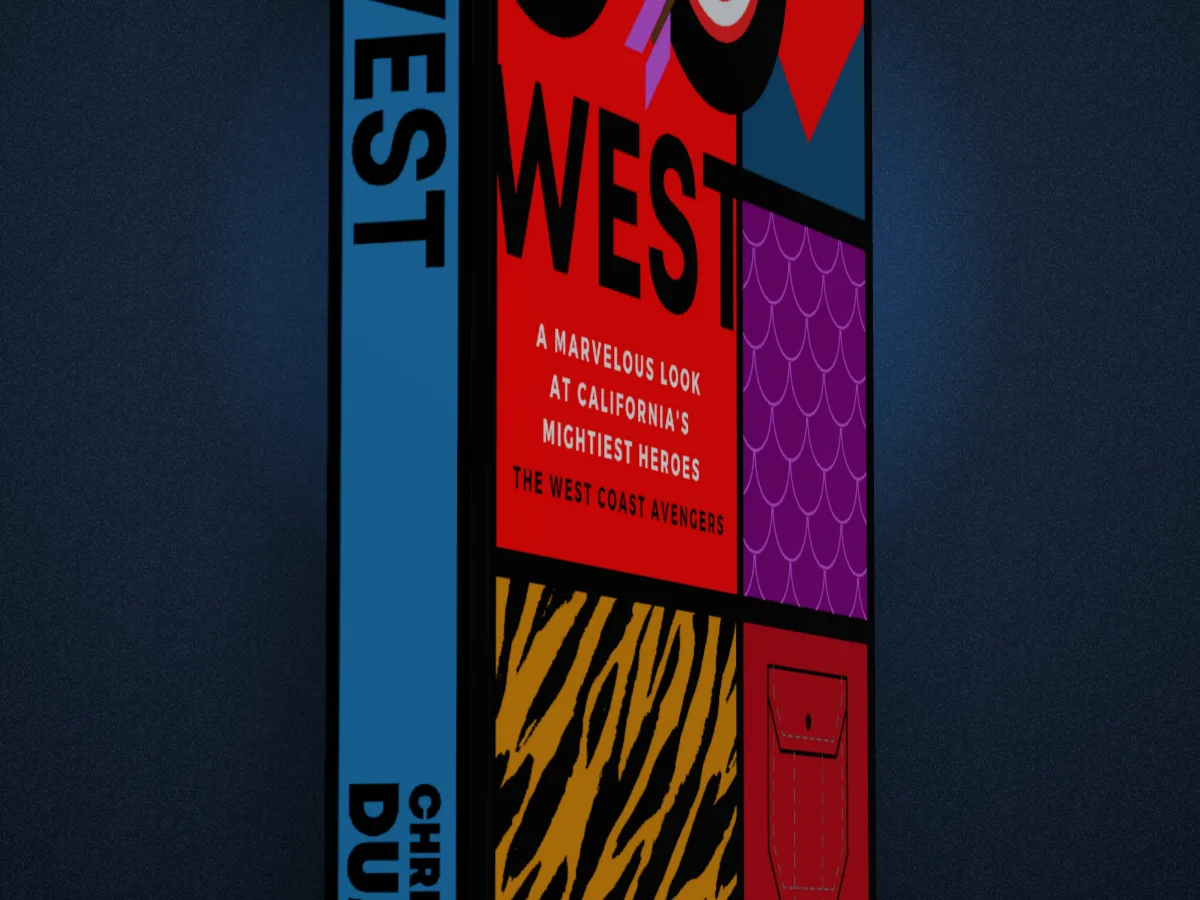
How to use the kdp book mockup
- 01
Drop in the KDP file
The cover PDF or the full-wrap PNG, as you uploaded it.
- 02
Check the trim
Read from the PDF, or pick it: 23 trims, KDP's and the UK's.
- 03
Export the mockup
For your Amazon A+ content, author page, ads and posts.
KDP book mockup features
PDF straight in
No converting to an image first. The PDF's page size sets the trim.
Bleed handled
KDP paperback files carry 0.125 in of bleed on every edge. The studio crops it, so nothing that was meant to be trimmed shows.
Hardcover files too
KDP hardcover files have a wider wrap round the boards. Pick the KDP hardcover file type and the margin is taken off for you.
Paperback or hardback from one file
Your paperback wrap can be shown as a hardback too, for a special edition post.
Straight answers.
- Which KDP file do I use?
- The cover you uploaded to KDP: the full-wrap PDF, or the PNG you exported it from. Not the Kindle ebook cover, which is a front cover only (that works too, with a plain spine).
- My spine looks too wide or too narrow. Why?
- The trim in the studio doesn't match the file. Pick the trim you published at, or switch the spine to come from your page count and paper.
- Does it work for IngramSpark files?
- Yes. Their covers are full wraps with bleed, like KDP's. Choose the plain full wrap file type.
- Is DudeCovers connected to Amazon?
- No. We read the cover file you give us; nothing is sent to or from Amazon.
Try the kdp book mockup free.
Free to start, no account, no watermark. Drop in your cover and turn it to the light.