

Book series on shelf mockup: your backlist in 3D
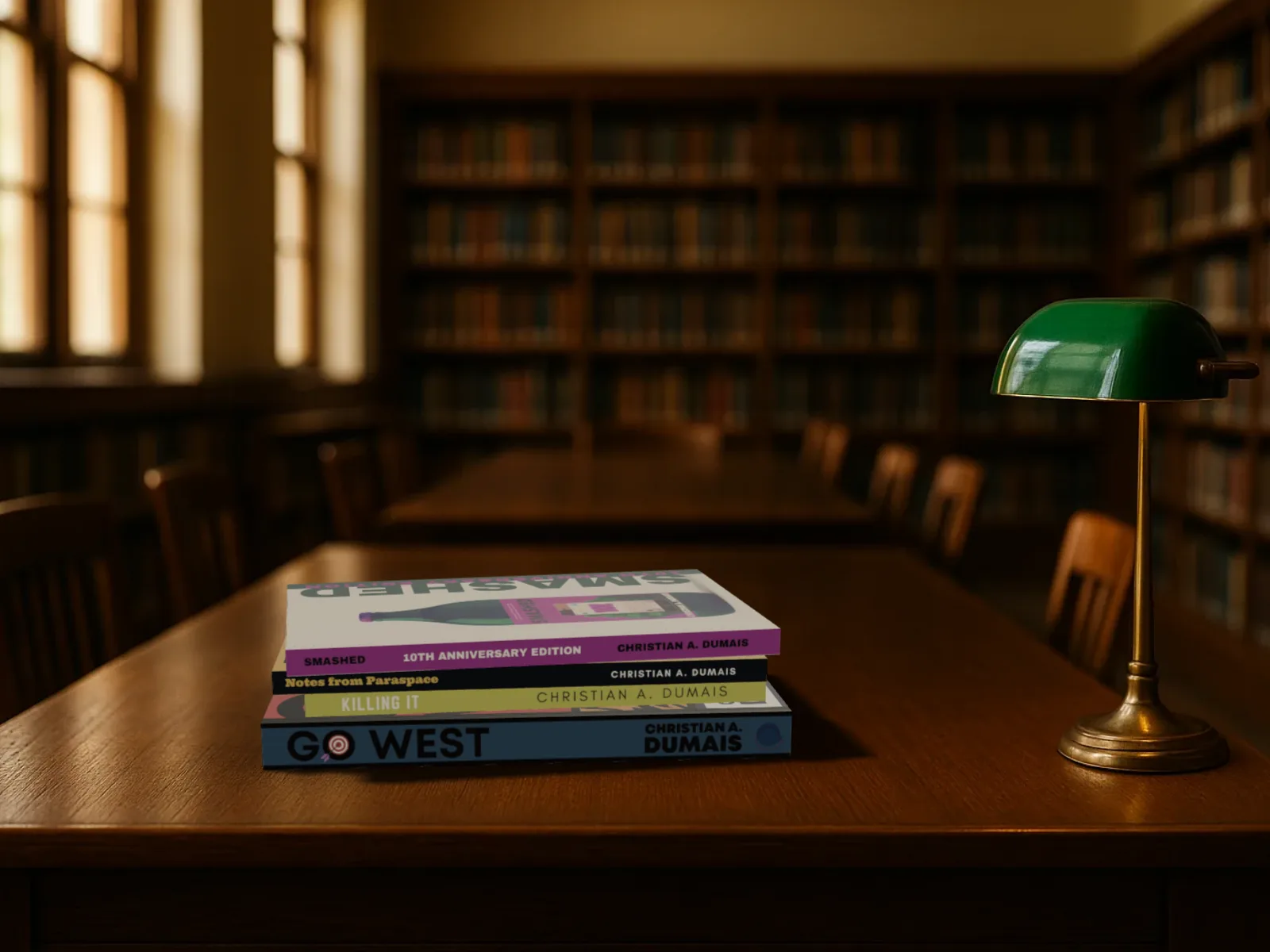
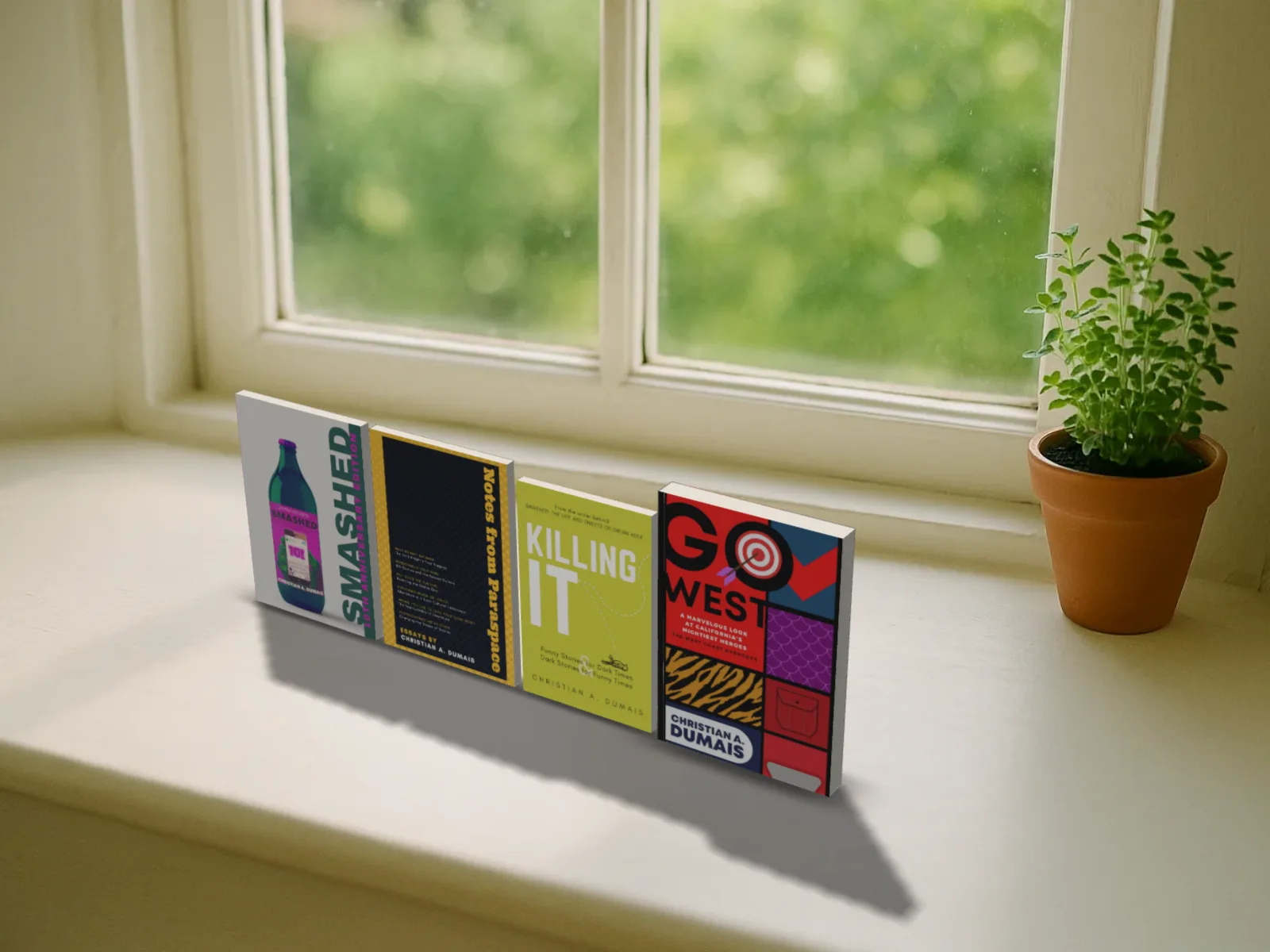
Two to six of your own books together in the scenes: face out in a bookshop, spines out on a shelf, a pile of each on a table, or a shelf of only your books.
Free to start. No signup to try. Nothing stamped on your exports.
What the series on a shelf does
Once there's more than one book, the picture you want changes. Book three's launch post wants books one and two beside it; the newsletter wants the whole backlist; the bookshop picture wants every title face out in a row, the way a shop does it for an author it's proud of.
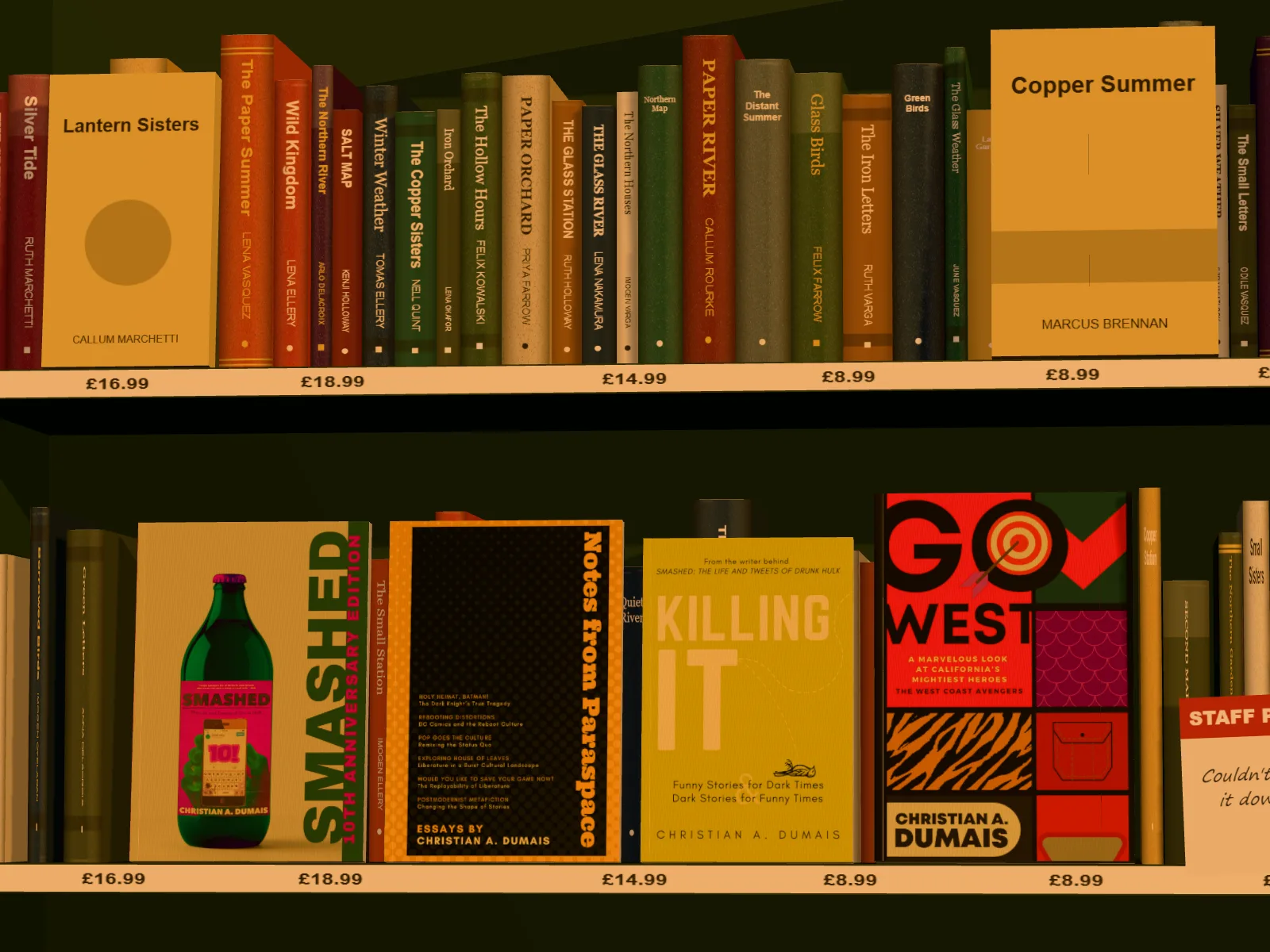
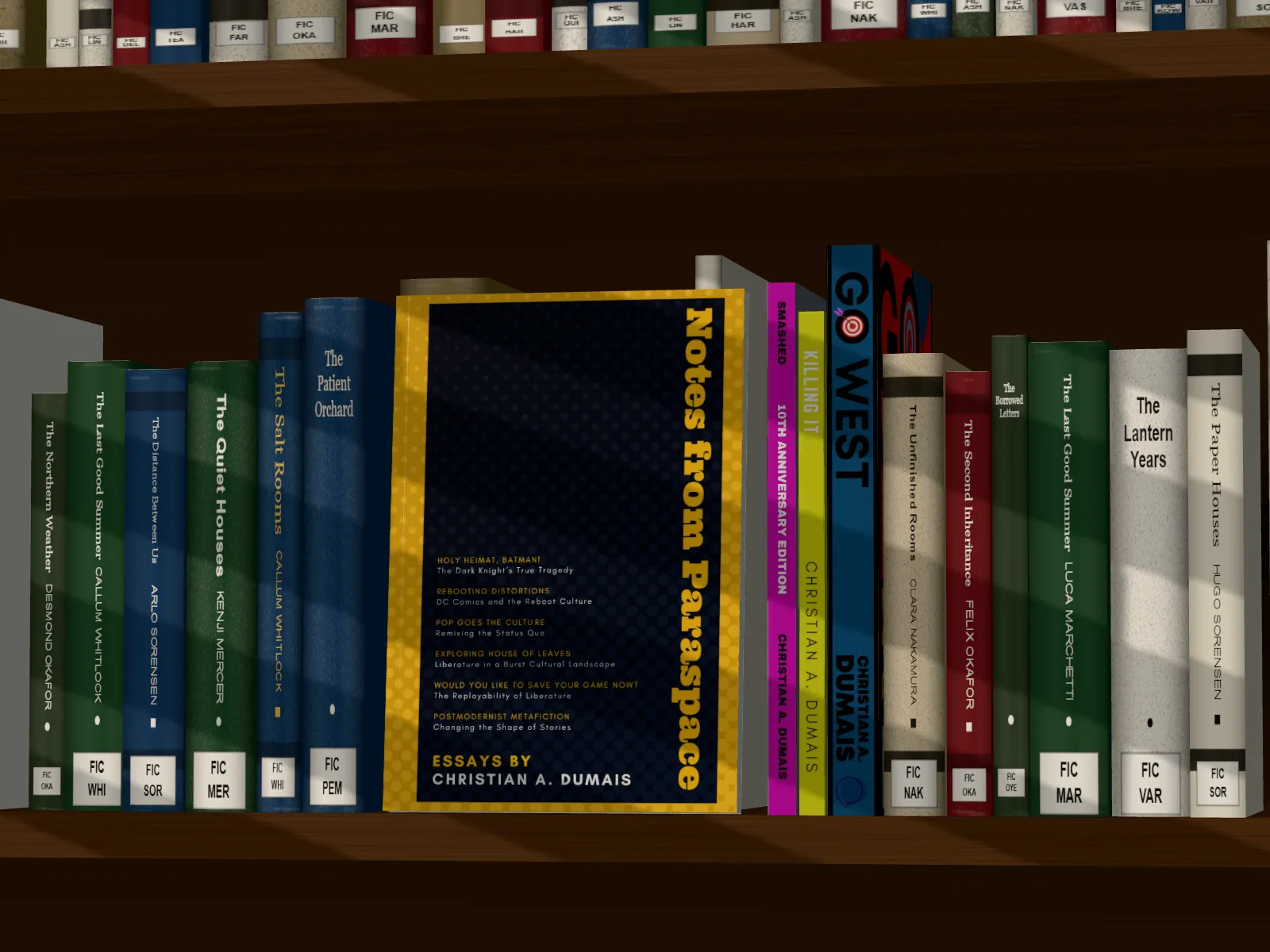
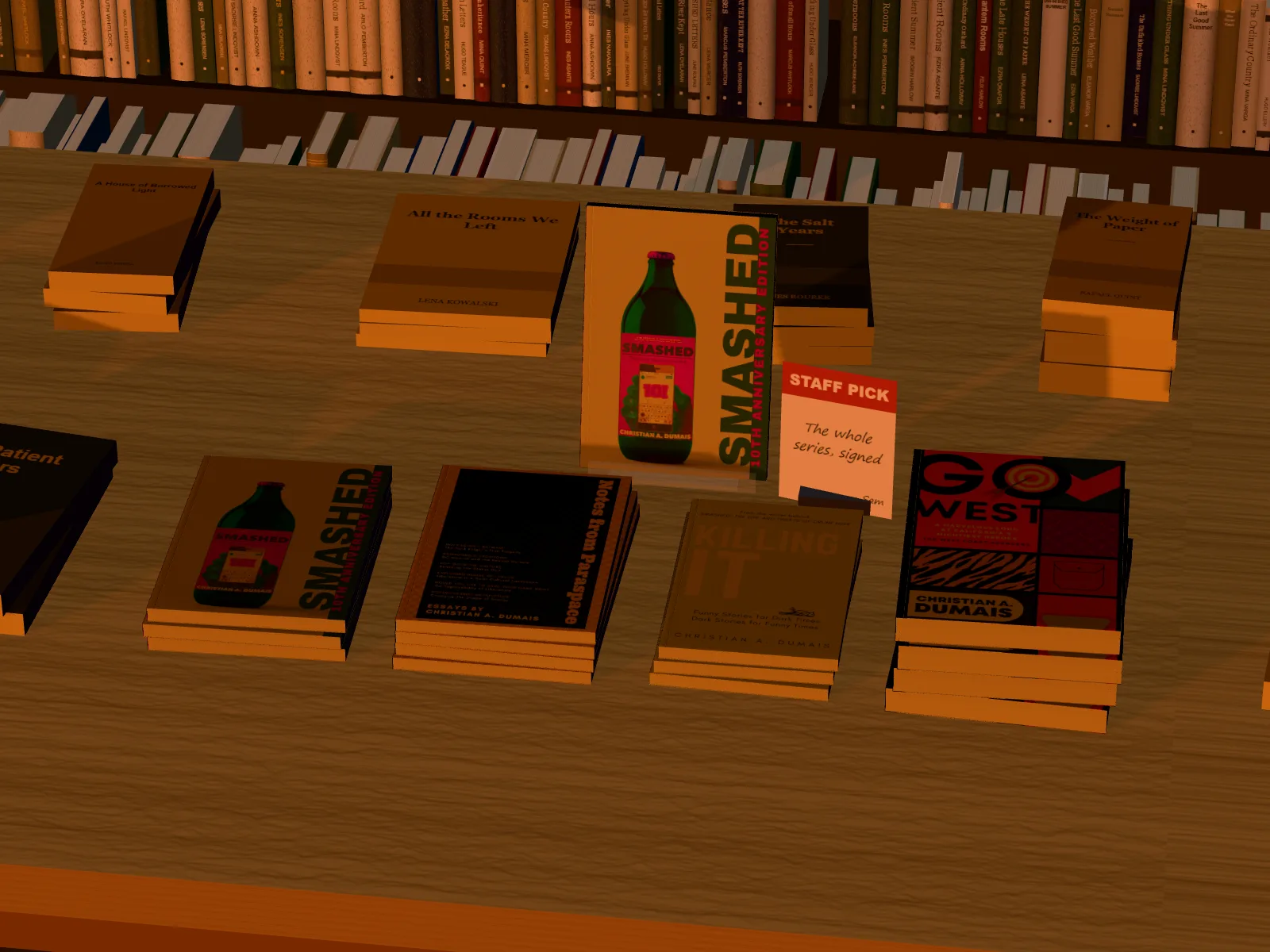
In DudeCovers each of your books is built from its own cover file at its own trim, binding and page count, and the scenes take all of them at once. In the bookshop they face out side by side in your bay. On the library or home shelf they stand spines out in a run among the other books, with one face out or one pulled forward if you like. On the new releases table there's a pile of each, and the one you pick stands on the clear stand.
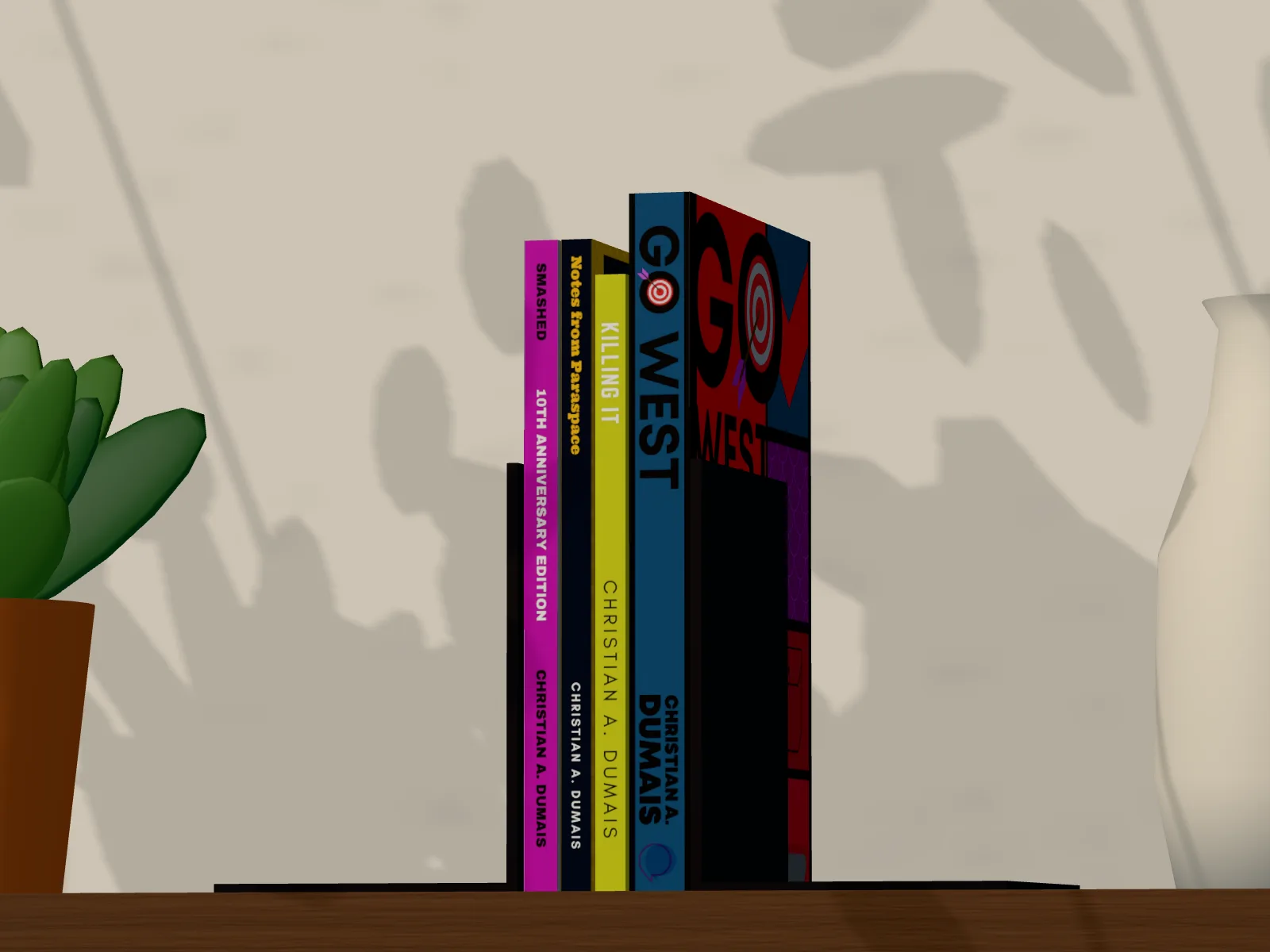
Your backlist is a shelf of only your books: no made-up neighbours, a bookend at each end, a plant and a vase, the shelf sized to however many books you have. And the photo scenes take a series too: stacked on the table with book one on top, spread out side by side, or standing in a row, casting their shadows from the room's light. Everything is one picture with one light, so the books touch and shade each other for real, and none ever passes through another.
On the shelf, the table and in a real room
Series on a shelf features
Every scene
Library, bookshop, home shelf, new releases table, your backlist and the six photo scenes.
Your books, your way
Spines out, one face out, all face out or one pulled out on a shelf; stacked, spread or standing on a table.
Each book its own file
Its own size, binding and pages. Click a book on the canvas to change just that one.
Try free
Several books in one picture and the scenes are Pro. Try them free on the canvas; the export carries a small preview tape until you go Pro.
Straight answers.
- How many books can go in a scene?
- Two to six. Tick them on the Cover tab; the rest of your covers stay in your library to swap in.
- Can I choose which book faces out?
- Yes. With One face out or Pulled out, pick the book on the Scene tab; on the new releases table you pick the one on the stand.
- Is there a shelf with only my books?
- Yes: Your backlist. A wall shelf sized to your books, bookends at each end and no made-up books anywhere.
- Do they all have to be the same size?
- No. Each keeps its own trim, binding and page count, so a hardback can stand beside a paperback.
- Is it free?
- Yes, to start, with no account and no watermark: the 3D paperback and hardback, turned up to 45° either way, exported at up to twice the size. Pro adds the full turn to the back, the dust jacket, read and well loved copies, several books in one picture, the scenes and three times the size. You can try every Pro option on the canvas first; the export then carries a small preview tape.
Try the series on a shelf free.
Free to start, no account, no watermark. Drop in your cover and turn it to the light.