
Book on shelf mockup, in a lit 3D library
Your book face out, spine out or pulled out on a real looking shelf, among other books, with light from a window, a lamp or the evening sun.
Free to start. No signup to try. Nothing stamped on your exports.
What the book on a shelf does
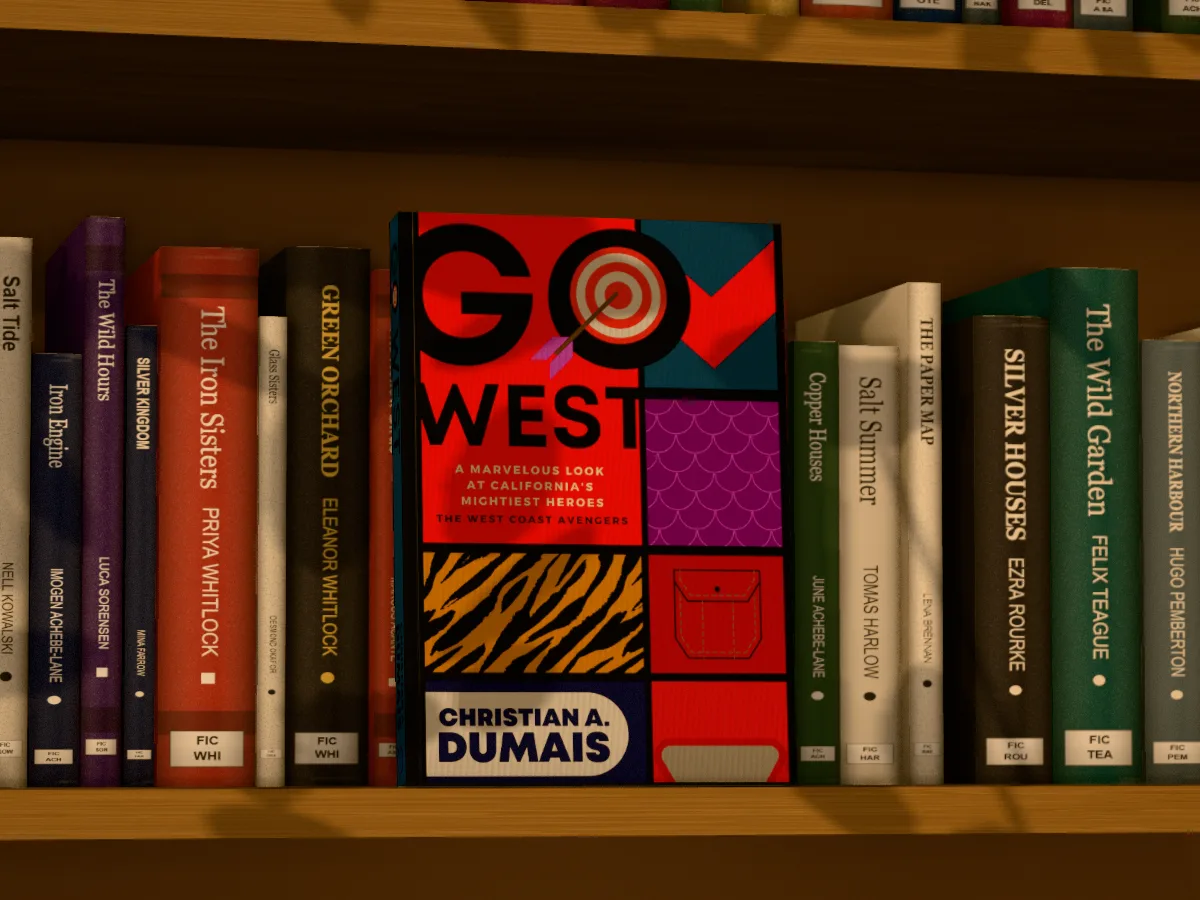
A shelf is where a book belongs, and a book on a shelf is the picture that says it's real: finished, printed, sitting among other books. Most shelf mockups are photographs with a rectangle to paste into, so your book is stuck at the angle the photographer chose.
The shelves in DudeCovers are built in 3D. Your book stands among the others face out, spine out, or pulled halfway out of the row, and you move the camera along the shelf, up and down, closer or further away. The light is yours too: daylight, a warm lamp or low evening sun, coming through a window, blinds or leaves, and the shadows fall across the books as they would.
There are three shelves: the library (oak, walnut or library white), a home bookshelf with bookends and a plant, and your backlist, a wall shelf of only your books. Tick your series and it stands on any of them, spines out, one face out or all face out. Pick the other books' genre (crime, romance, literary, fantasy, horror, children's, non-fiction, poetry) and their colours and lettering follow; their names are made up in the genre's style, or classics long out of copyright, so no living author's book ends up in your marketing. Shuffle them until the colours suit your cover.
Pulled out, and at home
Book on a shelf features
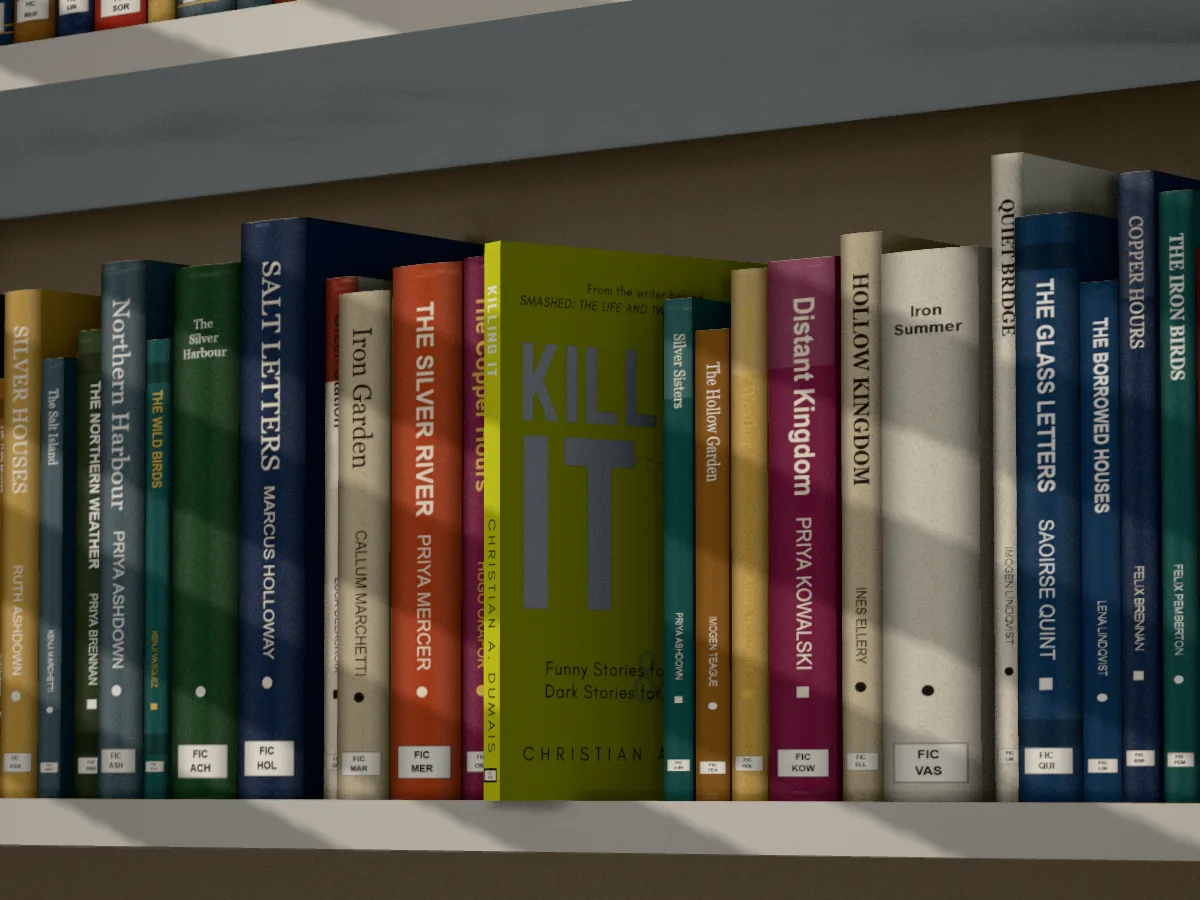
Face out, spine out, pulled out
Three poses, each with its own first camera.
Light and shadow
Three lights from the left, the front or the right, through a window, blinds or leaves.
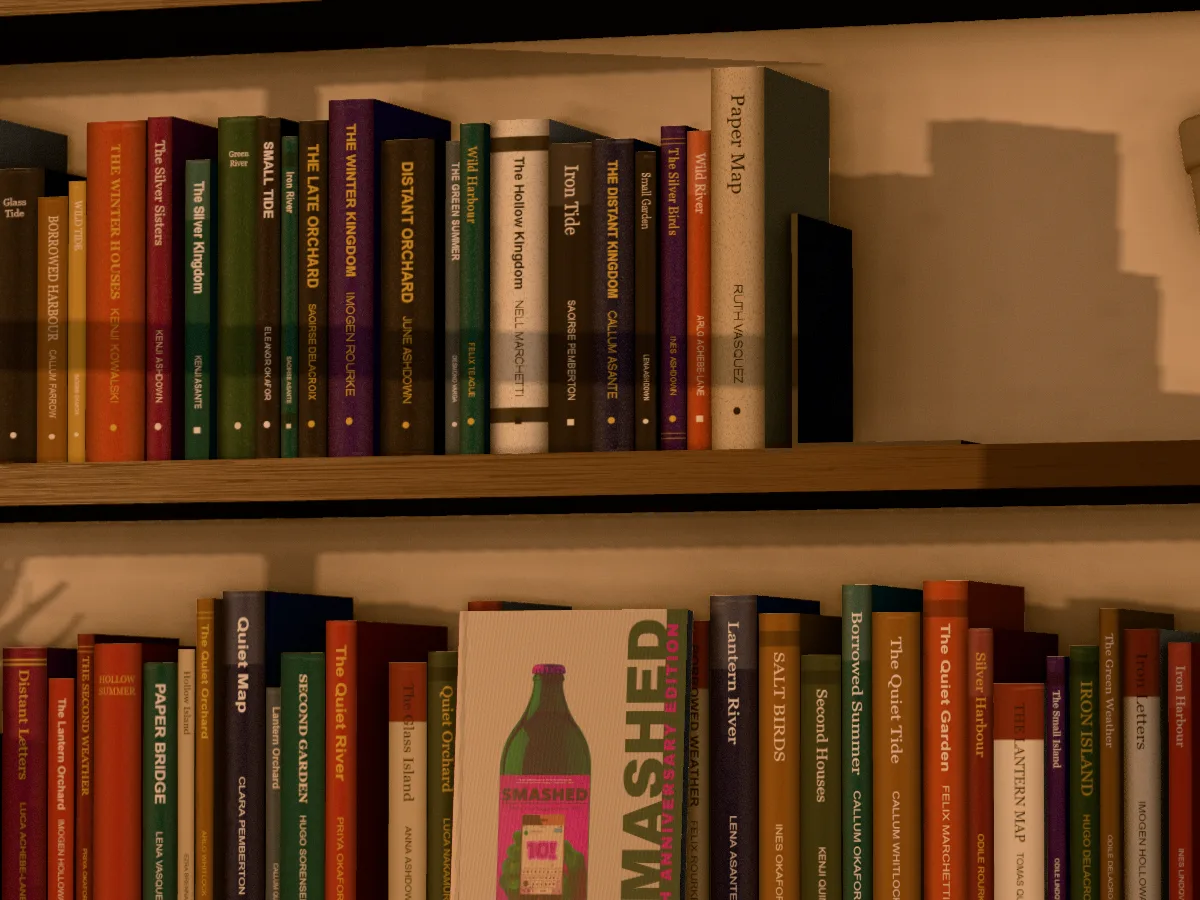
Neighbours in your genre
Made-up titles in the genre's style, or public-domain classics, shuffled with one click.
Try free
The shelf sets are Pro. Make a free account and they're yours for a 7-day Pro week, no card.
Straight answers.
- Can I choose the other books on the shelf?
- Their genre, and whether their names are made up or classics long out of copyright, yes; the books one by one, no. Shuffle the shelf until you like it. No living author's book ever appears in your picture.
- Can I put my whole series on the shelf?
- Yes, with Pro: tick up to six of your books on the Cover tab and they stand together, spines out in a run, one face out with the rest beside it, all face out, or one pulled out. For a shelf of only your books, use Your backlist.
- Can I put several copies of my book on the shelf?
- Not on the shelves. The new releases table has piles of your book.
- Do I need a hardback?
- No. Paperbacks, hardbacks and jacketed hardbacks all go on the shelf.
- Why is the rest of the shelf a little soft?
- Like a camera, the scene focuses on your book and lets what's further away go softer, and it shades where books meet the shelf so they stand on it. Want everything sharp? Light > Focus > Everything sharp. On a slow computer, Faster preview keeps the screen quick; your downloads stay full quality.
- Is it free?
- Yes, to start, with no account and no watermark: the 3D paperback and hardback, turned up to 45° either way, exported at up to twice the size. Pro adds the full turn to the back, the open book, bookmarks, the ebook on an e-reader or tablet, the turning book video, the dust jacket, read and well loved copies, several books in one picture, the scenes and three times the size. Make a free account and every Pro option is yours for a 7-day Pro week, no card.
Try the book on a shelf free.
Free to start, no account, no watermark. Drop in your cover and turn it to the light.