

Amazon A+ content images for your book
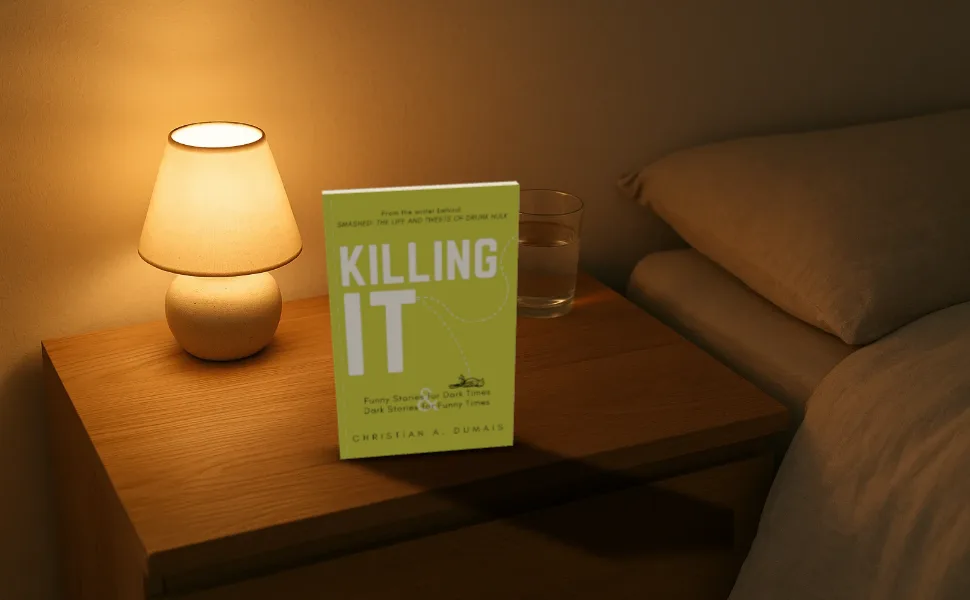
The 970 × 600 header that sits under your book's description on Amazon, with your book in 3D in a real looking room.
Free to start. No signup to try. Nothing stamped on your exports.

What the amazon a+ content images does
A+ content is the set of images and text KDP lets you add below your book's description on Amazon. Most authors who use it lead with a wide image header: the book, somewhere that suits it, and space for a line of text.
The standard image header is 970 × 600 pixels. Choose Amazon A+ header in the Size panel and the canvas is set to it. Put your book in one of the photo scenes, stand it up or lay it flat on the table and drag it to one side so the words have room, then export at twice the size for a sharp image.
Other modules use other sizes: square images of 300 × 300 and 220 × 220 for the multi image modules, and 1464 × 600 for Premium A+ banners where they're available. Type any of them as a custom size. Check the module sizes in KDP's A+ editor before you export, as Amazon changes them from time to time.
Other A+ pictures
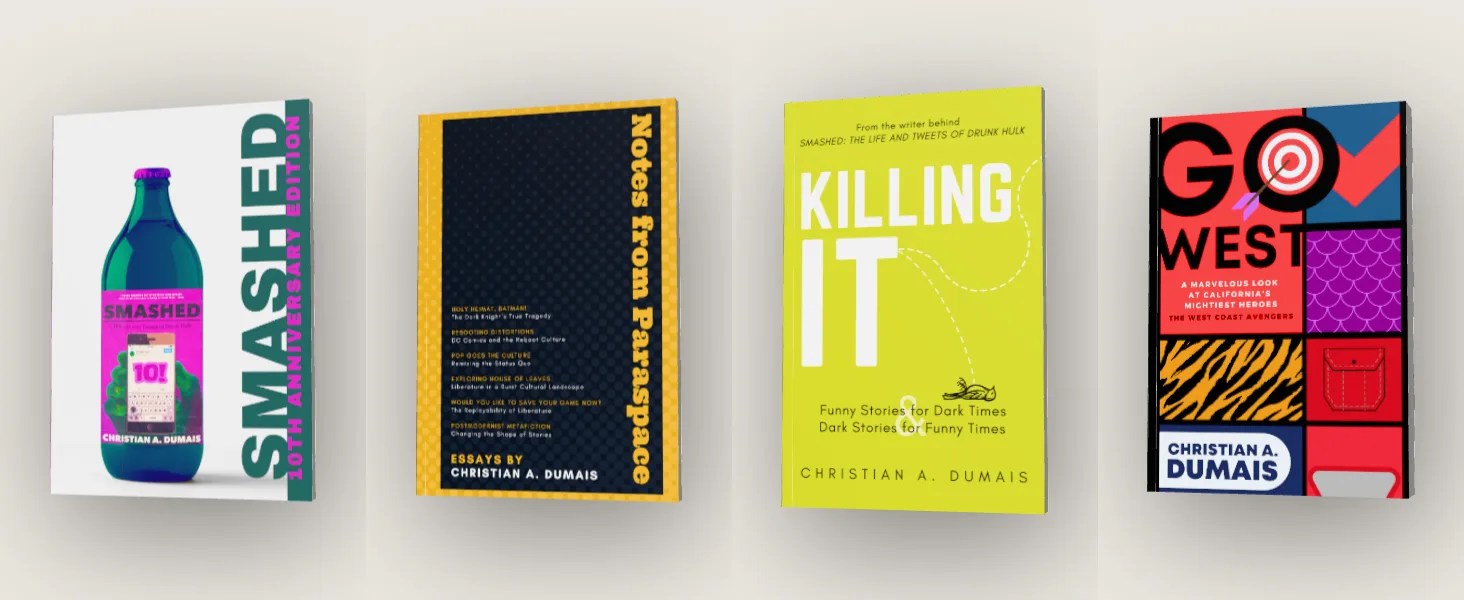
Amazon A+ content images features
Set to the A+ header size
970 × 600, from the Size panel's Book stores group.
Rooms that suit a book
A writer's desk, a nightstand, a café, a windowsill, a reading room: the book sits on the table at the room's own angle.
Room for your words
Drag the book along the table so a headline fits beside it, or add the line in KDP's text module.
Series rows
Export each book on the same backdrop and line them up for a series banner.
Straight answers.
- What size is the A+ image header?
- 970 × 600 pixels for the standard image header. Premium A+ banners are 1464 × 600. Check KDP's A+ editor for the module you're using.
- Can I put text on the A+ image?
- You can, but keep it short and large: A+ images are often seen on phones. KDP's text modules are better for anything longer than a line.
- Are mockups allowed in A+ content?
- Yes, images of your book are what A+ is for. Follow Amazon's A+ guidelines on claims, prices and reviews in the image.
- Is DudeCovers connected to Amazon?
- No. We make the picture; you upload it in KDP's A+ editor.
Try the amazon a+ content images free.
Free to start, no account, no watermark. Drop in your cover and turn it to the light.