Book launch graphics with your book in 3D
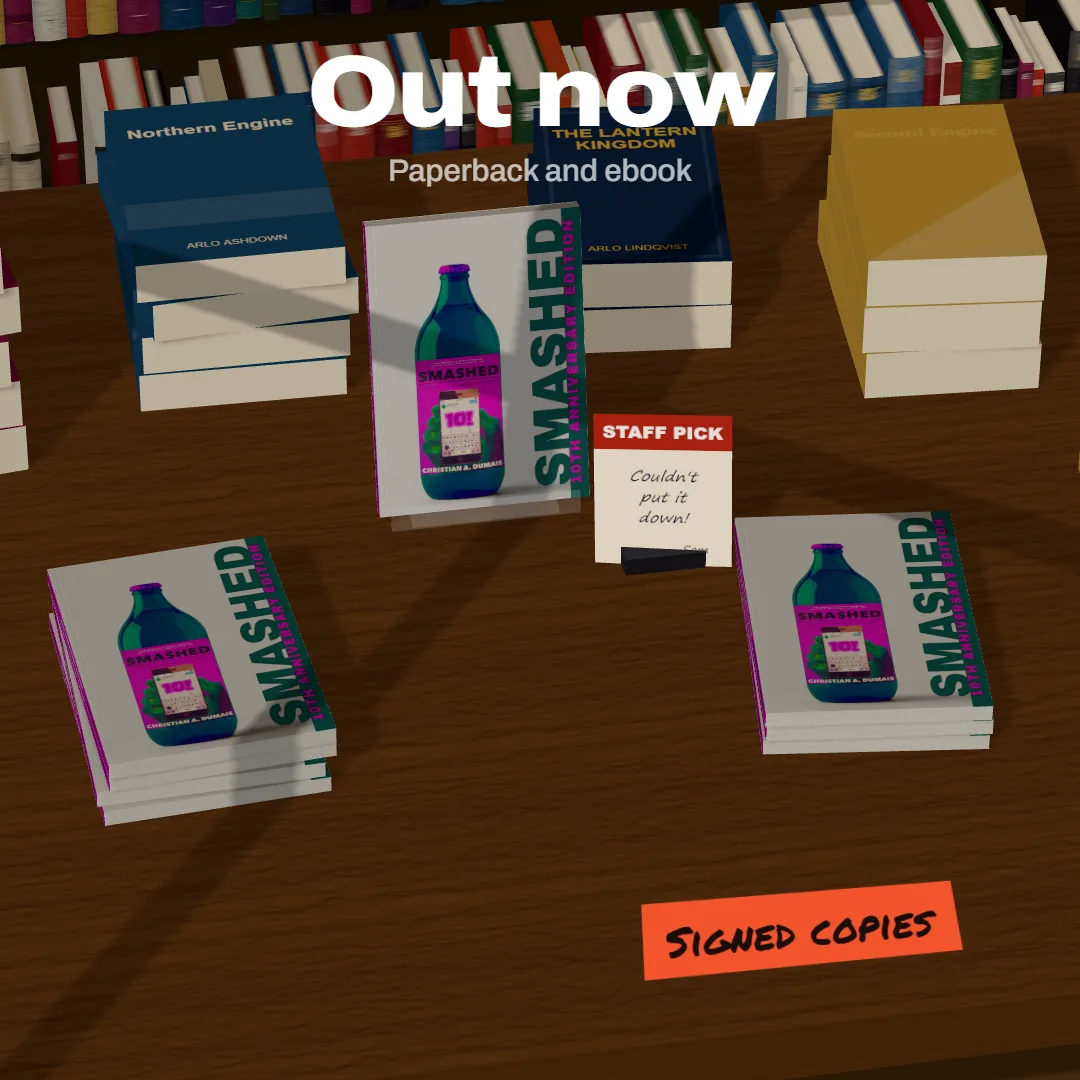
Out now posts, pre-order stories and cover reveals: your book on a table or a backdrop, with the words typed straight on the picture.
Free to start. No signup to try. Nothing stamped on your exports.
What the book launch graphics does
Launch week needs a lot of pictures: the cover reveal, the pre-order post, out now, the signed copies, the first review. Each one is your book plus a few words, at a size each network likes.
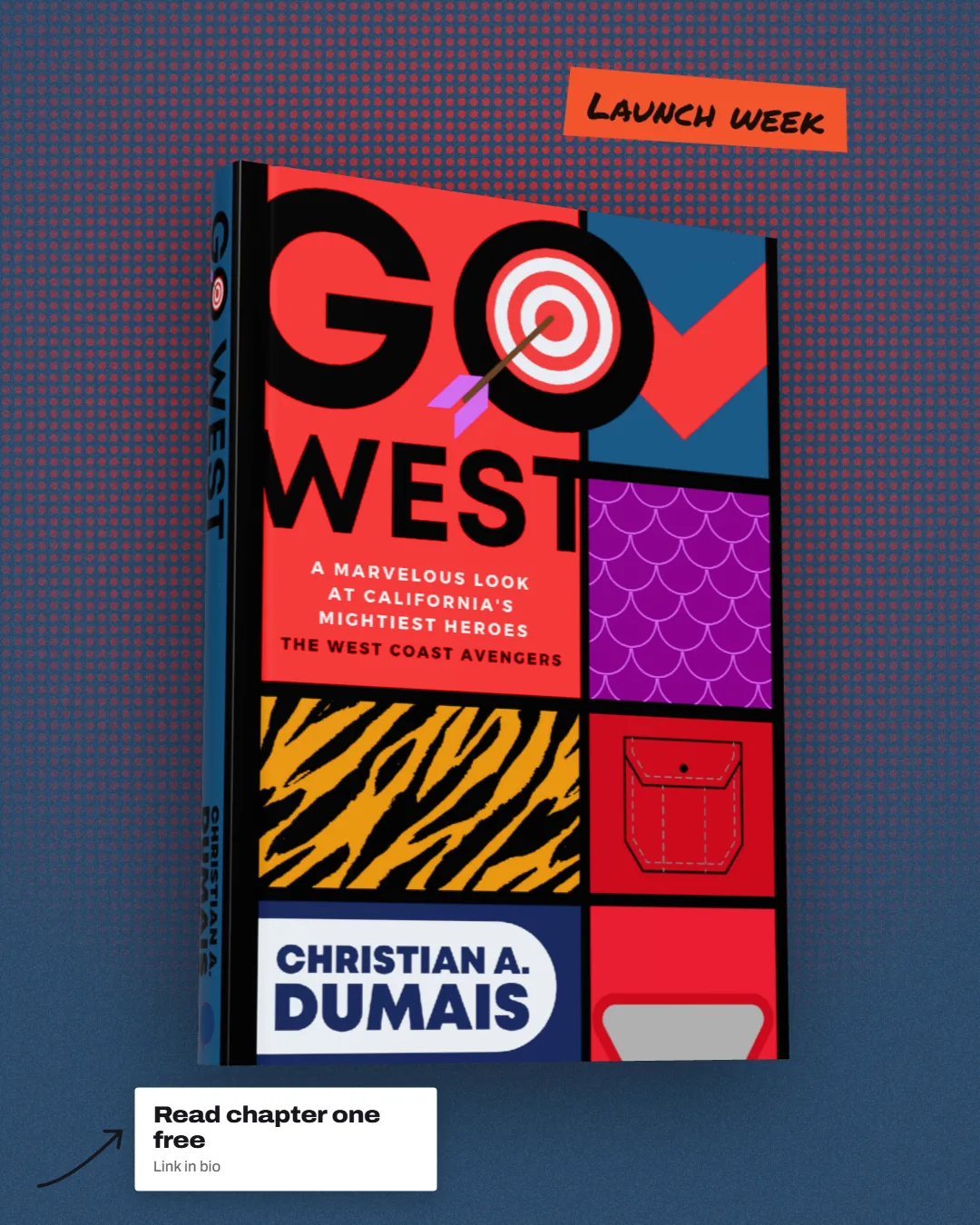
DudeCovers does both halves on one canvas. Put the book on a backdrop or in a scene (the new releases table is the obvious one: piles of your book, one on a stand), then add callouts: a headline, a tape sticker in marker, a note with an arrow pointing at the spine, a round badge, a big number, or a reader's words in a speech bubble.
Set the size from the Size panel (Instagram square and portrait, stories, Facebook, X, BookBub) and the book and words stay where you put them when you switch. Export each one, change the headline, export again. Three callouts are free; the badge, big number, bubble, ring and tooltip are Pro.
A story and a post

How to use the book launch graphics
- 01
Place the book
A backdrop in your cover's colours, a shelf, the shop table or a room.
- 02
Add the words
Headline, sticker or note: drag, resize, double click to type.
- 03
Pick the size
Square, portrait, story, banner or ad.
- 04
Export the set
One picture per post, all from the same book.
Book launch graphics features
Words on the picture
Callouts are drawn into the export at full size, in proper fonts.
Snap guides
Thirds, centre and edges, so headlines line up without fiddling.
Your name as a watermark
Save your author name or logo once and add it to every picture.
Plain, honest pictures
No AI: nothing in the picture is generated from your cover.
Straight answers.
- Which sizes are there?
- Instagram square (1080 × 1080), portrait (1080 × 1350) and story (1080 × 1920), Facebook, X, LinkedIn and Pinterest, BookBub's 300 × 250 ad, Amazon A+ (970 × 600) and an ebook store cover (1600 × 2560), or any size you type.
- Can I use my own fonts?
- Not yet. Callouts come in four styles: bold, editorial serif, marker and mono.
- Do you make video for launches?
- Not yet, but a turning book video is on our roadmap. Still images for now.
- Is it free?
- Yes, to start, with no account and no watermark: the 3D paperback and hardback, turned up to 45° either way, exported at up to twice the size. Pro adds the full turn to the back, the dust jacket, read and well loved copies, the scenes and three times the size. You can try every Pro option on the canvas first; the export then carries a small preview tape.
Try the book launch graphics free.
Free to start, no account, no watermark. Drop in your cover and turn it to the light.