

Book spine mockup with the spine from your file
See your spine the way readers see most books: on a shelf, side on. Sized from your full wrap, so it reads as printed.
Free to start. No signup to try. Nothing stamped on your exports.
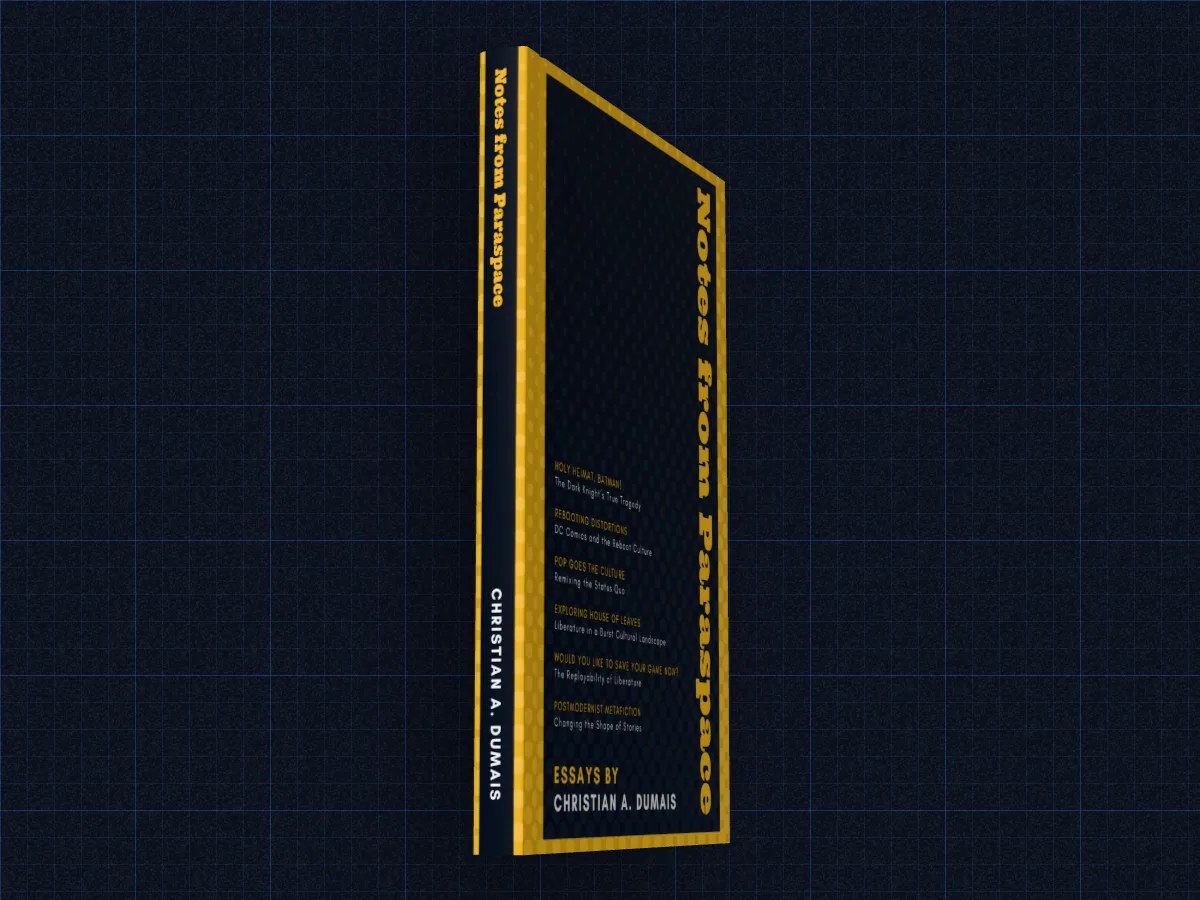
What the book spine mockup does
Most books are seen spine first: on a shelf, in a pile, in a bookshop where only the face-out titles show a cover. A spine that's hard to read at a distance is a real problem, and a mockup is the cheapest place to find out.
DudeCovers sizes the spine from your full wrap: the file is as tall as the book, so its width minus the two covers is the spine. That means the title, author and imprint logo land exactly where the printer will put them, and if they don't fit, you'll see it before you order.
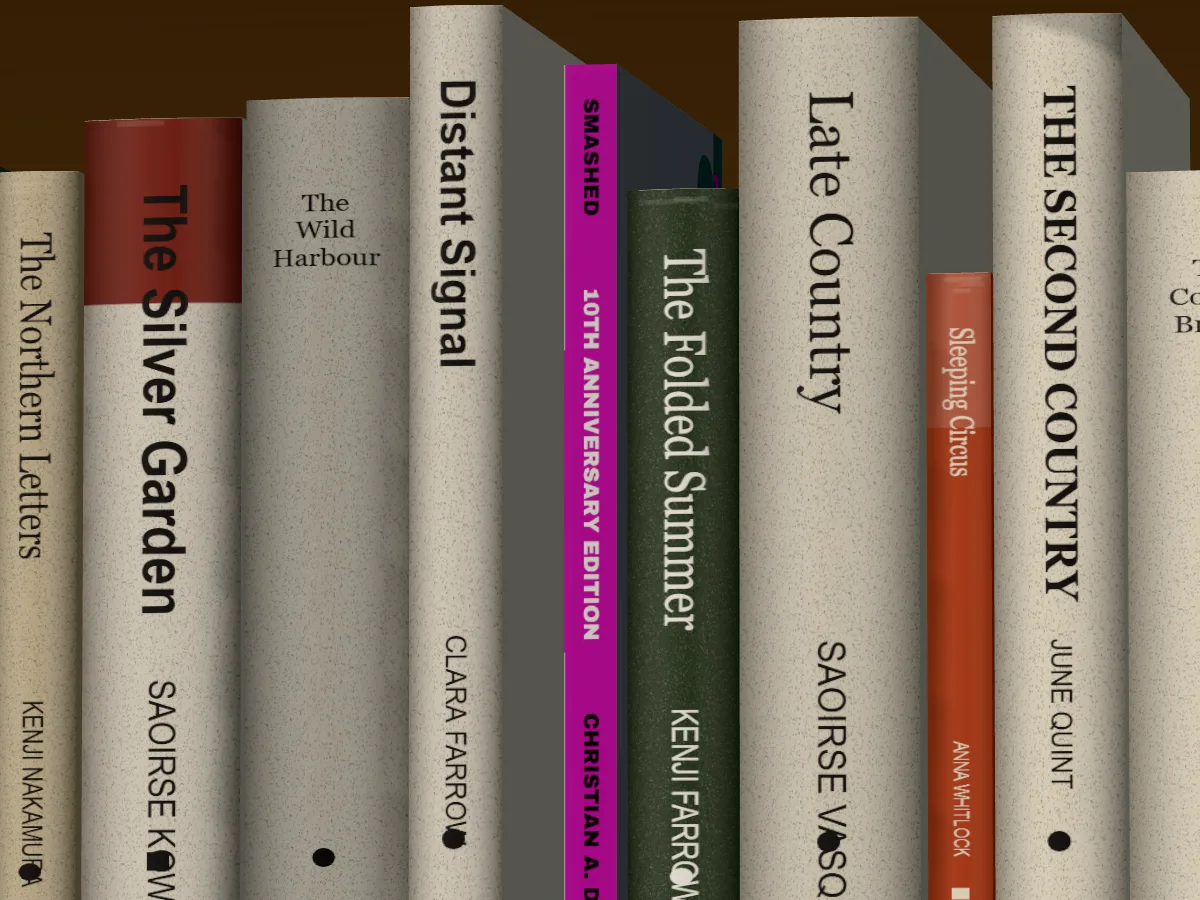
Turn the book to face its spine to you, or put it in a shelf set spine out among other books, which is the honest test: can you pick it out from a metre away? The other books on our shelves are made up, so yours is the only real title in the picture.
Spine on, and spine out
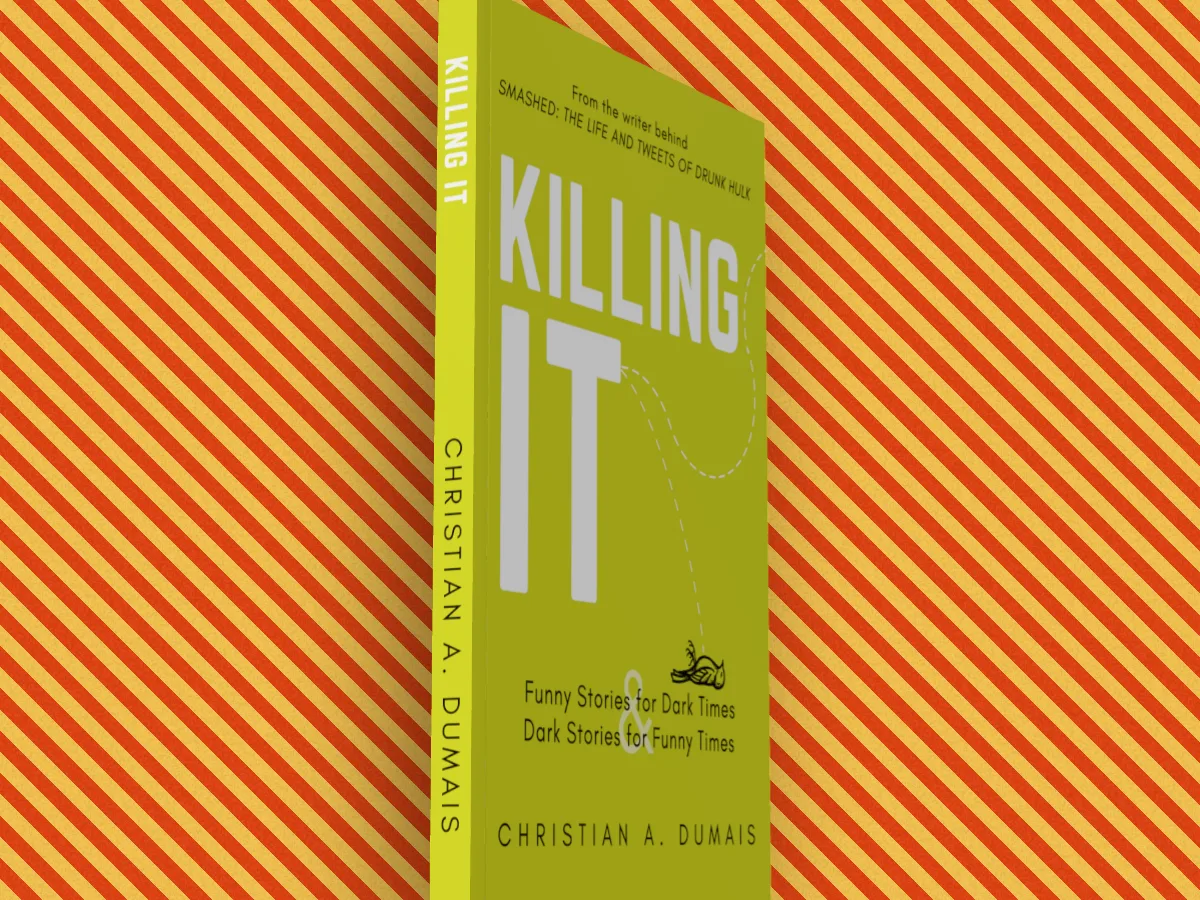
Book spine mockup features
Sized from the artwork
No separate spine image, and no guessing the width.
Or from your page count
With a front cover only, the spine follows your page count and paper.
Spine out on a shelf
The library and home sets have a spine out pose, and a pulled out one.
Too thin for text?
KDP only allows spine text on books with more than 79 pages. Under that, the mockup shows the plain spine you'll get.
Straight answers.
- How wide should my spine be?
- For a KDP paperback, page count × 0.002252 in on white paper or × 0.0025 in on cream. Our spine width guide has the details and examples.
- Can I turn the book to the spine on Free?
- Free turns 45° either way, which shows the spine at an angle. Square on to the spine is Pro. On the shelf sets, spine out is a Pro scene you can try free.
- Does it work without a full wrap?
- Yes. The spine is then a plain band in the colour of your cover's edge, sized from your page count.
- Is it free?
- Yes, to start, with no account and no watermark: the 3D paperback and hardback, turned up to 45° either way, exported at up to twice the size. Pro adds the full turn to the back, the dust jacket, read and well loved copies, the scenes and three times the size. You can try every Pro option on the canvas first; the export then carries a small preview tape.
Try the book spine mockup free.
Free to start, no account, no watermark. Drop in your cover and turn it to the light.