


Yes, you should be involved in designing your own book cover when you self-publish, but that doesn’t mean you have to do every part of it yourself. You can design it, hire a designer, or ask a friend to help, as long as you stay in charge of the decisions. With a traditional publisher, someone else designs your book. When you self-publish, you’re responsible for how it looks, and the cover is the main thing that sells your book to a browsing reader. Treat the spine, front, and back as three separate jobs, test them on a physical-looking mockup, and think of the book as an object, not just a container for your story.
Why self-publishing puts the cover in your hands
The traditional path is familiar. You write the book, find an agent, get a publisher, and they handle the editing, design, and marketing. There’s something a little strange about that. You spend months or years on a story and then hand the finished thing to someone else to turn into a physical object.
Self-publishing flips that. You control the whole book, not just the words. You format the interior exactly how you want it. Maybe you have an unusual font in mind, or specific ideas about how the pages should look and feel.
My favorite example is Mark Z. Danielewski’s House of Leaves, an extraordinary book I’ve written a lot about (see Notes from Paraspace), where every detail, from the typography to the layout, was a deliberate choice by the writer. While Danielewski managed to pull it off decades ago, that level of control is hard to get from a traditional book publisher.
The catch is that control includes the cover, and you might not be a graphic designer. Modern writing often means being the writer, the marketer, and the designer all at once. That’s a real challenge, and also an opportunity.
The cover is your real estate: spine, front, and back
Think about how a reader actually meets a book. On a shelf, you get a sliver of space, usually just the spine. Then each part of the cover has a job:
- The spine: Does it stand out among dozens of others? It’s often the only part a browsing reader sees. Get the width right with a spine width calculator, and read this guide to KDP spine width so the title lands where it’s printed.
- The front cover: Does it make someone pull the book off the shelf and turn it over?
- The back cover: Does yours make them want to buy it and read it?
Marketing can get people to your book, but the cover does the work once they’re holding it. It has to earn the look at the front, the flip to the back, and the crack of the spine. After that, the story has to keep them turning pages.
Preview your cover as a real book before you publish
A flat image on a screen doesn’t show you how a cover works in the world. Before you commit, put it somewhere real:
- Drop it into a bookshop scene or on a shelf and see whether the spine grabs you.
- Make a 3D book mockup and turn it from front to back, just like a reader would.
- If you’re printing through Amazon, a KDP book mockup can work from the cover file you send to the printer.
One reason I wanted Mark to create DudeCovers was to see my own covers as physical books before they went to print.
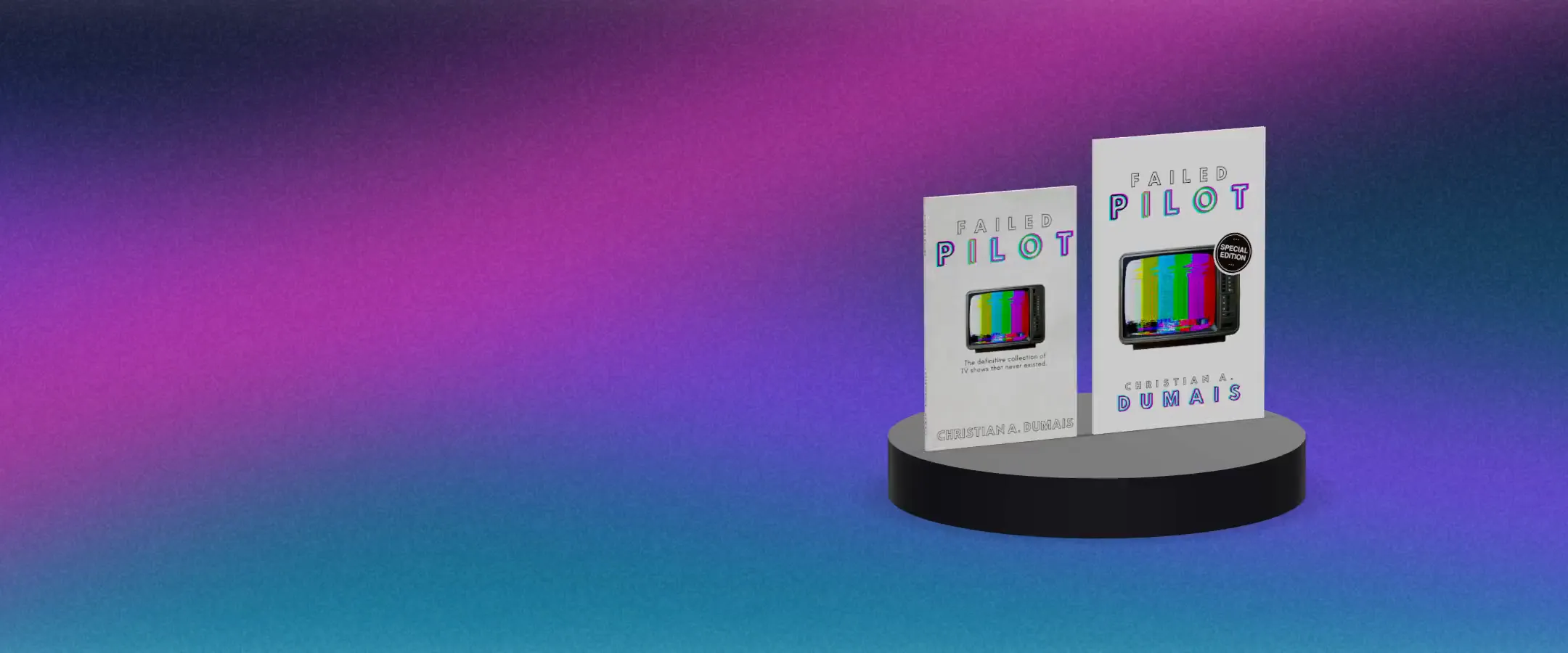
In fact, I’ve been creating a special edition of a book I published a few years ago. This new version of Failed Pilot is larger but thinner, and while Amazon’s KDP preview helped me understand what the final book would look like before I ordered proof copies, it couldn’t show both editions side by side for comparison.
DudeCovers’ 3D book mockup did just that.
Think about the book as an object
Stop seeing the book only as a vessel for your story and start seeing it as a physical thing. How heavy is it? What kind of paper is it printed on? What color is the cover, and how does it feel in the hand?
Those choices shape the experience as much as the plot does, and they’re yours to make. If you’re considering a special edition, look at how a hardcover looks compared with a paperback, or at details like gilt or sprayed page edges.
Put things in your book that only a book can do
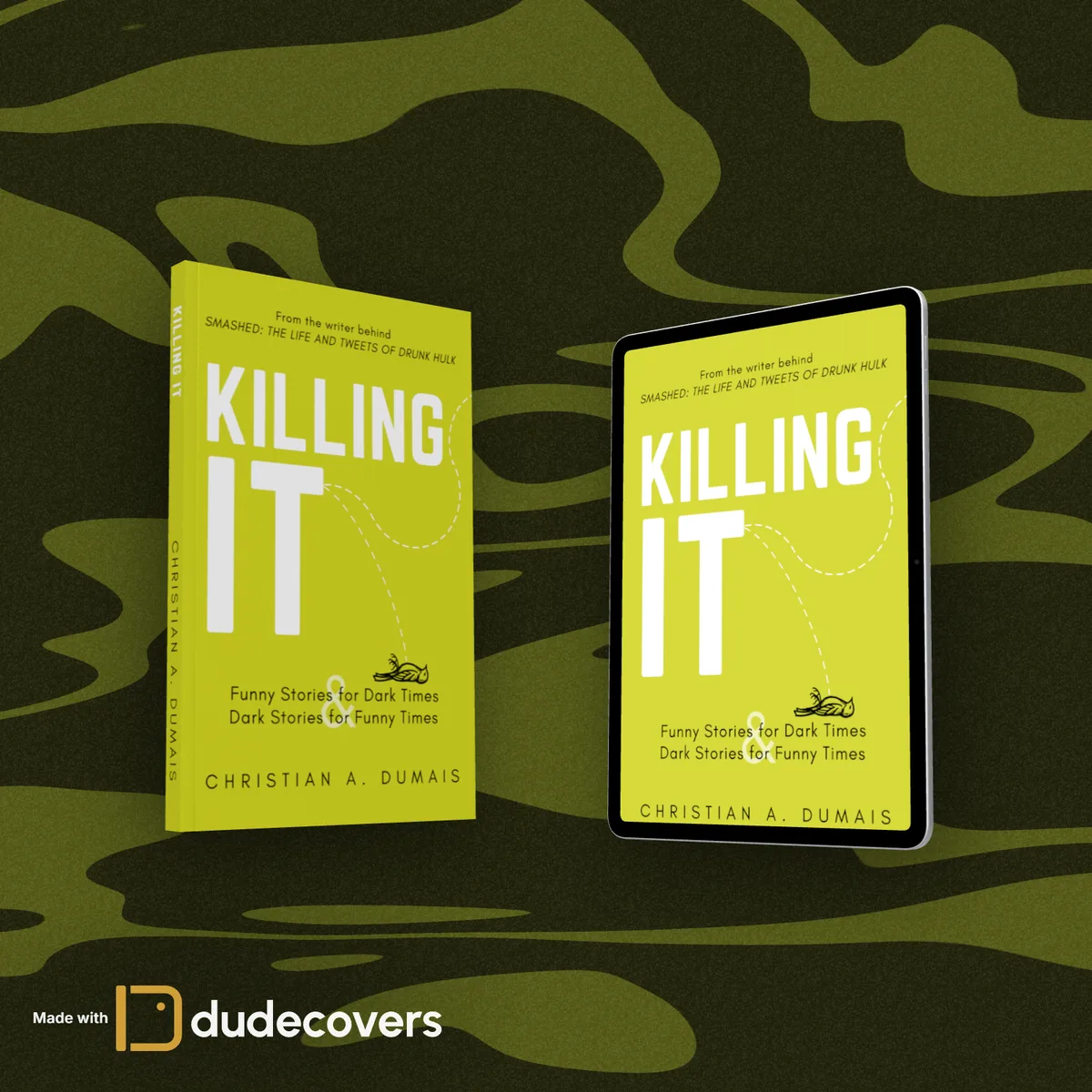
Not everything translates perfectly to an e-reader. If some elements only work in print, you give readers a reason to pick up the physical copy. You can also flip it and offer something exclusive to the ebook. Either way, you’re treating the book as a whole product, not just a text file. You can even see how your cover looks on an e-reader or tablet next to the print edition.
Design it yourself, hire someone, or ask a friend
All three are valid. What matters is that you stay part of the process. Don’t hand the book off and hope for the best. In most cases, you only get one shot at launching it.
I’ve been doing this a long time. You can see how my own covers have changed over the years on my books page. In future posts, we’ll go through all aspects of a book cover and its interior. I’ll even walk through some of my own cover designs, starting with my earliest ones, which I made in Paint. How insane is that?