

Ebook mockup: your cover on an e-reader or tablet, in 3D
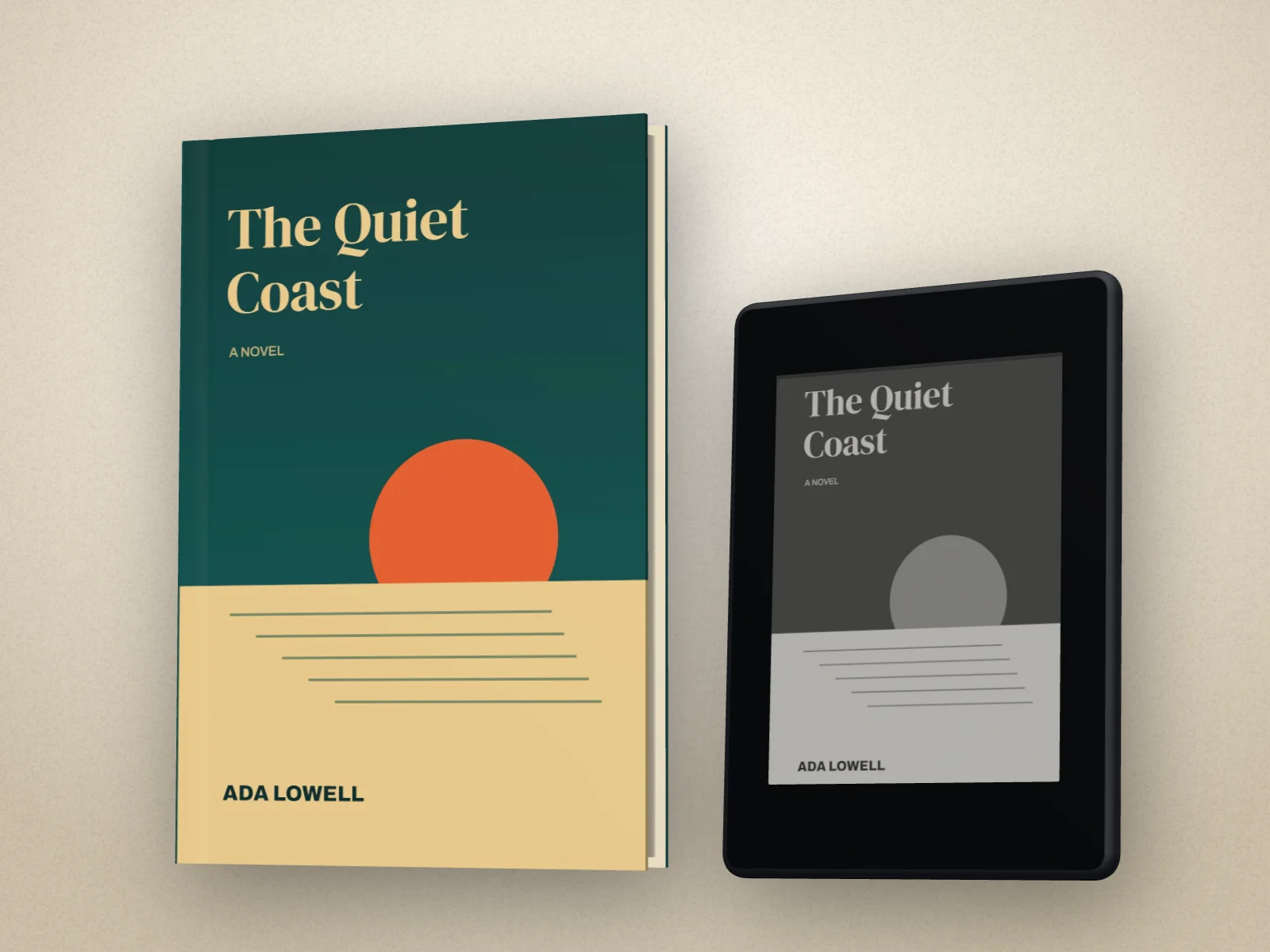
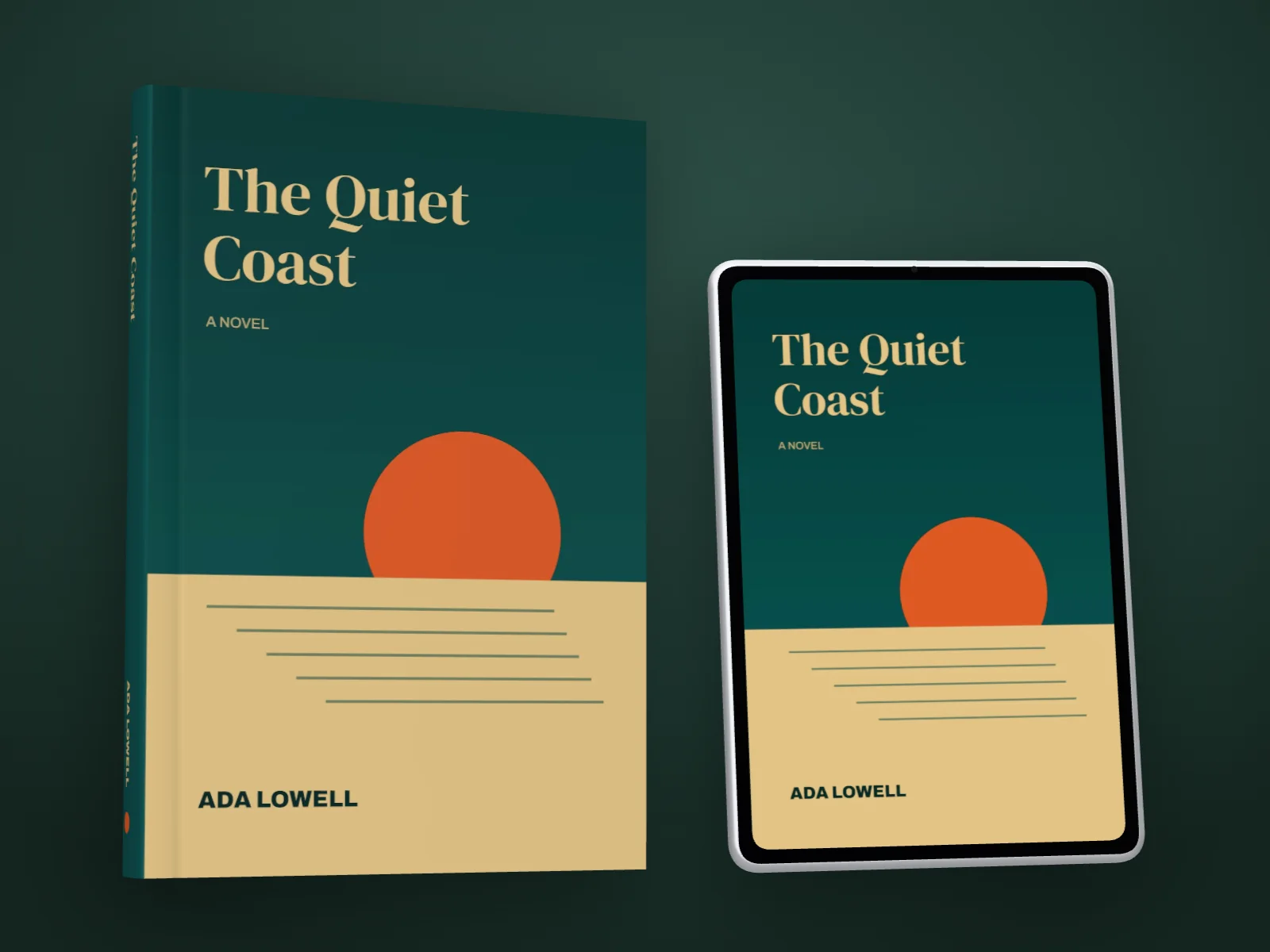
Your cover on a Kindle-style e-reader, a colour e-reader or a tablet, on its own or standing beside your paperback or hardback. Or a page from your interior on the screen.
Free to start. No signup to try. Nothing stamped on your exports.
What the ebook mockup does
Most books come out as an ebook too, and a launch post that shows both says so at a glance. A flat cover pasted onto a photo of a Kindle looks it; an e-reader that turns, with your cover lit the way its screen really shows it, doesn't.
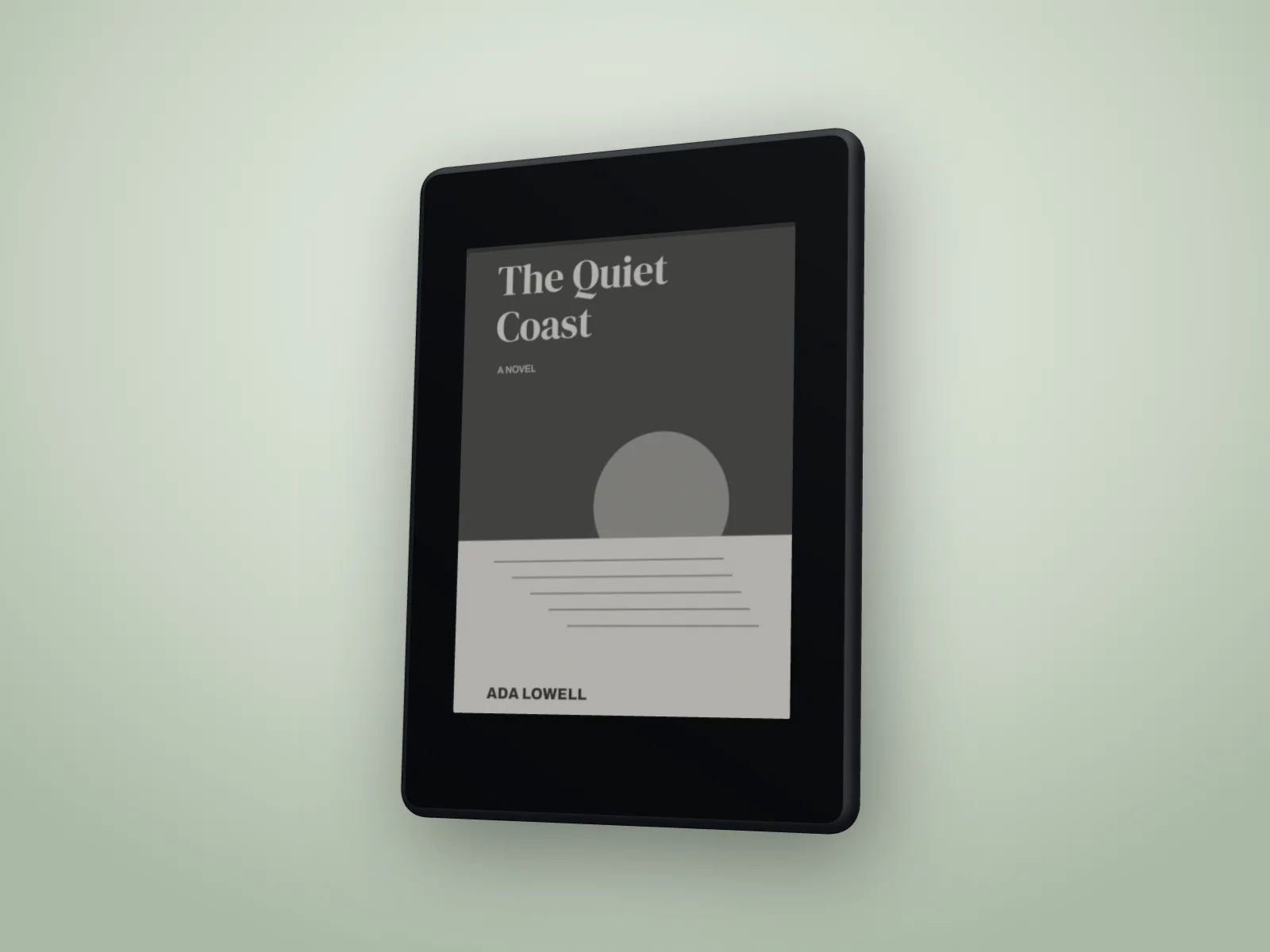
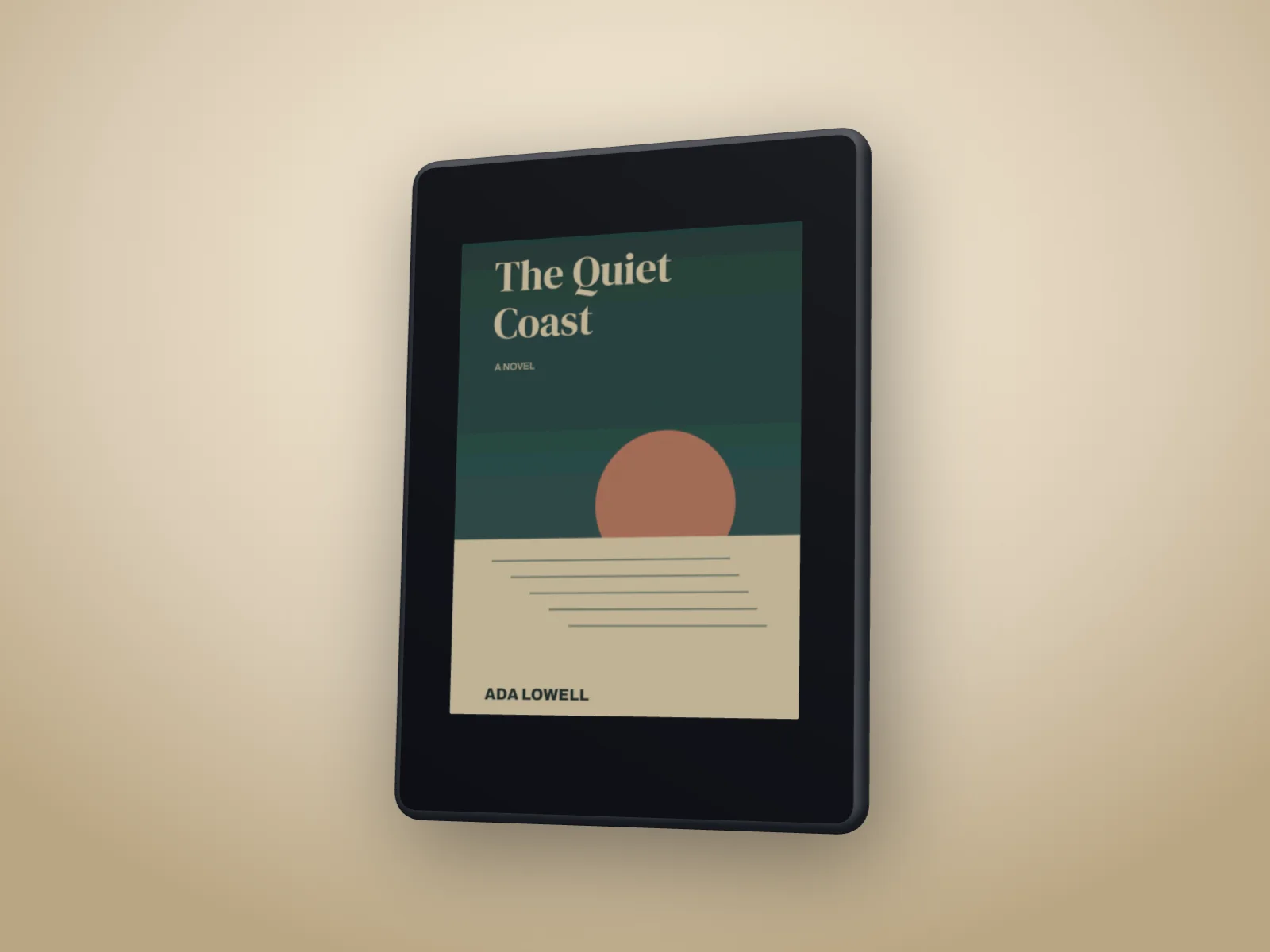
In DudeCovers, make your book, then pick an ebook under Book. E-reader shows your cover in black and white e-ink, the sixteen greys of a real e-reader screen, on a matte black device. Colour e-reader shows it in the softer, muted colour of a colour e-ink screen. Tablet shows it in full colour under glass. Each is an unbranded device at the size of the common ones.
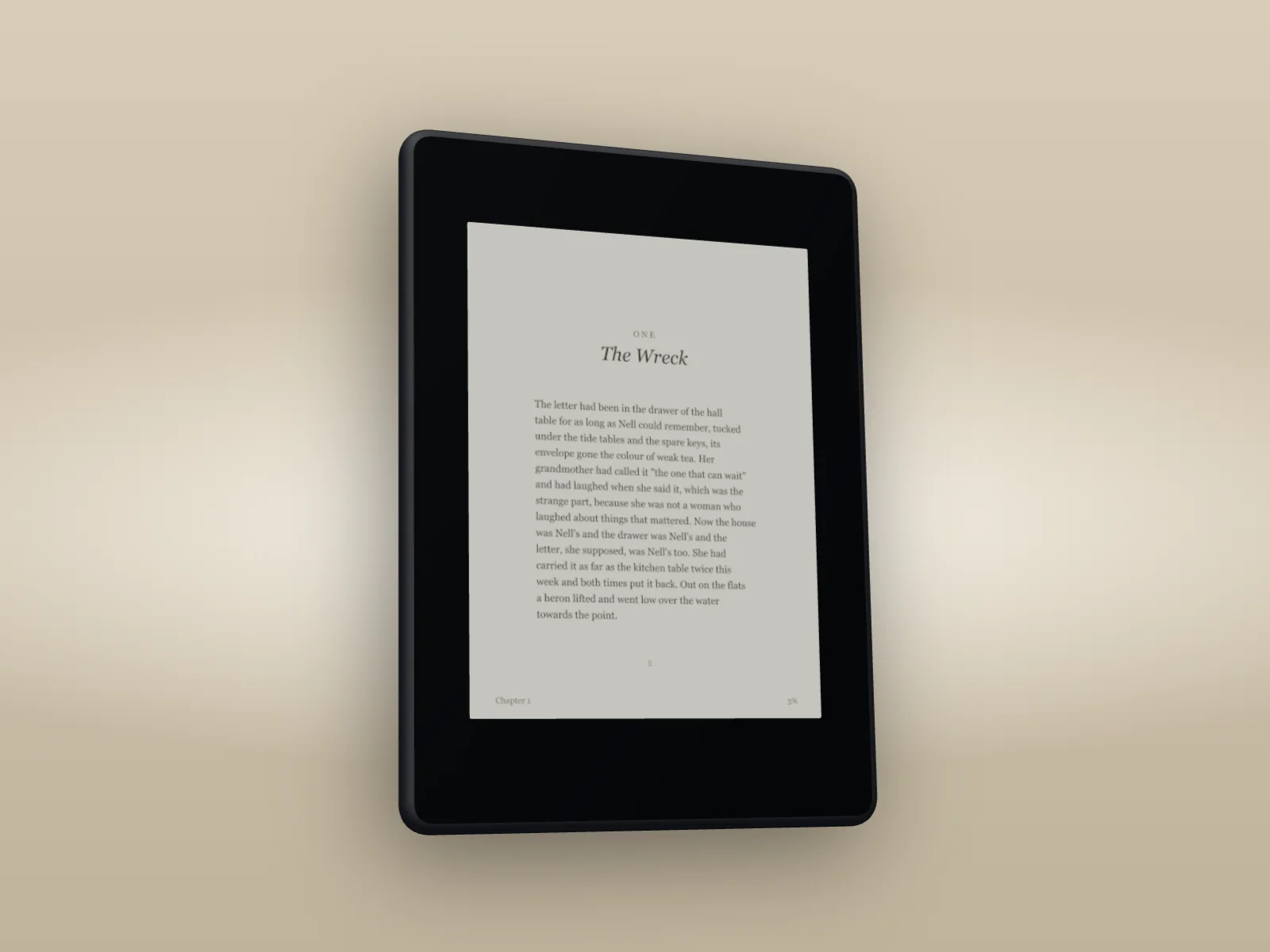
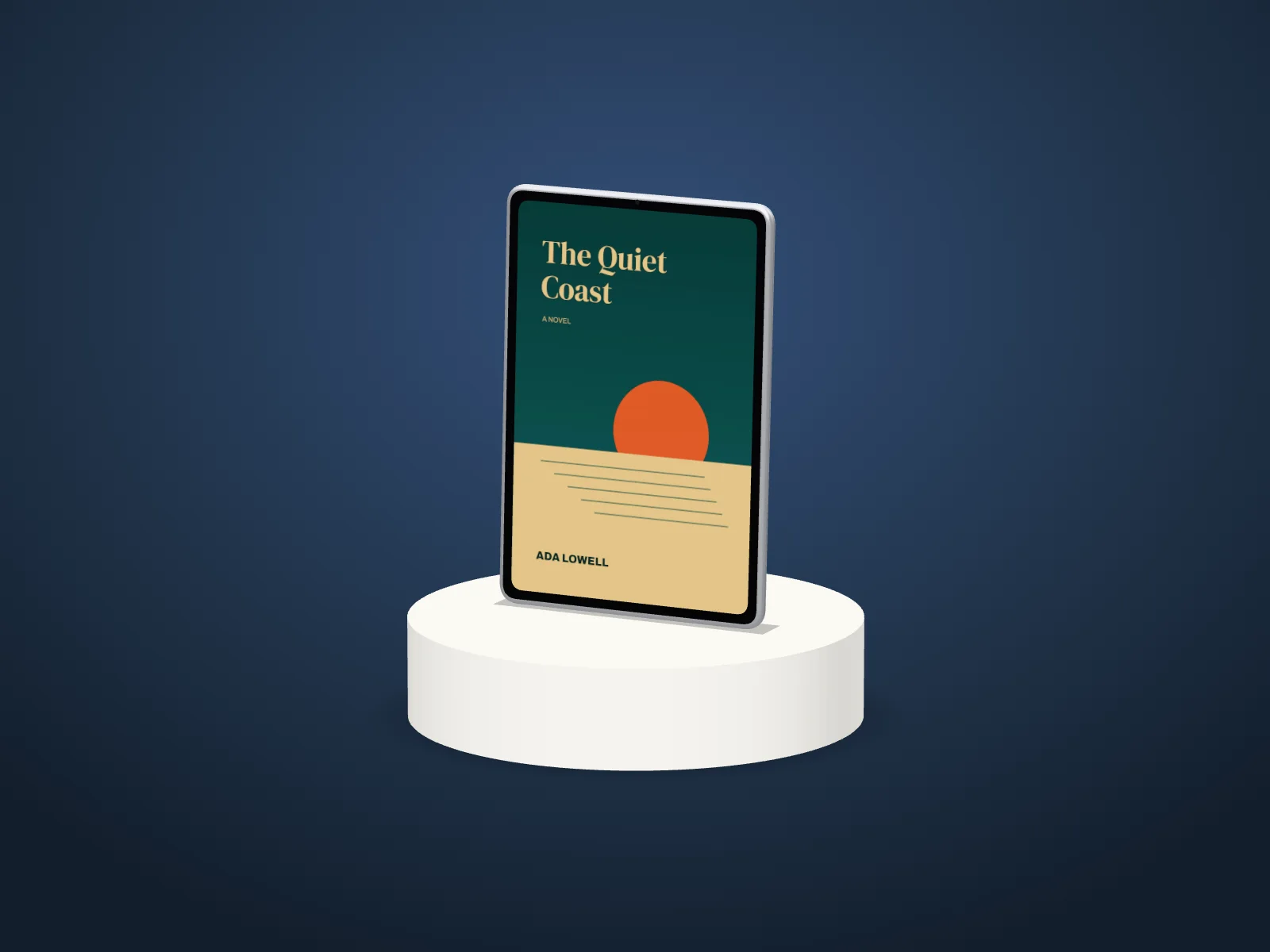
Show the device on its own, or standing beside your book, a little forward and turned in, for the print and ebook launch post. Pick A page and the screen shows a page from your interior instead, the right-hand page of a spread, with a reading line at the foot. Turn it, put it on a plinth, or make a video of it turning.
E-readers and tablets
How to use the ebook mockup
- 01
Make your book
Add your cover and pick the trim and binding.
- 02
Pick the ebook
Book, Ebook: E-reader, Colour e-reader or Tablet. Then your cover or a page, on its own or beside the book.
- 03
Export
Turn it to the angle you like and export a picture, or a video of it turning.
Ebook mockup features
Real e-ink
Black and white e-ink in sixteen greys on a paper white, as an e-reader shows a cover.
Colour and tablet
The muted colour of a colour e-reader, or full colour under glass on a tablet.
Beside your book
The device standing next to your paperback or hardback, for print and ebook launches.
A page on the screen
A page from your interior instead of the cover, with a reading line at the foot.
Turn it, or spin it
Any angle, on a plinth, or in a video of it turning.
Made in your browser
Your cover and pages stay on your computer.
Straight answers.
- Is it a Kindle?
- It's an unbranded e-reader at the size of the common ones (a 7 inch screen), so your post isn't selling someone else's device. The screen shows your cover the way e-ink does: in greys, or in muted colour on the colour e-reader.
- Which file do I use?
- The same cover as your book: your full wrap or your front cover. The e-reader shows the front. For A page, add a page or a two-page spread exported from your interior; the right-hand page goes on the screen.
- Can I show the paperback and the ebook together?
- Yes. Pick Beside the book and the device stands next to your book, at the trim and binding you set.
- Does it work in the scenes?
- The ebook shows on a plain backdrop, on a plinth or in a video. In the shelf and photo scenes the book shows on its own for now.
- Is the ebook mockup free?
- You can try it on the canvas for free; the export then carries a small preview tape. A clean export is part of Pro (£45 a year, £5 a month, or £149 once for Lifetime).
Try the ebook mockup free.
Free to start, no account, no watermark. Drop in your cover and turn it to the light.