

Open book mockup on your own interior spread
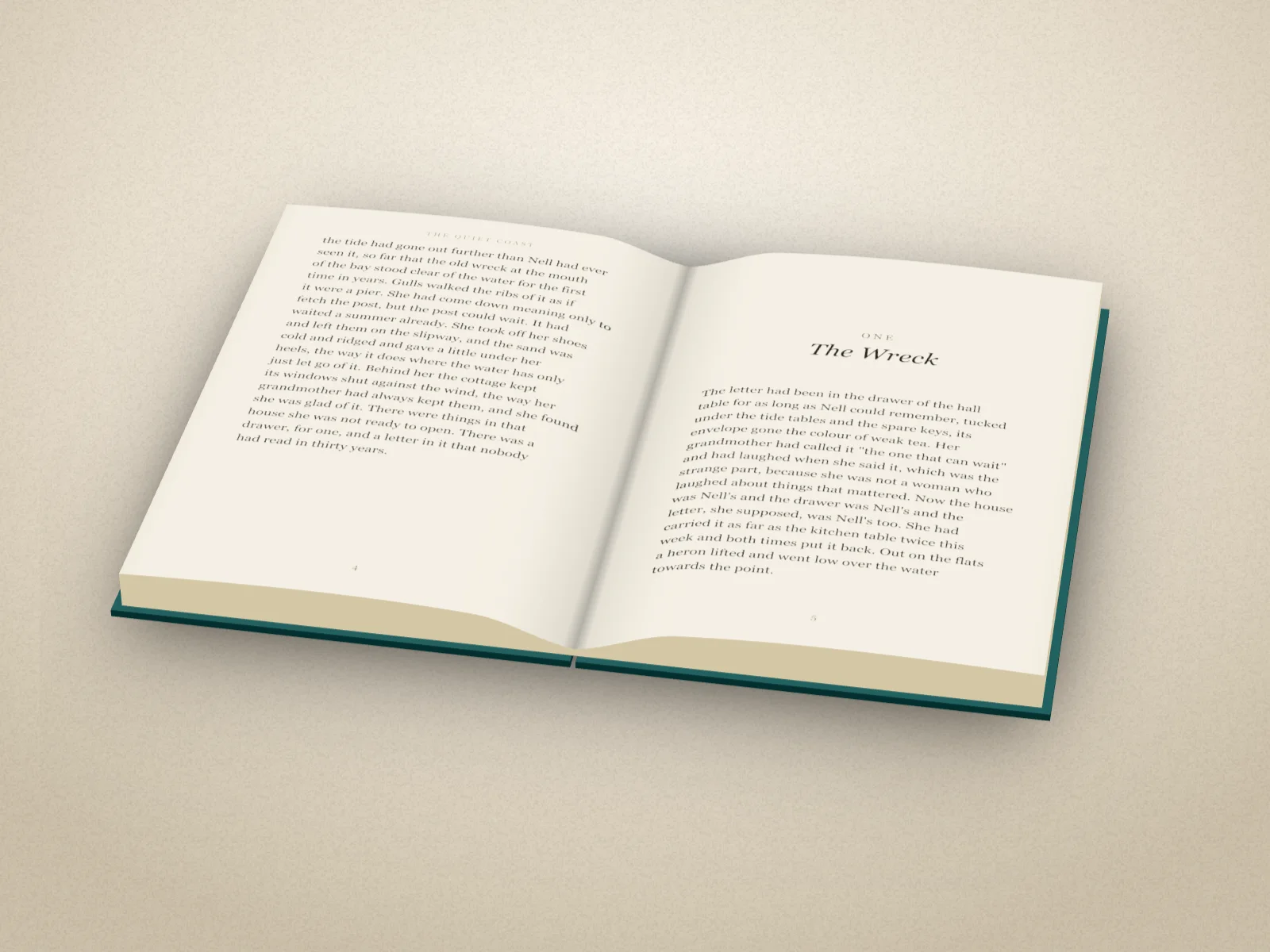
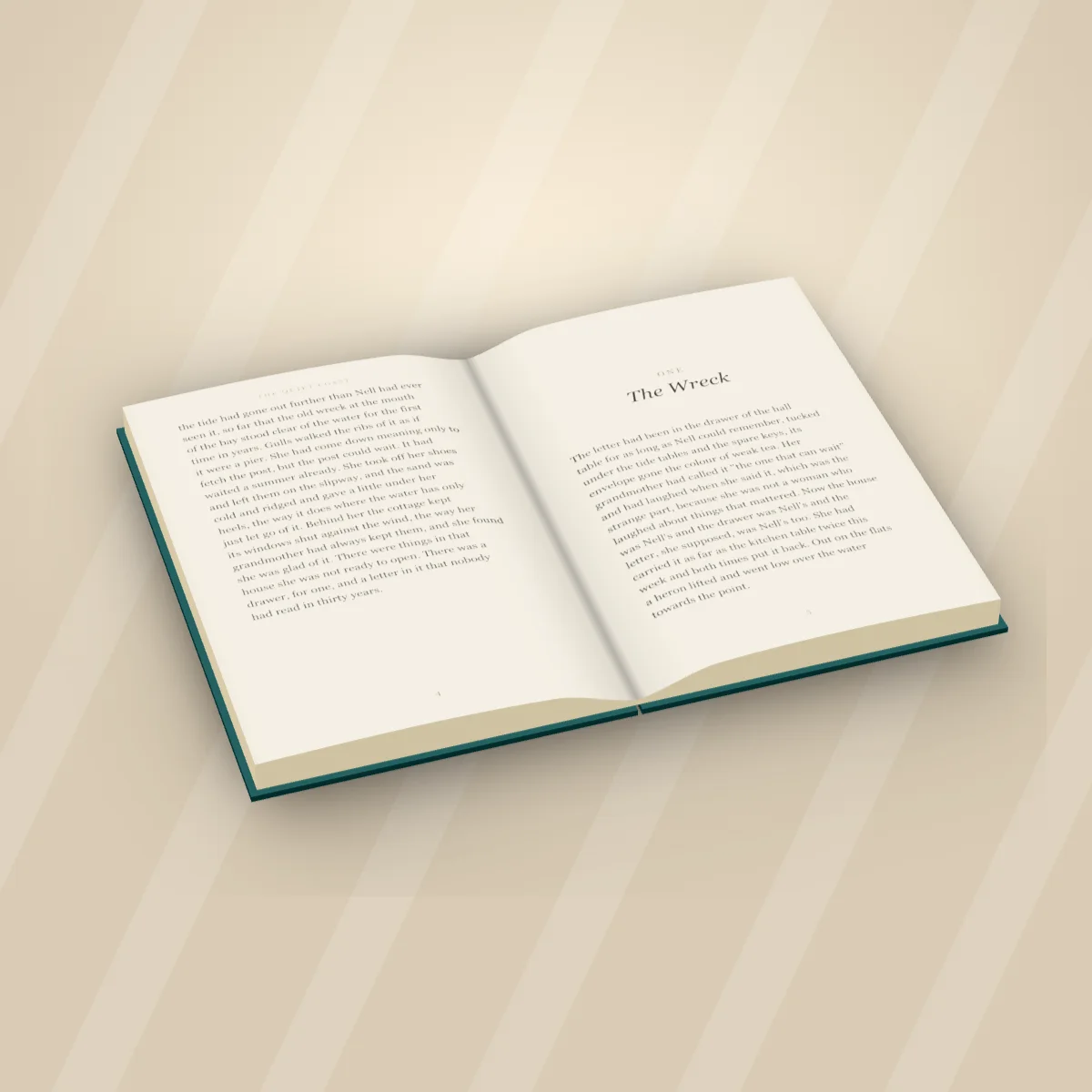
Your book lying open on a table in 3D, on two pages from your own interior: the pages arch up from the spine, the stack shows at the edges, the boards take your cover's colour.
Free to start. No signup to try. Nothing stamped on your exports.
What the open book mockup does
A cover sells the book from across the room; the inside sells it up close. A look inside post, a first page reveal on launch day, the interior of a cookbook or a picture book: readers want to see the pages, and they want to see them in a book, not as a flat PDF.
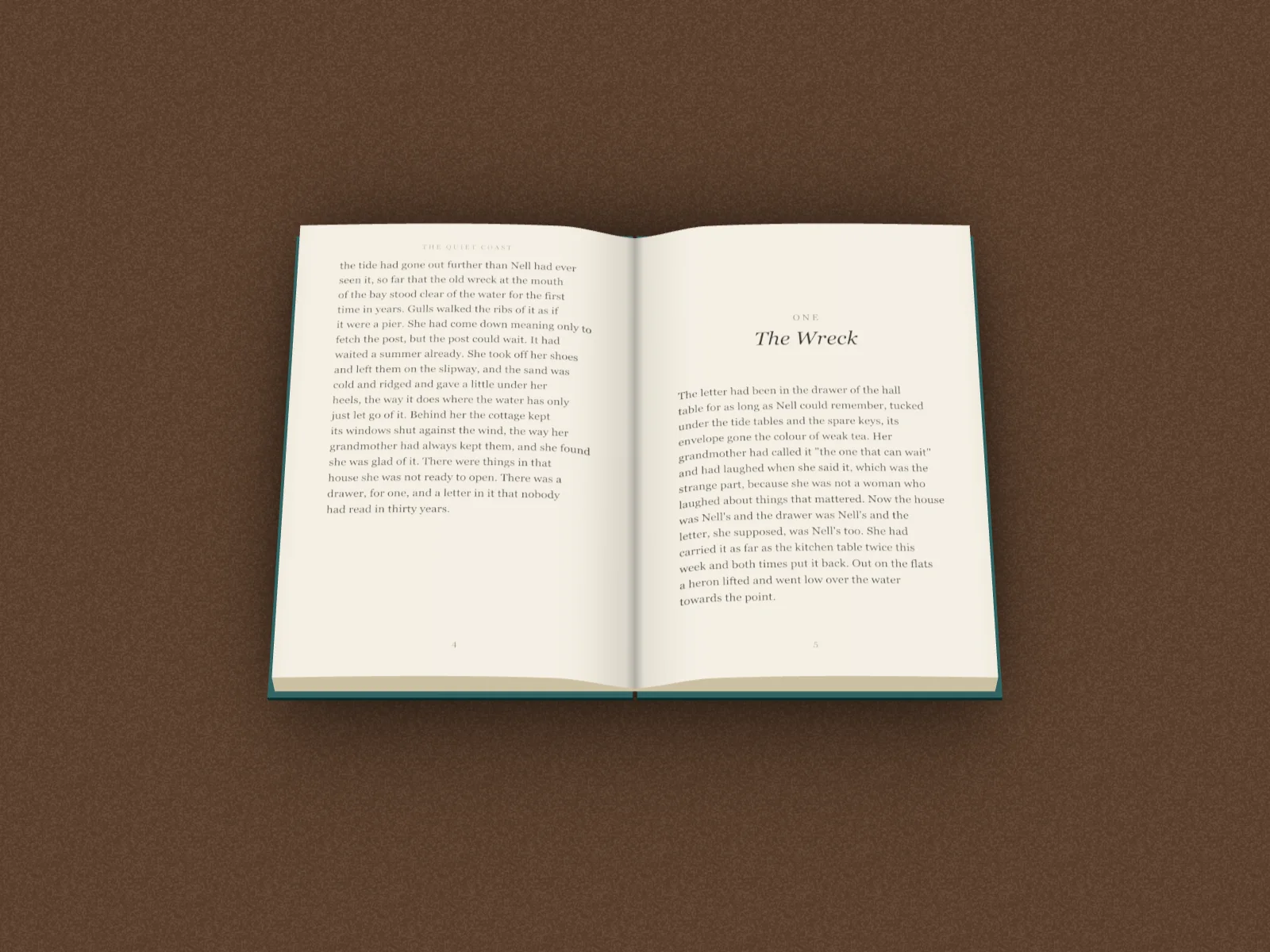
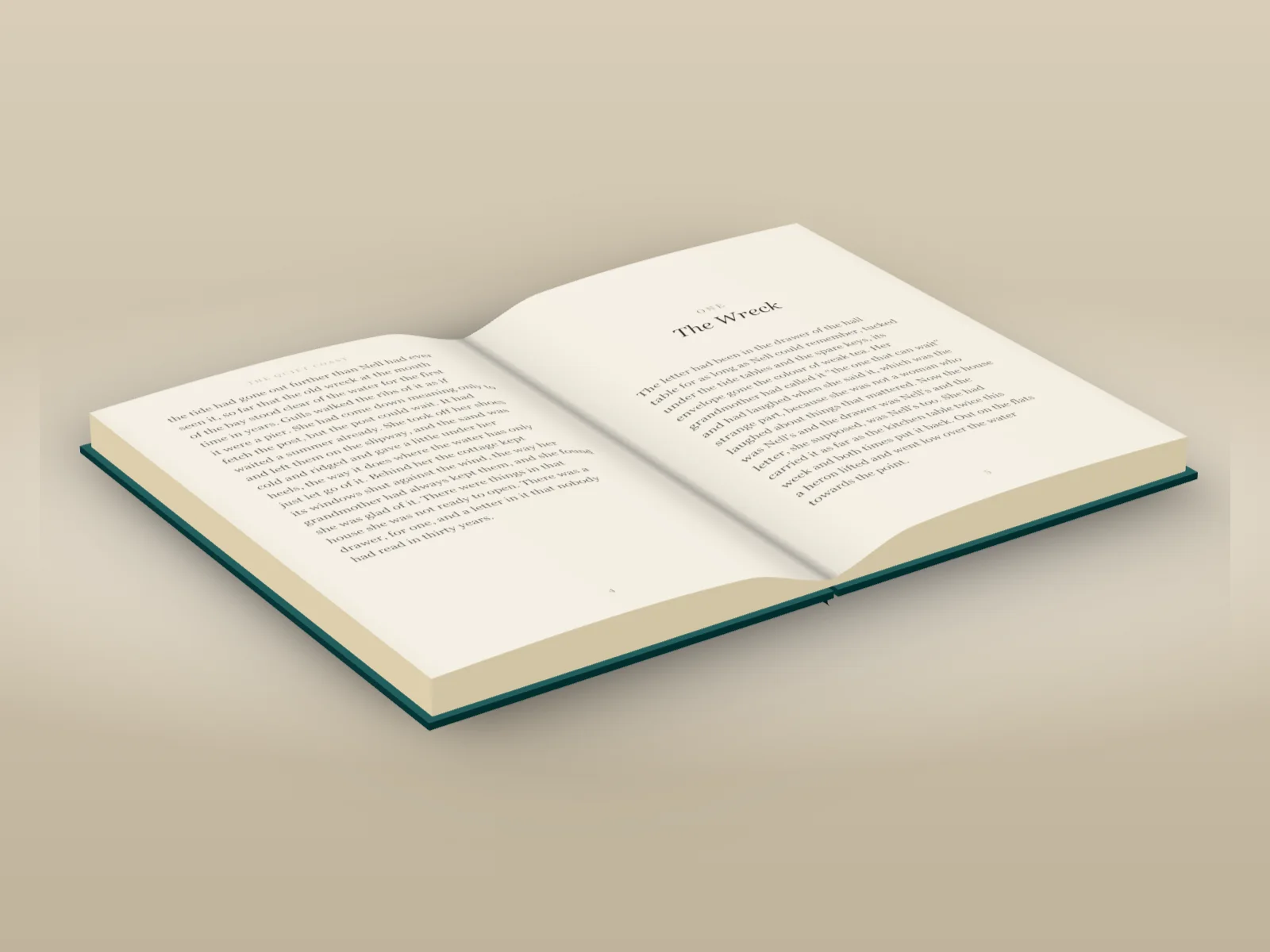
In DudeCovers, make your book as you would for a cover mockup, then pick Open under Book. Add a spread exported from your interior file, the two pages side by side, or a single page if you only want the right-hand side to show. The book lies open on a table in 3D: the pages arch up from the spine into a shaded gutter, the page stack shows at the head, tail and fore-edges, and the boards underneath take your cover's own colour.
Drag on the canvas to spin it on the table, and use Tilt to look down on it, from a low angle to straight above. Pick a backdrop and a light, export it at up to three times the size, or open Video and make an MP4 of it turning slowly. It all happens in your browser; your pages never leave it.
Open, from every side
How to use the open book mockup
- 01
Make your book
Add your cover, then pick the trim, binding and paper so the book is the right size.
- 02
Open it
Book, Open, then Add your pages: a two-page spread from your interior, or one page.
- 03
Turn and export
Spin it on the table, tilt to look down, export a picture or a video.
Open book mockup features
Your own pages
A spread exported from your interior file, both pages side by side, or one page for the right.
Pages that arch
The pages curve up from the spine into a shaded gutter, the way a real book lies open.
Any trim and binding
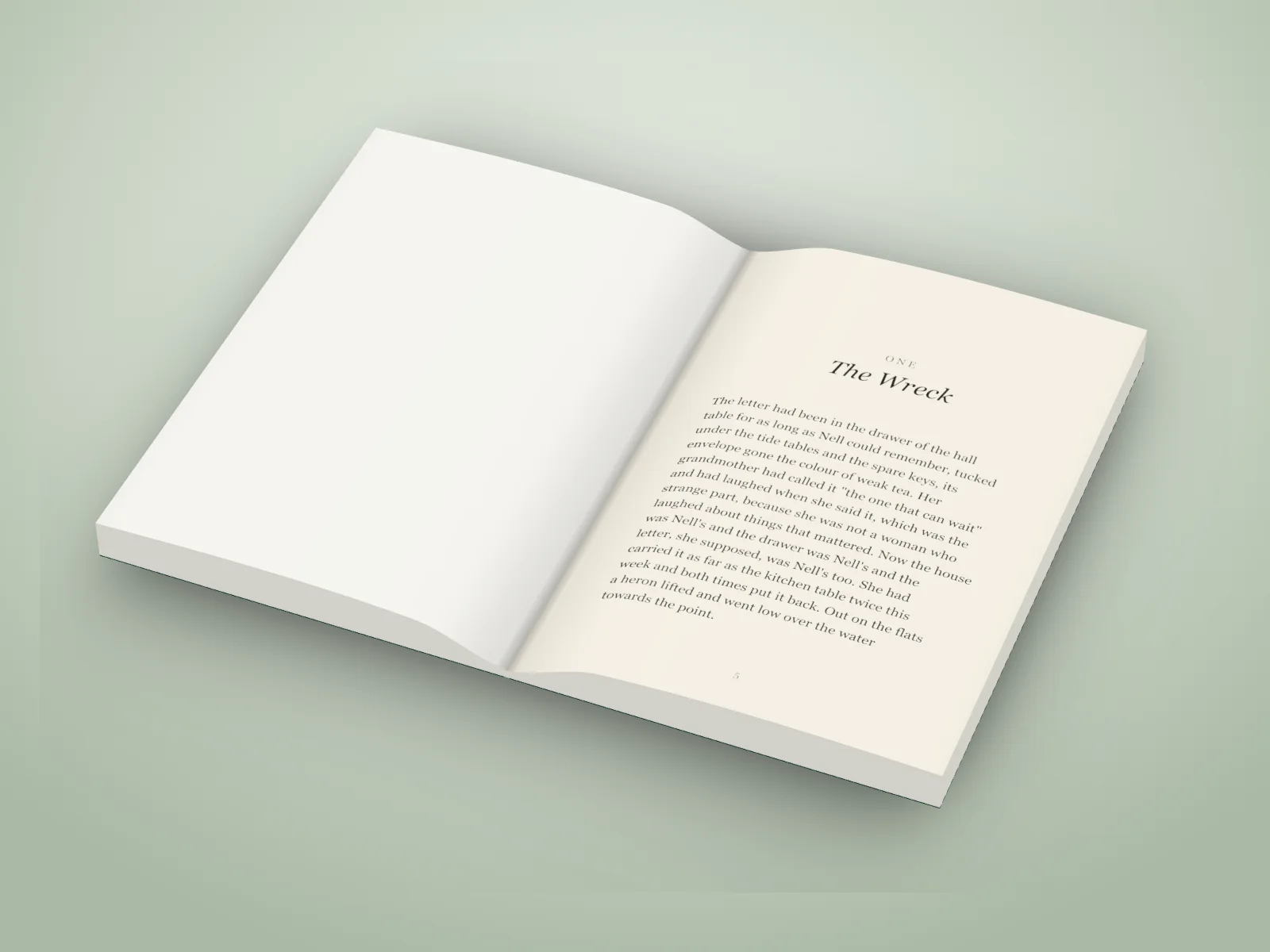
Hardback with boards that overhang, or paperback, at your trim, on white or cream paper.
Spin and tilt
Turn it right round on the table, look down from low to straight above.
As a video
An MP4 of the open book turning, for reels and stories.
Made in your browser
Your cover and your pages stay on your computer.
Straight answers.
- What file do I need for the pages?
- An image of a spread: the two pages side by side, exported from your interior PDF (most layout apps and PDF viewers can export a page or a spread as a PNG or JPEG). One page works too; it goes on the right with a blank page on the left.
- Does it work for picture books and cookbooks?
- Yes. Any spread works: text, photos or illustration that crosses the gutter. The gutter shading falls over whatever is there, as it would in print.
- Can the open book go in a scene?
- Not yet: an open book lies on a plain backdrop for now. Open books on a photo's table and in the 3D sets are on the roadmap.
- Can I make a video of it?
- Yes. Open Video and pick a move; Full spin turns it right round on the table.
- Is the open book free?
- You can try it on the canvas for free; the export then carries a small preview tape. A clean export is part of Pro (£45 a year, £5 a month, or £149 once for Lifetime).
Try the open book mockup free.
Free to start, no account, no watermark. Drop in your cover and turn it to the light.