

Bookmark mockup: your bookmark in your book, in 3D
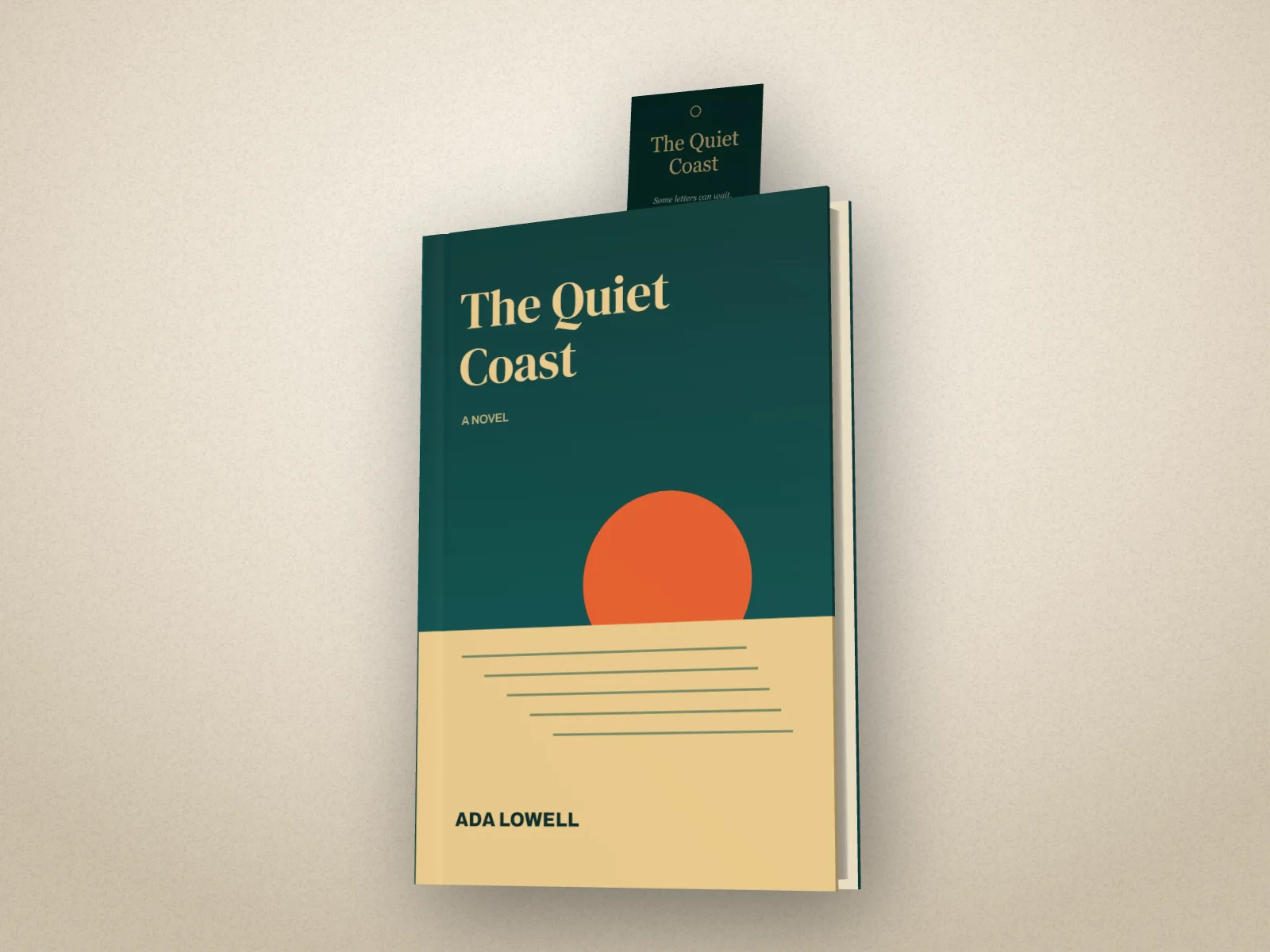
Your printed bookmark standing up out of your book, or lying across its open pages, or a satin ribbon marker. Made from your own bookmark design, or one we make from your cover.
Free to start. No signup to try. Nothing stamped on your exports.
What the bookmark mockup does
Bookmarks are the swag authors give away most: at signings, in preorder packs, slipped into every copy they post. Showing one off usually means photographing a stack of them, or a flat mockup that looks nothing like a bookmark in a book.
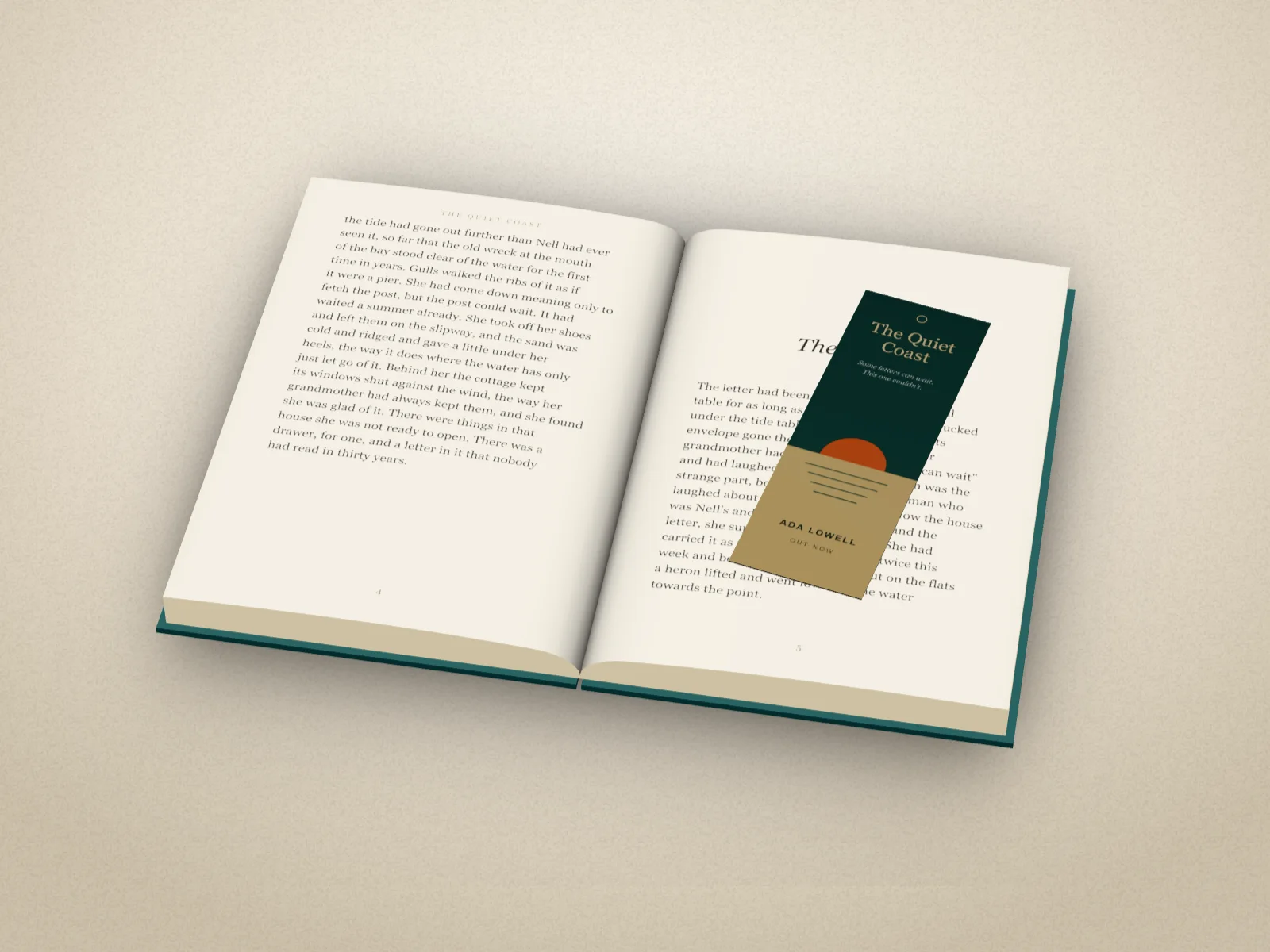
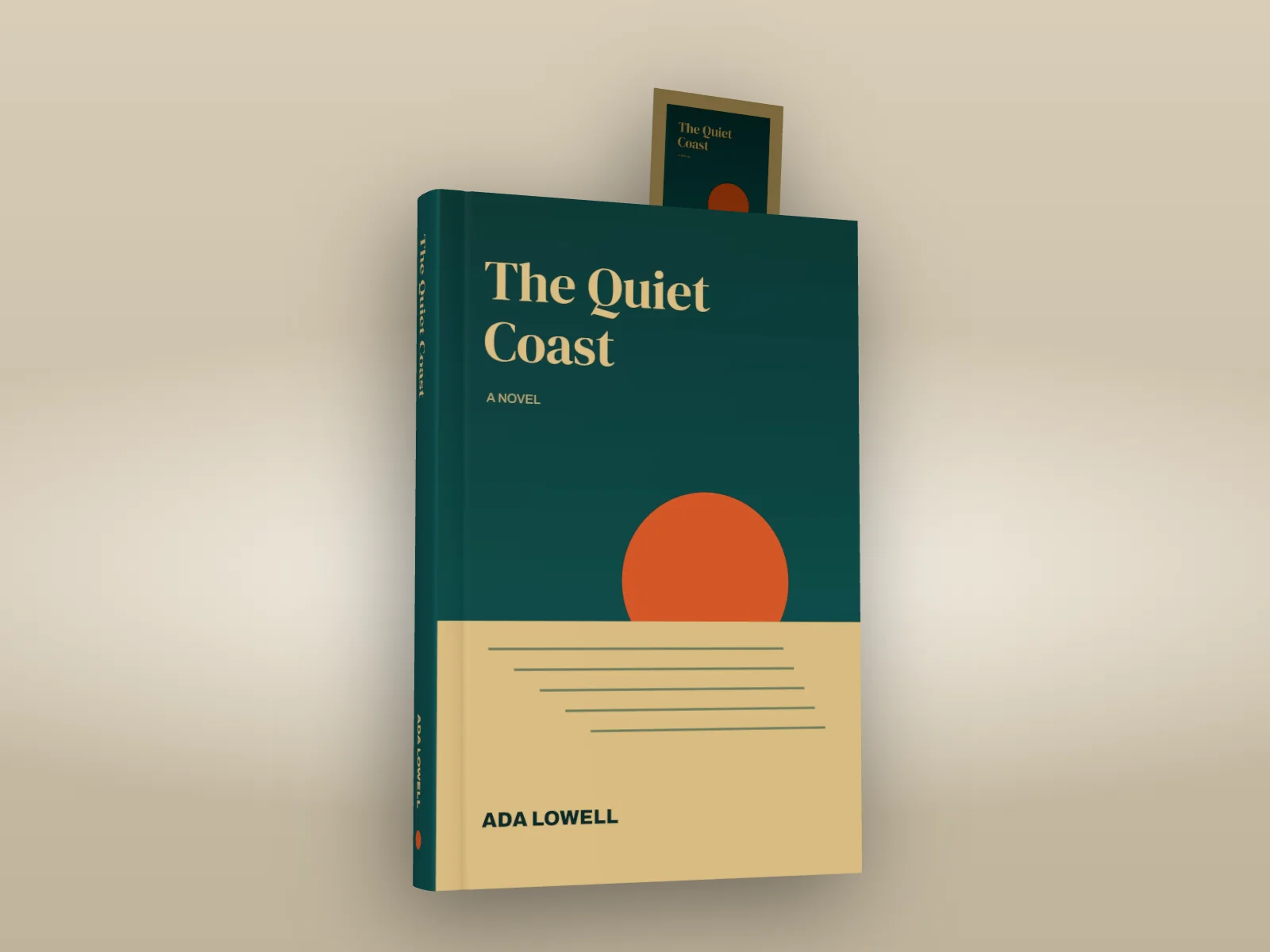
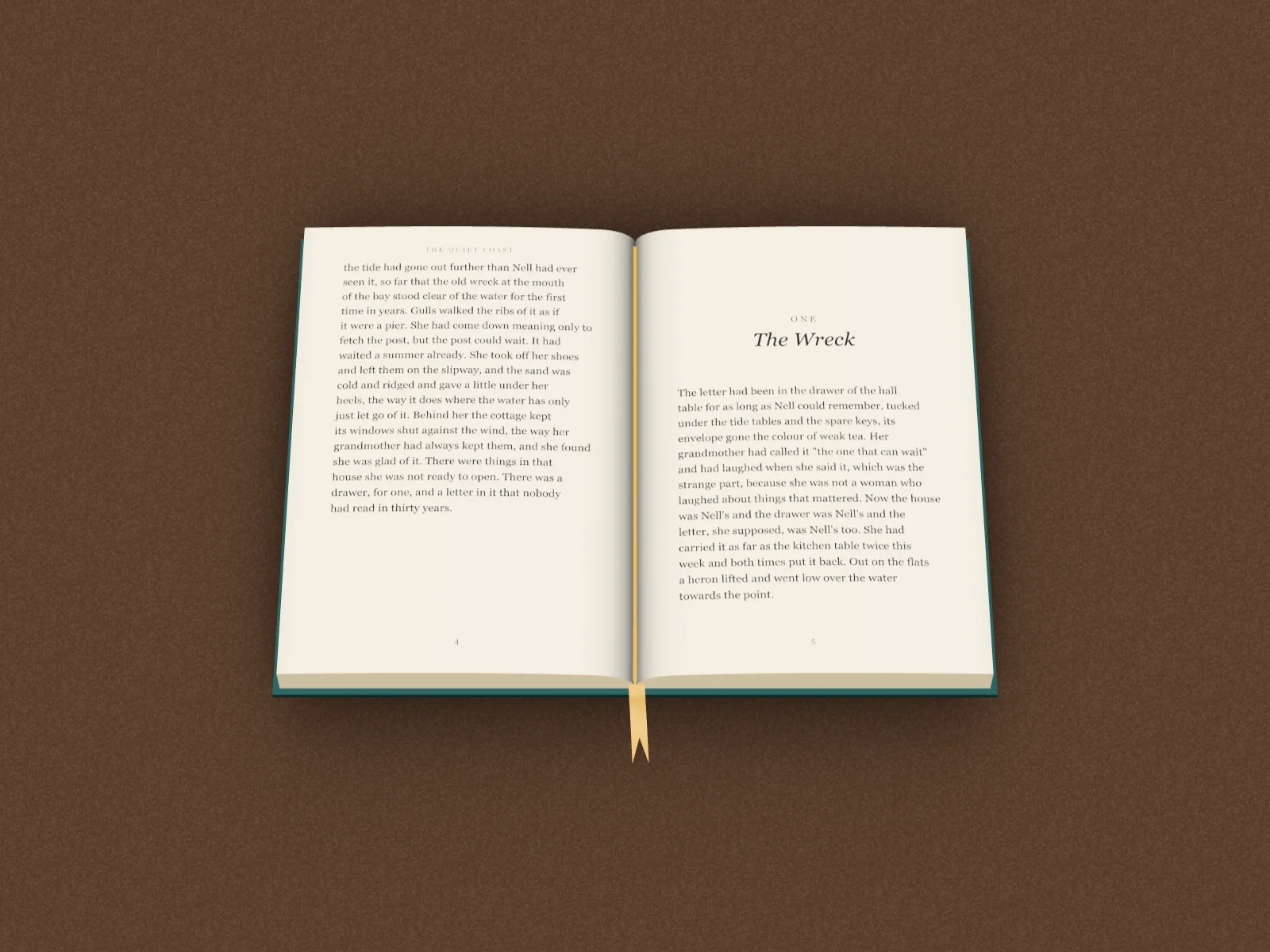
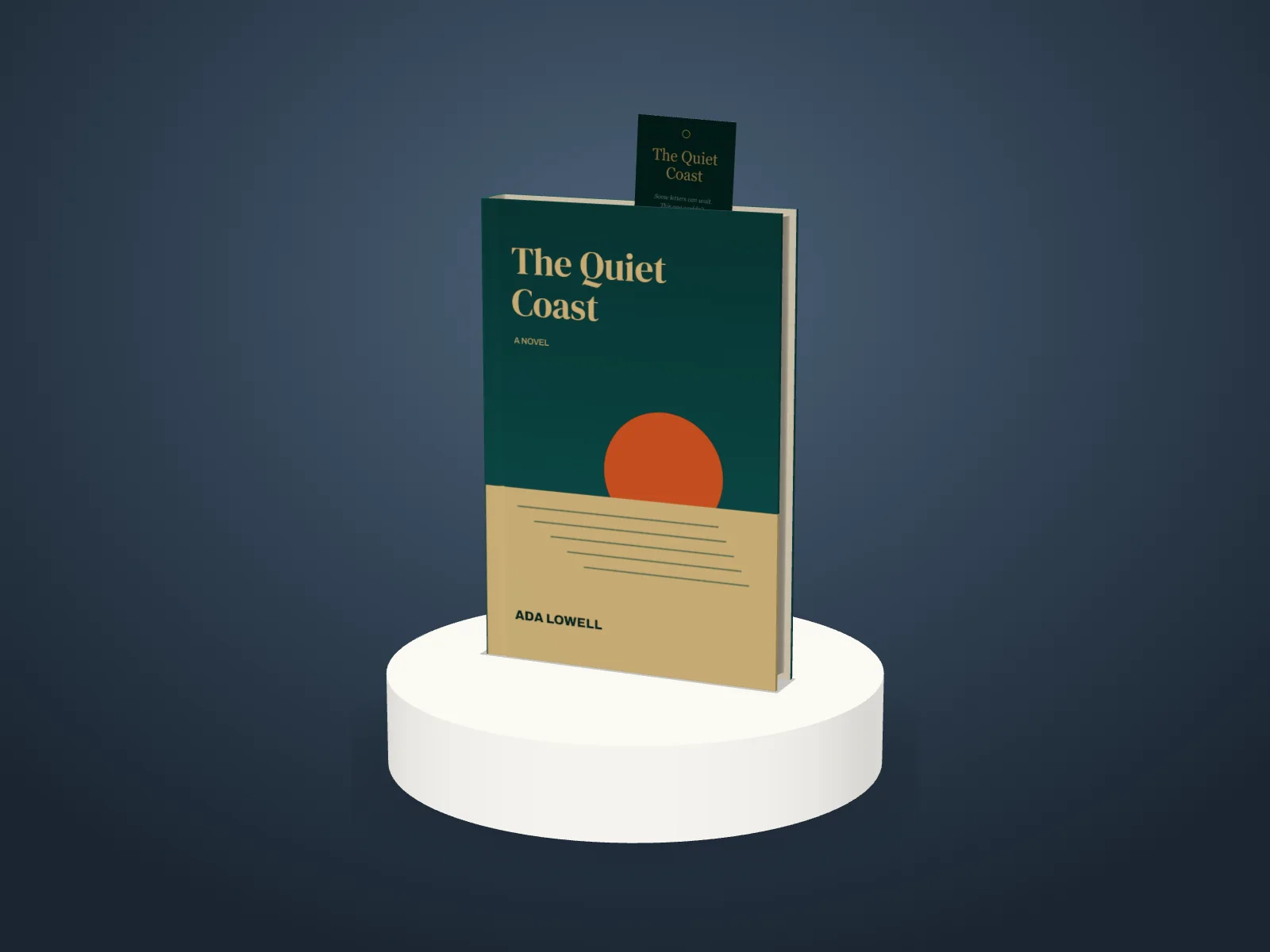
In DudeCovers, make your book, then pick a bookmark under Book. Card puts your bookmark into it: add the front of your bookmark design (a 2 × 6 inch card) and it stands up out of the top of the closed book, a little in from the front, the way you'd leave it. With the book open, it lies across the right-hand page. No design yet? We make a matching bookmark from your cover: a small copy of the front on the cover's own colour.
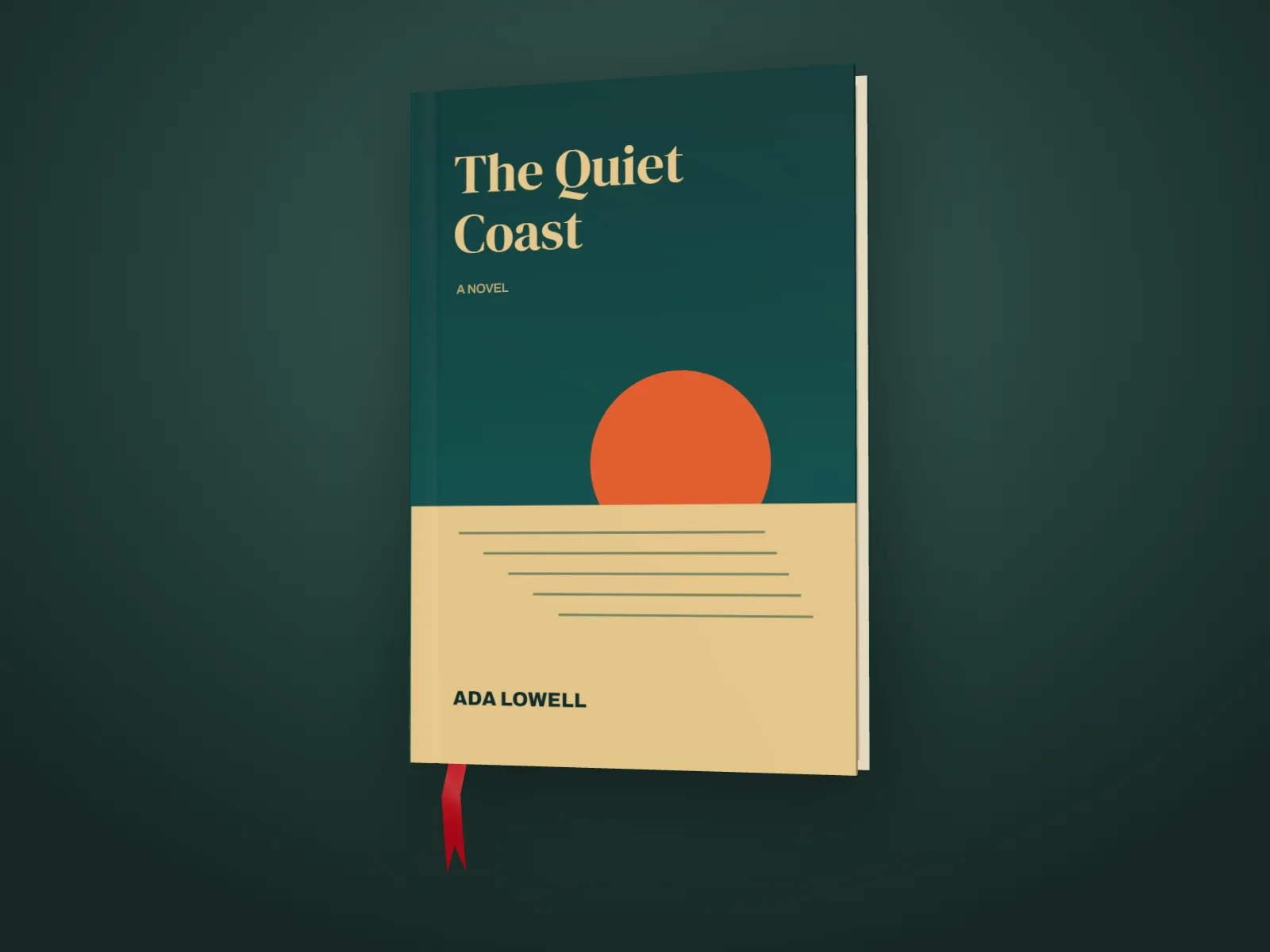
Ribbon puts a satin ribbon marker in instead, in red, navy, green, gold, black or cream: it hangs out of the bottom of a closed hardback, or runs down the gutter of an open one and over the edge onto the table. Both work on a plinth, in a video of the book turning, and at any trim and binding.
Cards and ribbons
How to use the bookmark mockup
- 01
Make your book
Add your cover and pick the trim and binding.
- 02
Add the bookmark
Book, Bookmark, Card: add your design, or use the one made from your cover. Or pick Ribbon and a colour.
- 03
Export
Turn the book to show it off, open it if you like, and export a picture or a video.
Bookmark mockup features
Your own design
The front of your bookmark, a 2 × 6 inch card. A squarer image is cropped to fit.
Or made from your cover
A matching bookmark: your front cover small, on the cover's own colour.
Closed or open
Standing up out of the pages, or lying across the open spread.
Ribbon markers
Satin, in six colours, hanging from the tail or down the gutter.
On a plinth, or on video
With the book on a stand, or turning in an MP4.
Made in your browser
Your cover and your bookmark stay on your computer.
Straight answers.
- What size should my bookmark design be?
- The front of a standard 2 × 6 inch bookmark: an image about three times as tall as it is wide, at least 600 × 1800 pixels. A squarer image is cropped to that shape, from the middle.
- Do I need a bookmark design?
- No. Without one we make a matching bookmark from your cover: a small copy of the front cover on the cover's own colour.
- Can I show the back of the bookmark?
- The card shows your design on both sides for now, so whichever way the book turns you see the front.
- Does it work in the scenes?
- The bookmark shows on one book on a plain backdrop, closed or open, on a plinth or in a video. In the shelf and photo scenes the book shows without it for now.
- Is the bookmark free?
- You can try it on the canvas for free; the export then carries a small preview tape. A clean export is part of Pro (£45 a year, £5 a month, or £149 once for Lifetime).
Try the bookmark mockup free.
Free to start, no account, no watermark. Drop in your cover and turn it to the light.